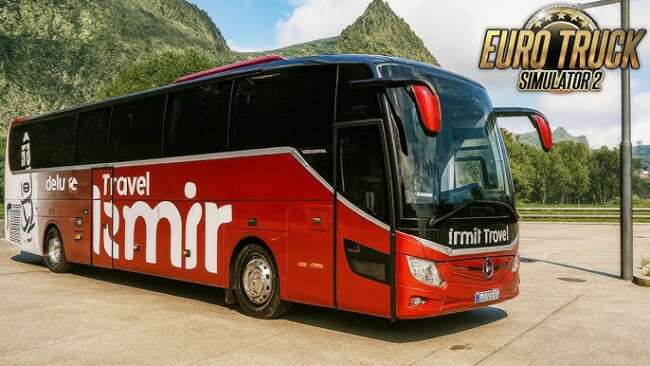
Mercedes-Benz Jetbus 2 Release: 1.17.x 1.18.beta
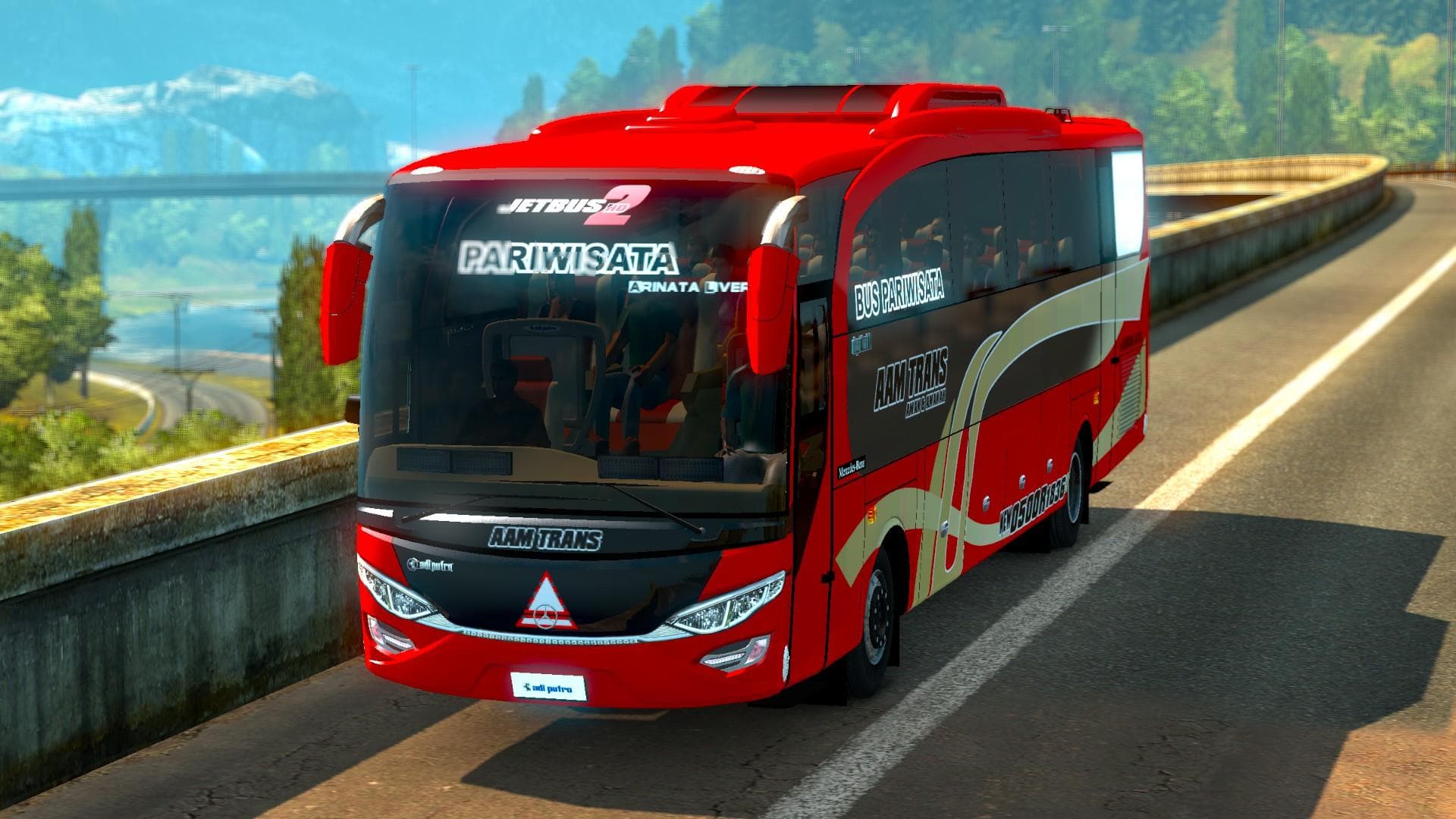
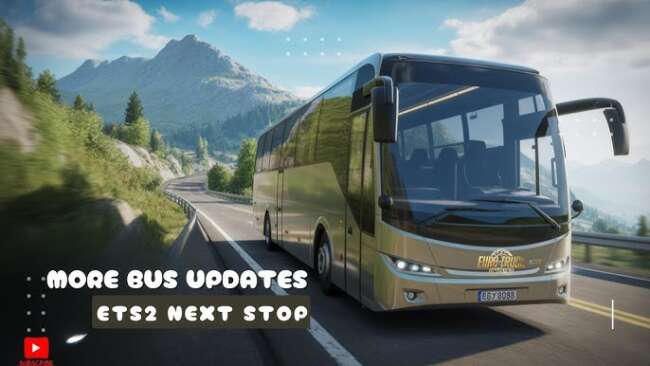
The Mercedes-Benz Jetbus 2 mod adds a detailed bus model to Euro Truck Simulator 2, letting players drive a passenger vehicle instead of the usual freight trucks. This type of mod typically places the bus at a dealer, allowing you to purchase and use it within your game. With support for ETS2 versions 1.17 and 1.18 beta, it's compatible with recent updates, making it suitable for those running these specific game versions.
Bus mods like this one change up the driving experience by focusing on passenger transport rather than cargo hauling. They often feature custom interiors and exterior skins to enhance immersion. Since buses have different handling and gameplay dynamics compared to trucks, they offer a fresh way to explore the map and test your driving skills.
In a modded setup, bus mods generally slot in without much conflict but should be loaded after map or core gameplay modifications to avoid any compatibility issues. These mods usually don’t interfere with truck tuning or cargo mods but always check load order if you encounter glitches. Because this mod supports two closely related versions of ETS2, switching between them shouldn't require changes in your mod list.
Players interested in diversifying their ETS2 experience might appreciate this mod for its unique vehicle type. It’s especially suited for those who enjoy exploring the game's vast road network with a different kind of challenge behind the wheel. If you want something other than the typical semi-truck grind, driving buses can add variety.
Overall, this Mercedes-Benz bus adds another layer to your simulation options without drastically changing core gameplay mechanics. It fits well into collections focused on passenger transport or city-driving experiences within ETS2’s broad European map.
How to install
1. Download the .scs file from the original source. 2. Drop it into `Documents/Euro Truck Simulator 2/mod/`. 3. Enable in Mod Manager, restart the game. 4. Visit a truck dealer to purchase the bus (or use Console if the dealer doesn't list it).
After the mod loads, save your game inside a safe area (parking lot or service) before deciding whether to keep it. If the game refuses to load with the mod enabled, check that all required DLCs are installed and that the supported ETS2 version chips on this page include your installed game patch.
Reviews
No ratings yetNo reviews yet — be the first to rate this mod.