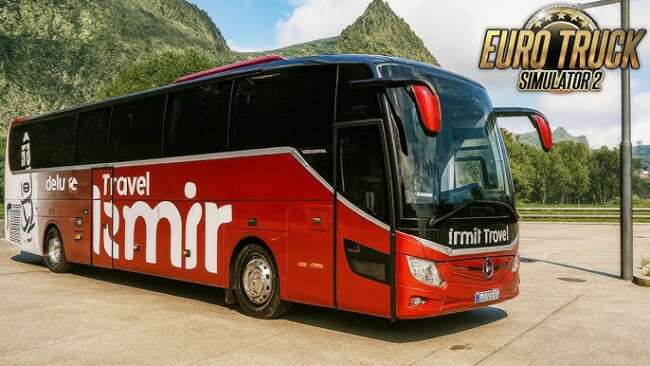
Tecnobus Superbus Tribus 3 V4.0
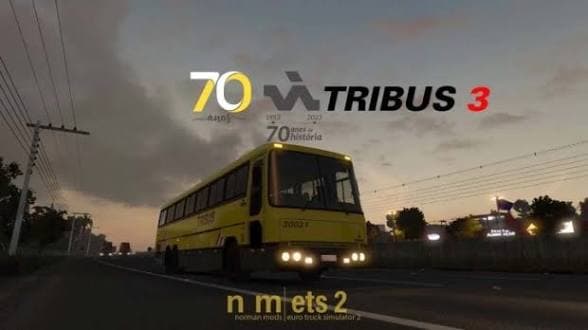
The Tecnobus Superbus Tribus 3 is a bus mod for ETS2 version 1.59 by creator ets2mods. Version 4 features animations for exterior and interior elements such as
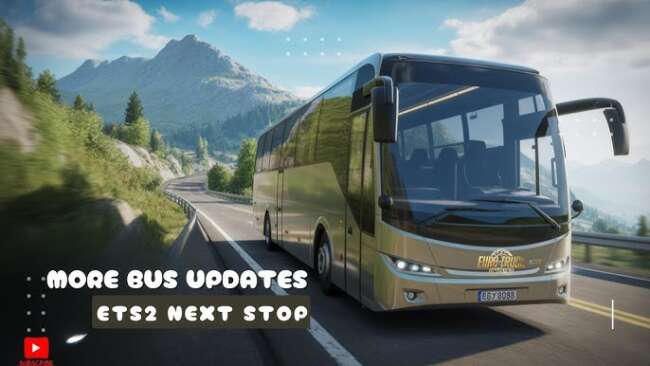
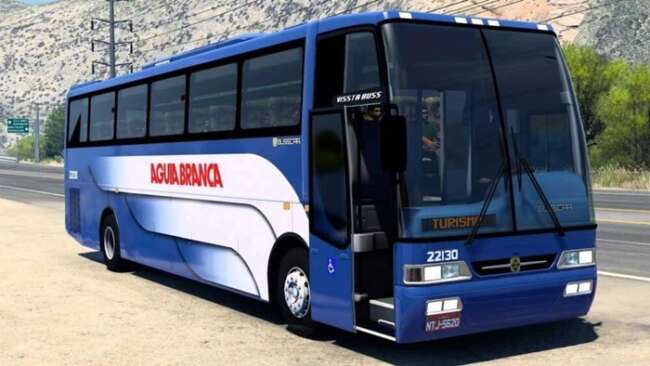
The Tecnobus Superbus Tribus 3 V4.0 is a bus mod designed for Euro Truck Simulator 2 that introduces a passenger vehicle you can drive similar to a truck. This mod adds the Superbus Tribus model with animated features both inside and out, enhancing the driving experience by showing movements like doors opening and windows operating. It’s compatible with ETS2 version 1.59, making it suitable for players running that game build.
Bus mods like this one typically appear at dealers within the game, allowing you to purchase and drive them just like any other truck or vehicle. They often come with detailed interiors and custom skins, which enrich the visual immersion when transporting passengers instead of cargo. This type of mod broadens the gameplay beyond traditional trucking by offering a different kind of vehicle operation.
When integrating this bus mod into a setup with other modifications, it usually fits well alongside other vehicle or map mods without causing conflicts. However, as with most bus mods, it's wise to check load order if you run multiple vehicle add-ons to prevent issues such as missing textures or animation glitches. Keeping ETS2 updated to version 1.59 ensures smoother compatibility.
Players who enjoy diversifying their driving experiences in ETS2 will find this mod appealing. If you want to switch from hauling freight to transporting passengers on routes across various European regions featured in the game, adding this bus mod can provide fresh gameplay variety. It’s especially interesting for those who appreciate animated details that bring more life into the cabin and exterior views.
How to install
1. Download the .scs file from the original source. 2. Drop it into `Documents/Euro Truck Simulator 2/mod/`. 3. Enable in Mod Manager, restart the game. 4. Visit a truck dealer to purchase the bus (or use Console if the dealer doesn't list it).
After the mod loads, save your game inside a safe area (parking lot or service) before deciding whether to keep it. If the game refuses to load with the mod enabled, check that all required DLCs are installed and that the supported ETS2 version chips on this page include your installed game patch.
Reviews
No ratings yetNo reviews yet — be the first to rate this mod.