MERCEDES-BENZ ACTROS MP3 INTERIOR EXTERIOR REWORK V1.1
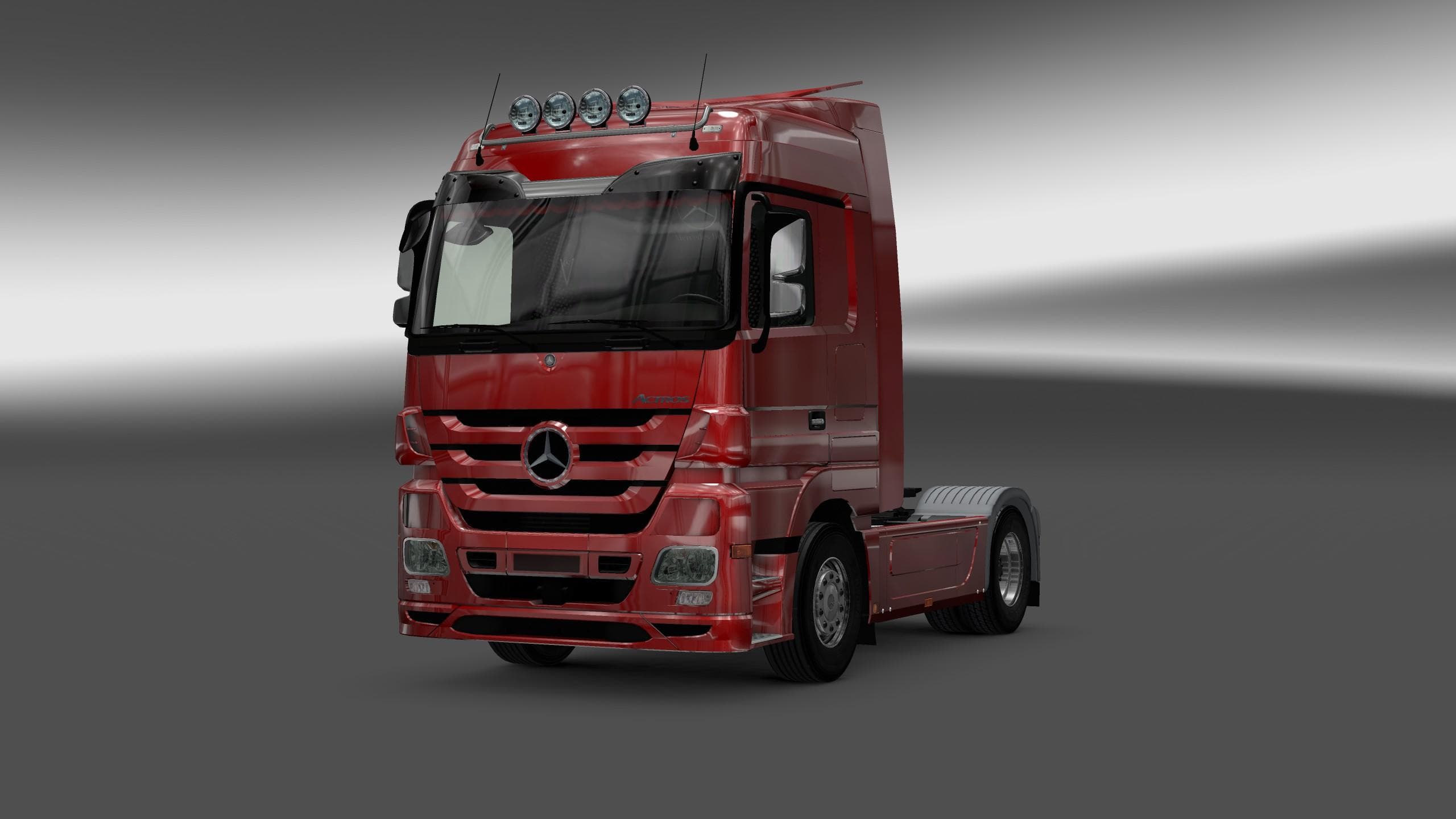
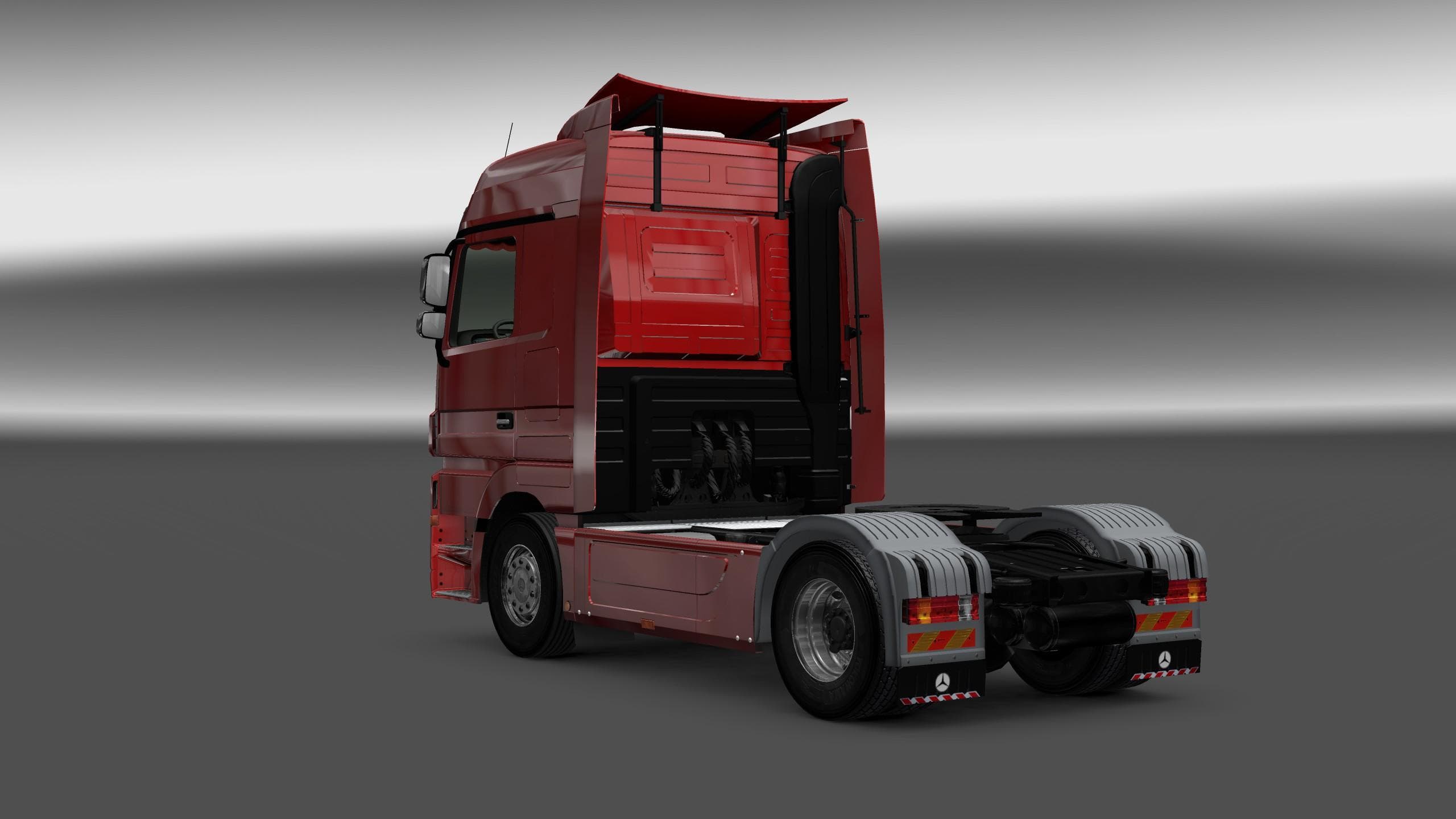
This mod is a version 1.1 interior rework for the Mercedes-Benz Actros MP3 in ETS2. It features a new HD dashboard with improved symbols, textures, colors, icon
The MERCEDES-BENZ ACTROS MP3 INTERIOR EXTERIOR REWORK V1.1 mod focuses on enhancing the truck's cabin and external visuals within Euro Truck Simulator 2. It offers a revamped dashboard featuring higher definition textures, updated symbols, colors, and icons that refresh the look of the instrument panel and LCD display. This kind of update improves immersion by making the in-cab experience feel more detailed and visually coherent compared to the base game model.
Mods that adjust interiors and exteriors like this one generally overwrite existing vehicle files to provide a more polished or realistic representation. They are typically installed through the game's Mod Manager, which makes activation straightforward without manual file handling. Since this mod targets version 1.1 of ETS2, users should confirm compatibility with their current game version to avoid conflicts.
In a modded setup, interior and exterior reworks usually load after core truck models but before any gameplay-affecting mods such as physics or AI adjustments. This helps maintain proper visual consistency while preventing interference with other critical modifications. Players often combine these types of visual enhancements with sound or skin mods for a tailored driving experience.
Drivers who appreciate finer details inside their truck cabins will find this mod useful. It suits those looking for subtle improvements rather than drastic changes, blending well into larger collections of vehicle customizations without overwhelming system resources or altering gameplay mechanics.
Overall, if you prefer your Mercedes-Benz Actros to have a fresher dashboard appearance with clearer icons and displays, this rework is worth trying out. It fits neatly into setups focused on aesthetics and realism, especially for players who enjoy spending time inside their virtual cabs during long hauls.
How to install
1. Download the file(s) from the original source linked above. 2. Drop them into `Documents/Euro Truck Simulator 2/mod/`. 3. Enable in Mod Manager and restart the game.
After the mod loads, save your game inside a safe area (parking lot or service) before deciding whether to keep it. If the game refuses to load with the mod enabled, check that all required DLCs are installed and that the supported ETS2 version chips on this page include your installed game patch.
Reviews
No ratings yetNo reviews yet — be the first to rate this mod.





