MERCEDES BENZ ACTROS MP3 INTERIOR AND EXTERIOR REWORK
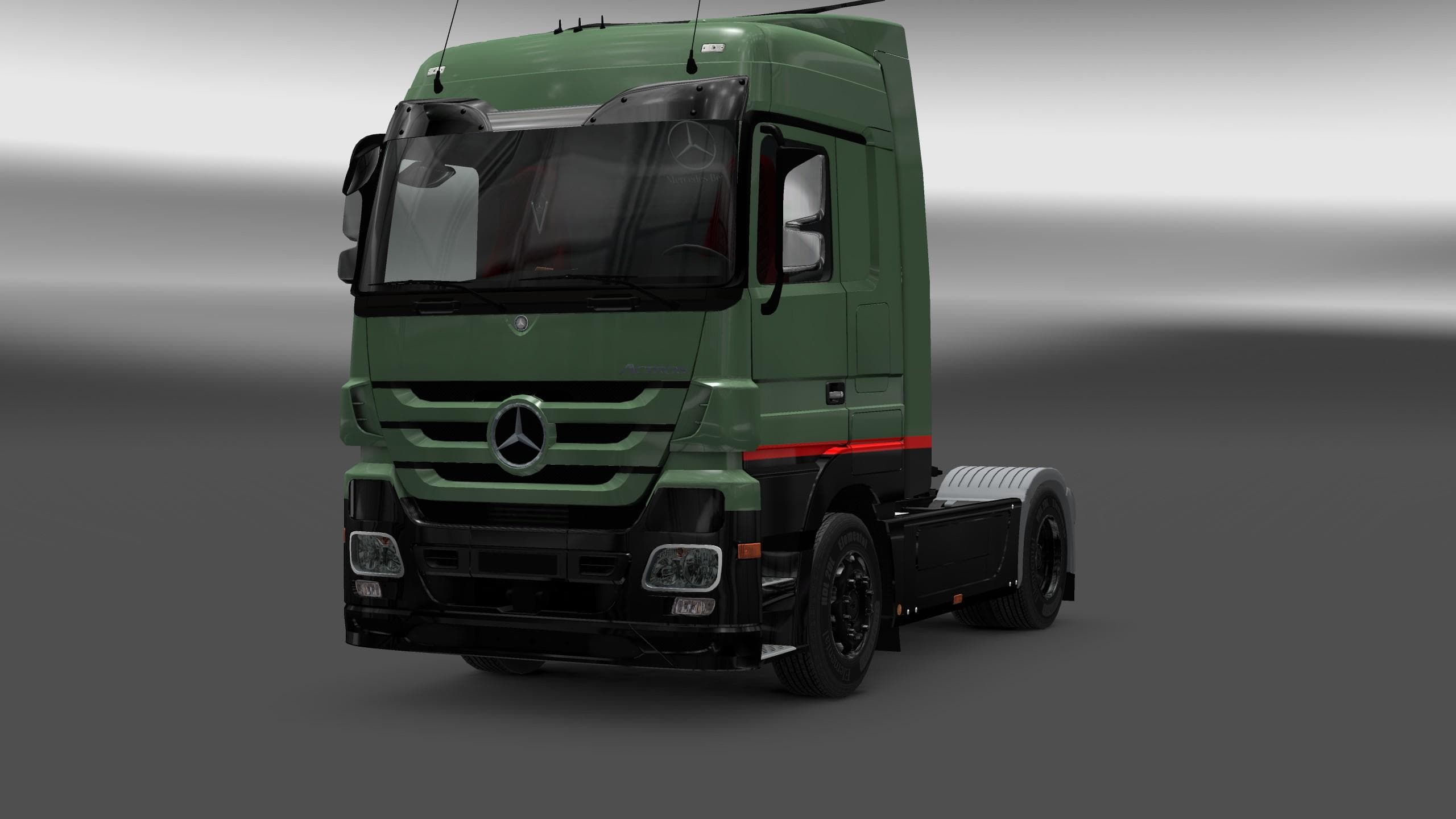
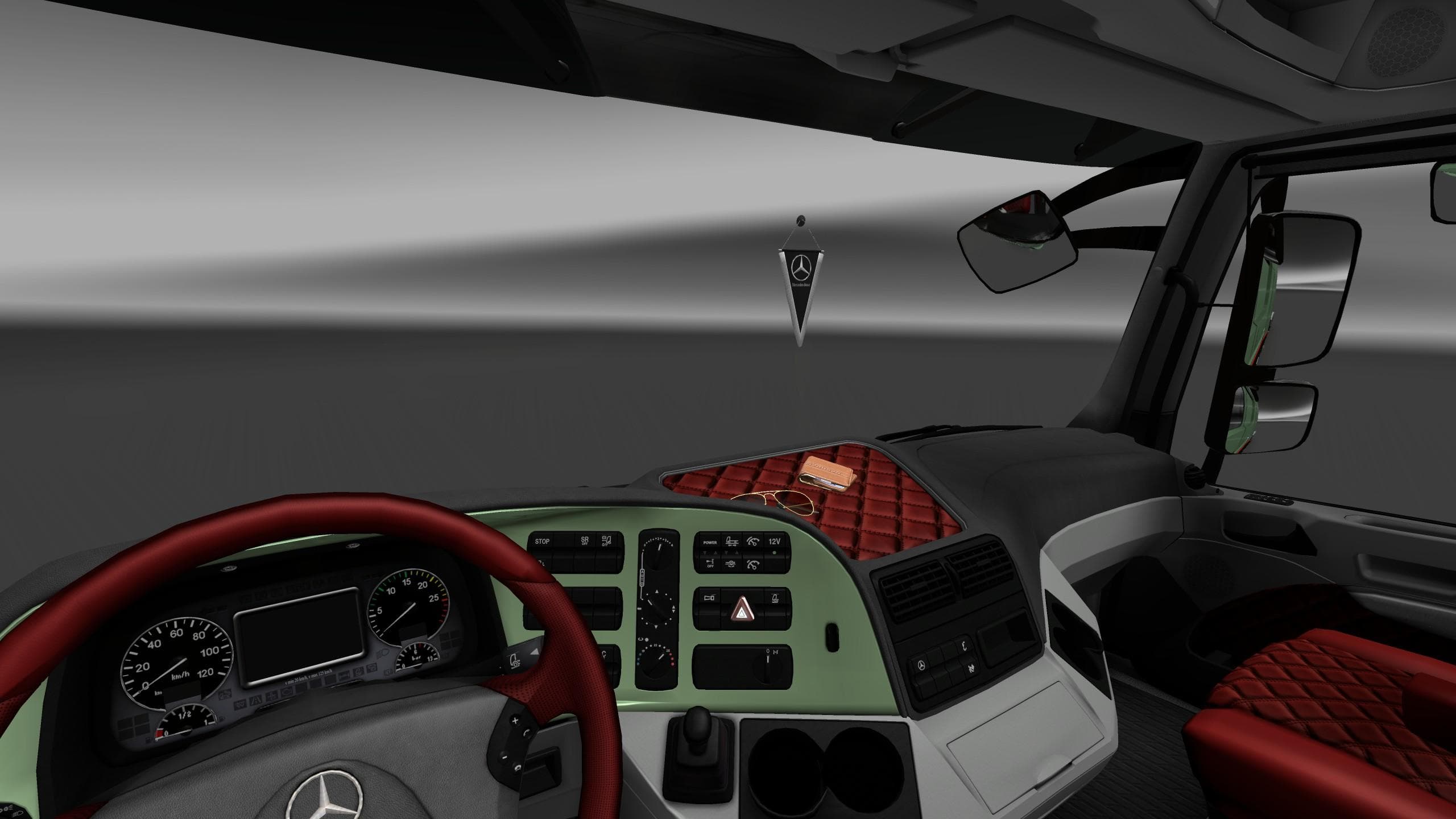
MERCEDES BENZ ACTROS MP3 INTERIOR AND EXTERIOR REWORK is an ETS2 interior.
The MERCEDES BENZ ACTROS MP3 INTERIOR AND EXTERIOR REWORK mod brings a visual update to this popular truck model in Euro Truck Simulator 2. It focuses on enhancing both the cabin and outside look by upgrading textures, particularly targeting dashboard and interior materials. This type of mod aims to refresh the driving experience without altering gameplay mechanics or adding new parts.
Mods like this one replace original textures with high-definition versions, improving realism and immersion for players who spend hours behind the wheel. Interior reworks often involve changes to plastic, fabric, and leather surfaces inside the truck, making everything feel more detailed and authentic. Exterior tweaks can similarly enhance the visual appeal of the truck model you choose to drive across Europe.
As an 'other' category mod installed through ETS2's built-in Mod Manager, it fits into most modded setups fairly smoothly. Players should keep in mind that texture-heavy mods might conflict with other skin or truck mods if those modify the same files. Load order matters; placing this mod after broad skin packs helps ensure its HD textures appear correctly without being overwritten.
This rework suits those who want a more polished look for their Actros MP3 but don't need a full overhaul or additional features. If you enjoy cruising through countries like Germany or France with improved cabin visuals, this mod adds a subtle yet noticeable touch of quality. It's compatible with various map expansions since it doesn't affect map data or core game functions.
Installing is straightforward via the Mod Manager, making it accessible even for players not deeply familiar with manual file handling. Just activate it alongside your other favorite mods and test how it blends with your current setup. If you run multiple texture mods, consider experimenting with load order for optimal results.
How to install
1. Download the file(s) from the original source linked above. 2. Drop them into `Documents/Euro Truck Simulator 2/mod/`. 3. Enable in Mod Manager and restart the game.
After the mod loads, save your game inside a safe area (parking lot or service) before deciding whether to keep it. If the game refuses to load with the mod enabled, check that all required DLCs are installed and that the supported ETS2 version chips on this page include your installed game patch.
Reviews
No ratings yetNo reviews yet — be the first to rate this mod.





