MERCEDES ACTROS 2014 LINES SKIN
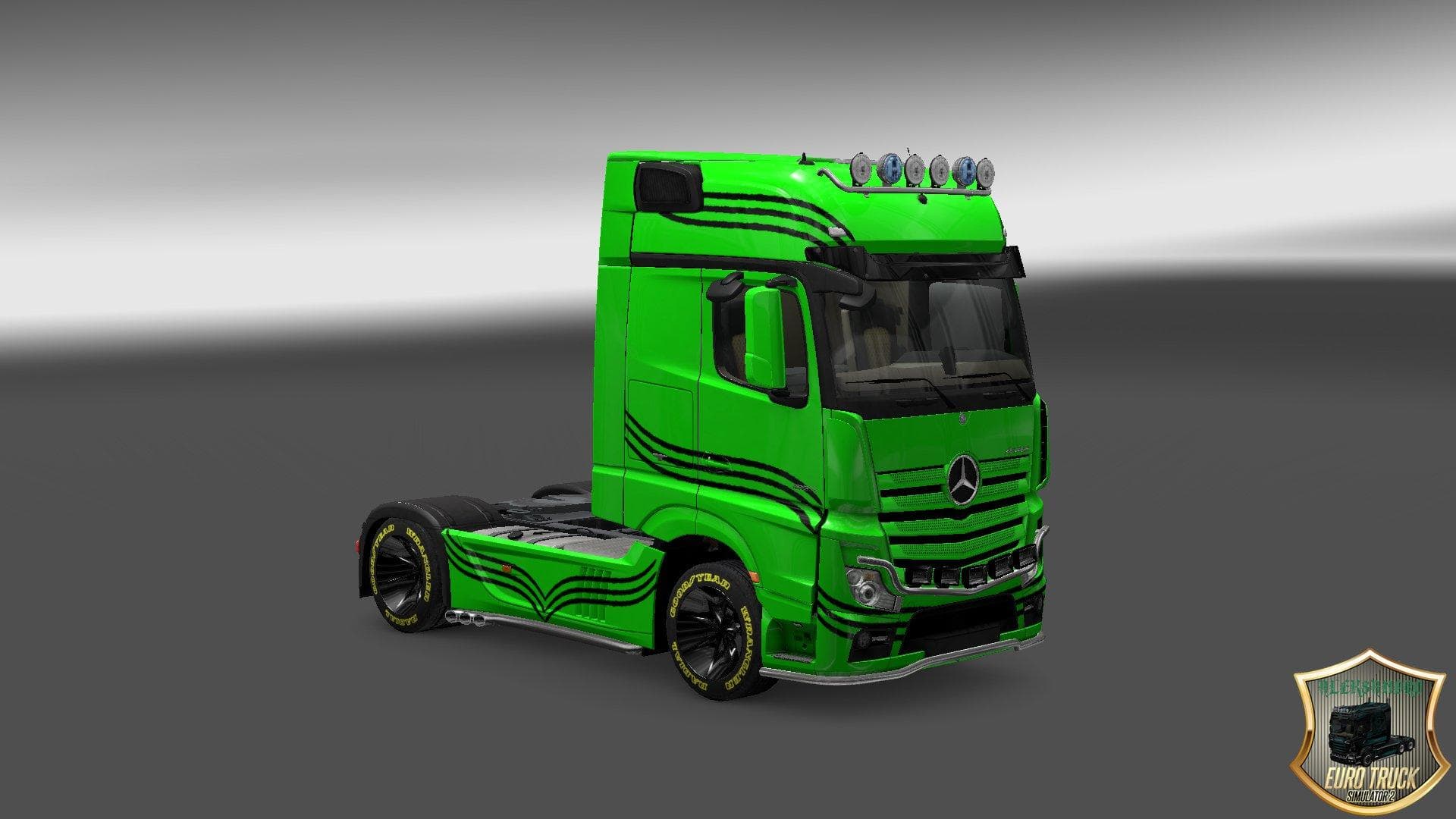
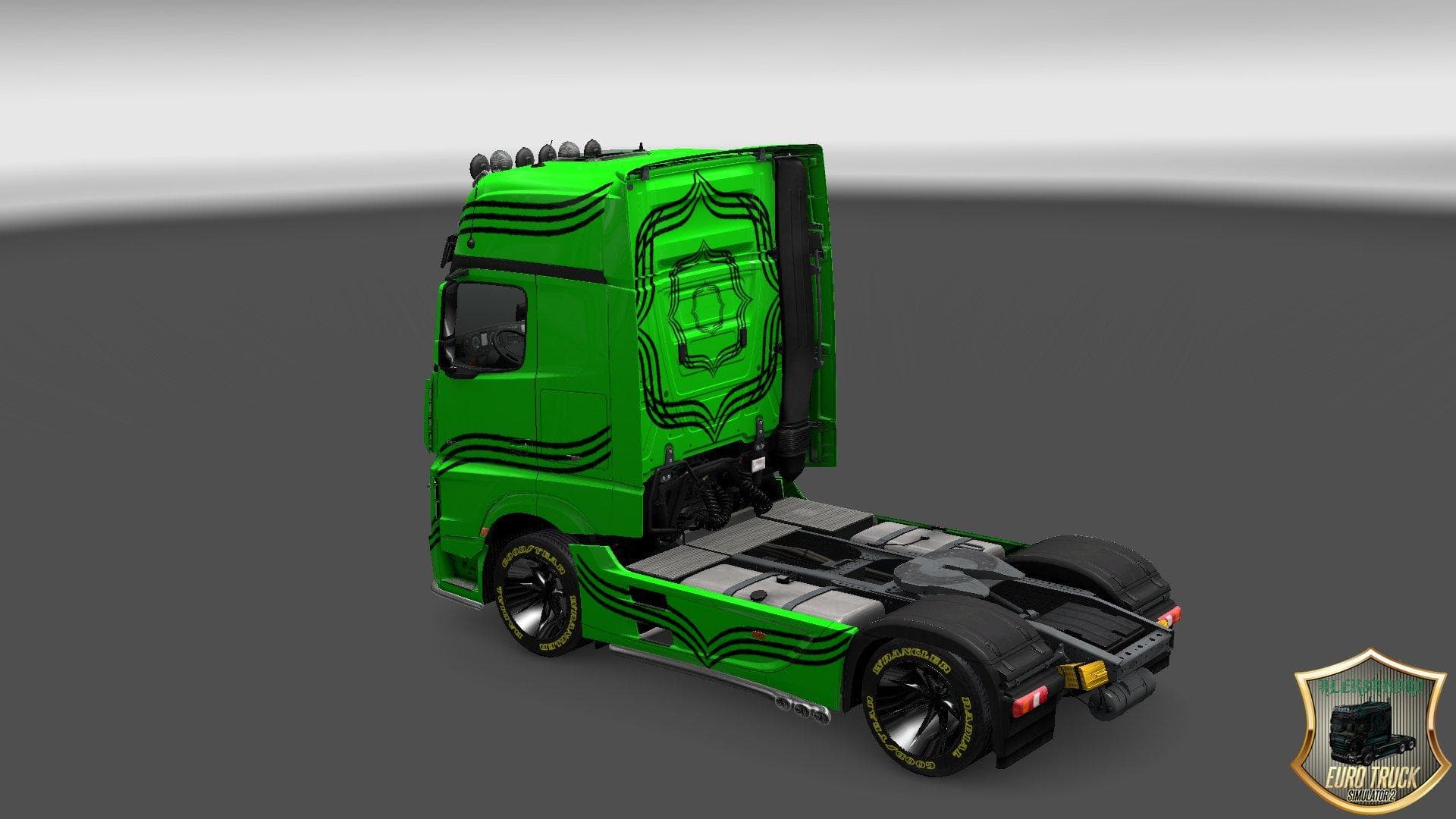
This mod is a skin for the Mercedes Actros 2014 truck in Euro Truck Simulator 2, compatible with version 1.22. The skin features lines design and has been teste
The MERCEDES ACTROS 2014 LINES SKIN is a repaint mod designed for the Mercedes Actros 2014 truck in Euro Truck Simulator 2. This type of mod doesn't alter the truck's model or performance but changes its exterior appearance by applying a new paint design. It’s applied through the in-game paint shop, where you can select different skins for your vehicle based on what’s installed.
Skin mods like this one are straightforward to use and usually require you to have the base truck model already available in your game. Since it’s specifically made for the Mercedes Actros 2014, it won’t work with other trucks or newer versions of this model without adjustments. This particular skin supports ETS2 version 1.22, so it fits well if you’re playing on or near that update.
When adding skins to a modded setup, they typically load after map and gameplay mods to avoid conflicts. Skins generally don’t clash with most other types of mods unless there are overlapping repaints for the same truck and game version. Keeping your mods organized and checking load order can help prevent visual glitches or missing textures.
This skin could appeal to players who want a fresh look for their Mercedes Actros without switching trucks or installing heavy model mods. It offers a simple way to personalize your rig, especially if you enjoy driving this classic 2014 model around various European regions.
While details like file size and creator are unknown, installing skin mods is usually as simple as placing the .scs file into your mod folder and activating it via the game’s mod manager. No additional dependencies should be needed beyond owning the correct base truck.
Overall, this repaint adds variety to your collection without changing how you drive or interact with the truck. It fits nicely into setups focused on visual customization and can be combined with other cosmetic mods for trailers and cabins if desired.
How to install
1. Download the .scs file. 2. Drop it into `Documents/Euro Truck Simulator 2/mod/`. 3. Enable in Mod Manager. 4. Apply the skin in the truck/trailer paint shop.
After the mod loads, save your game inside a safe area (parking lot or service) before deciding whether to keep it. If the game refuses to load with the mod enabled, check that all required DLCs are installed and that the supported ETS2 version chips on this page include your installed game patch.
Reviews
No ratings yetNo reviews yet — be the first to rate this mod.





