MB VARIO 812D AI TRAFFIC
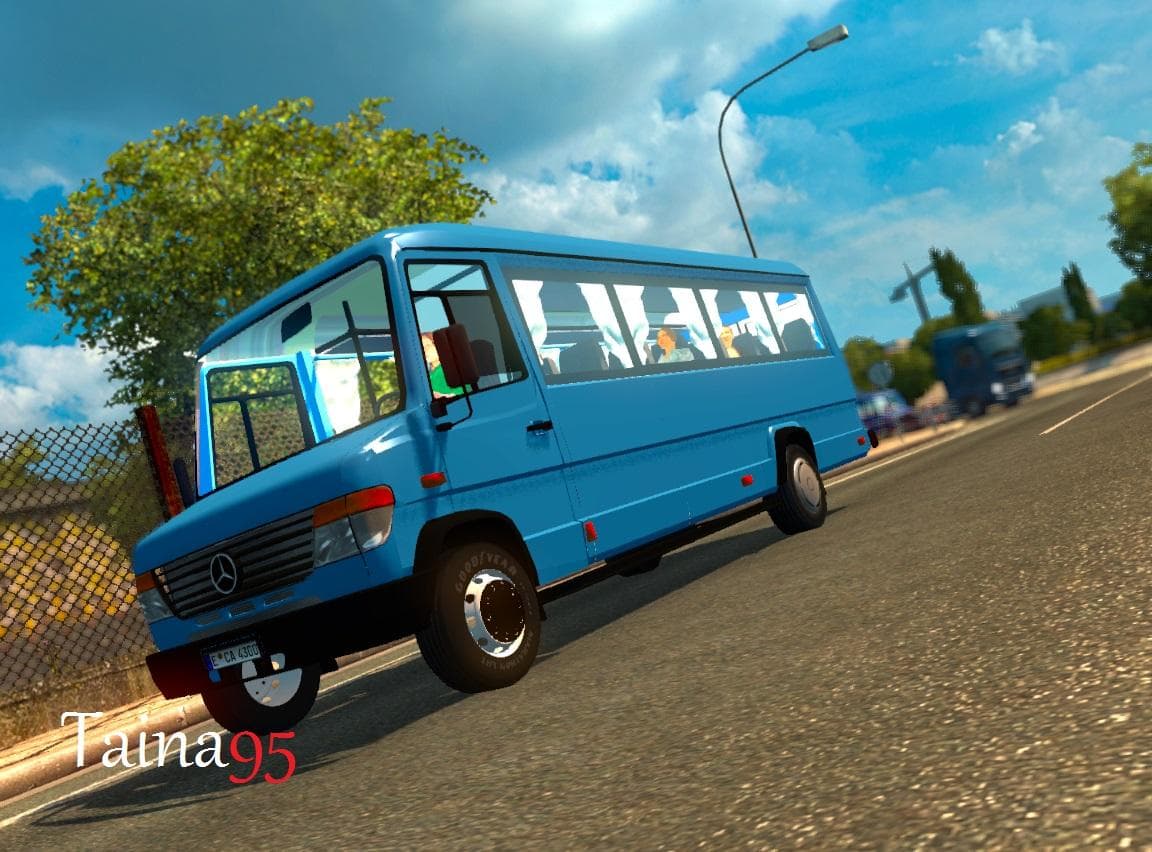
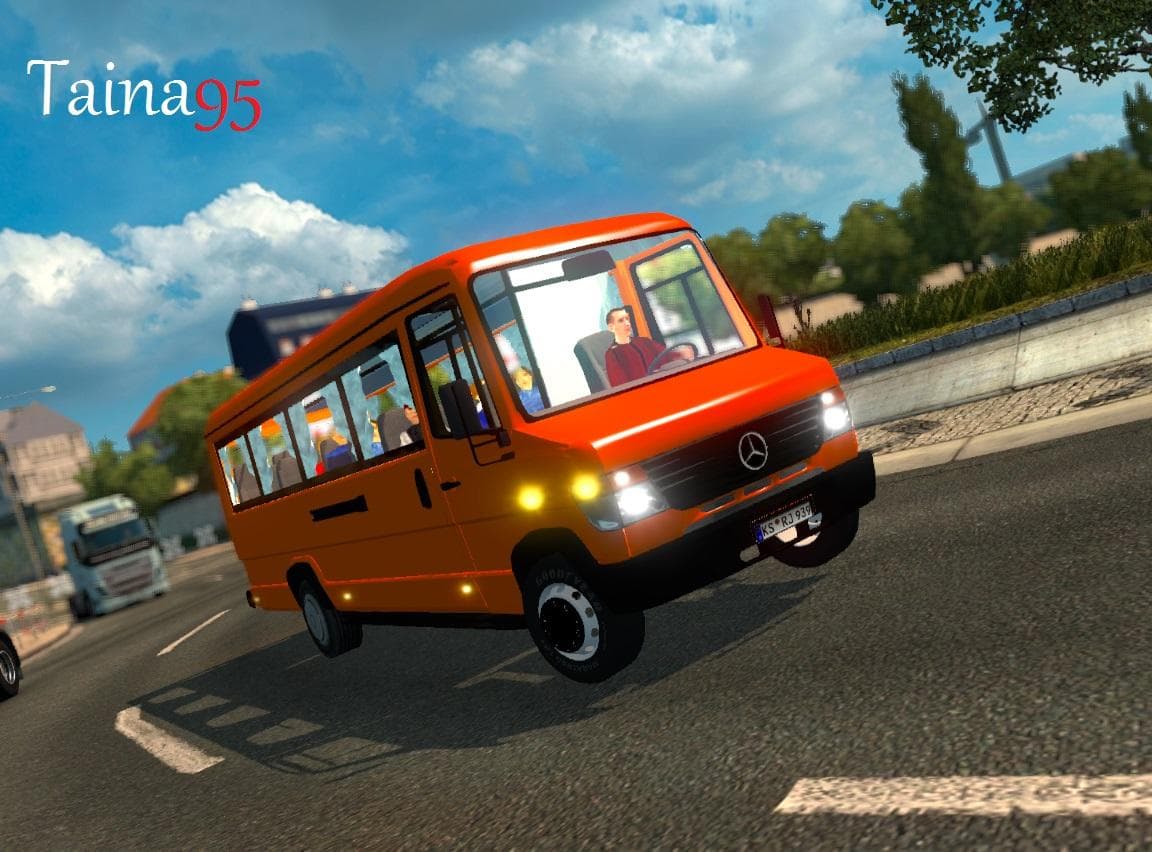
The "MB VARIO 812D AI TRAFFIC" mod is a traffic mod created by Euro Truck Simulator 2. It is tested and error-free in ETS2 version 1.22, with credits to Taina95
The MB VARIO 812D AI TRAFFIC mod introduces a specific vehicle model into the game's AI traffic system. This means that as you drive through various ETS2 maps, you'll encounter this vehicle type among other AI-driven traffic, adding variety to the road experience. Mods like this one typically enhance immersion by expanding the range of vehicles seen during gameplay without requiring manual spawning.
In Euro Truck Simulator 2, AI traffic mods adjust or add to the existing pool of vehicles driven by computer-controlled drivers. Installing such mods usually involves activating them through the in-game Mod Manager. Since this particular mod has been tested on version 1.22 and found to run without errors, it should slot in cleanly with a basic game setup or alongside other compatible mods.
When incorporating AI traffic additions like MB VARIO 812D AI TRAFFIC into a modded environment, pay attention to load order because overlapping vehicle definitions can cause conflicts or visual glitches. Placing this mod lower down in the load order can help avoid issues if you're running multiple traffic-related modifications simultaneously.
Players who appreciate seeing more variety in their virtual roads will find this mod appealing. It’s especially useful for those aiming to diversify their driving environment beyond default traffic models, creating a more dynamic and less repetitive atmosphere during long hauls across ETS2's expansive map regions.
Though the creator is unknown and file size details are missing, its successful error-free test run suggests it’s stable within supported game versions. Given its category as 'other,' it fits niche roles that don't necessarily alter core gameplay mechanics but enrich visual and ambient aspects of trucking simulation.
How to install
1. Download the file(s) from the original source linked above. 2. Drop them into `Documents/Euro Truck Simulator 2/mod/`. 3. Enable in Mod Manager and restart the game.
After the mod loads, save your game inside a safe area (parking lot or service) before deciding whether to keep it. If the game refuses to load with the mod enabled, check that all required DLCs are installed and that the supported ETS2 version chips on this page include your installed game patch.
Reviews
No ratings yetNo reviews yet — be the first to rate this mod.





