MB Travego S. Edition 15-17 Anadolu Skin v1.0
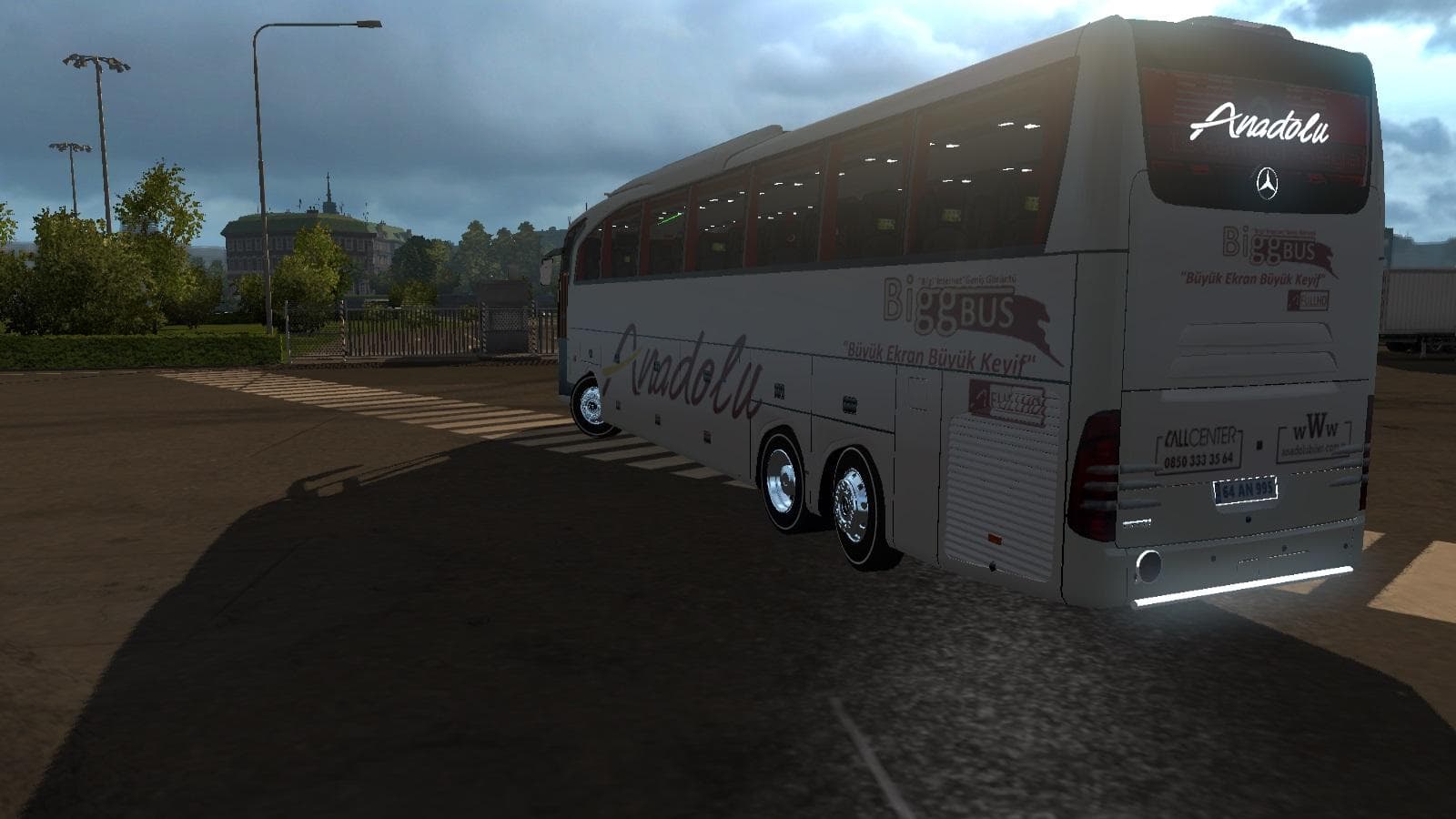
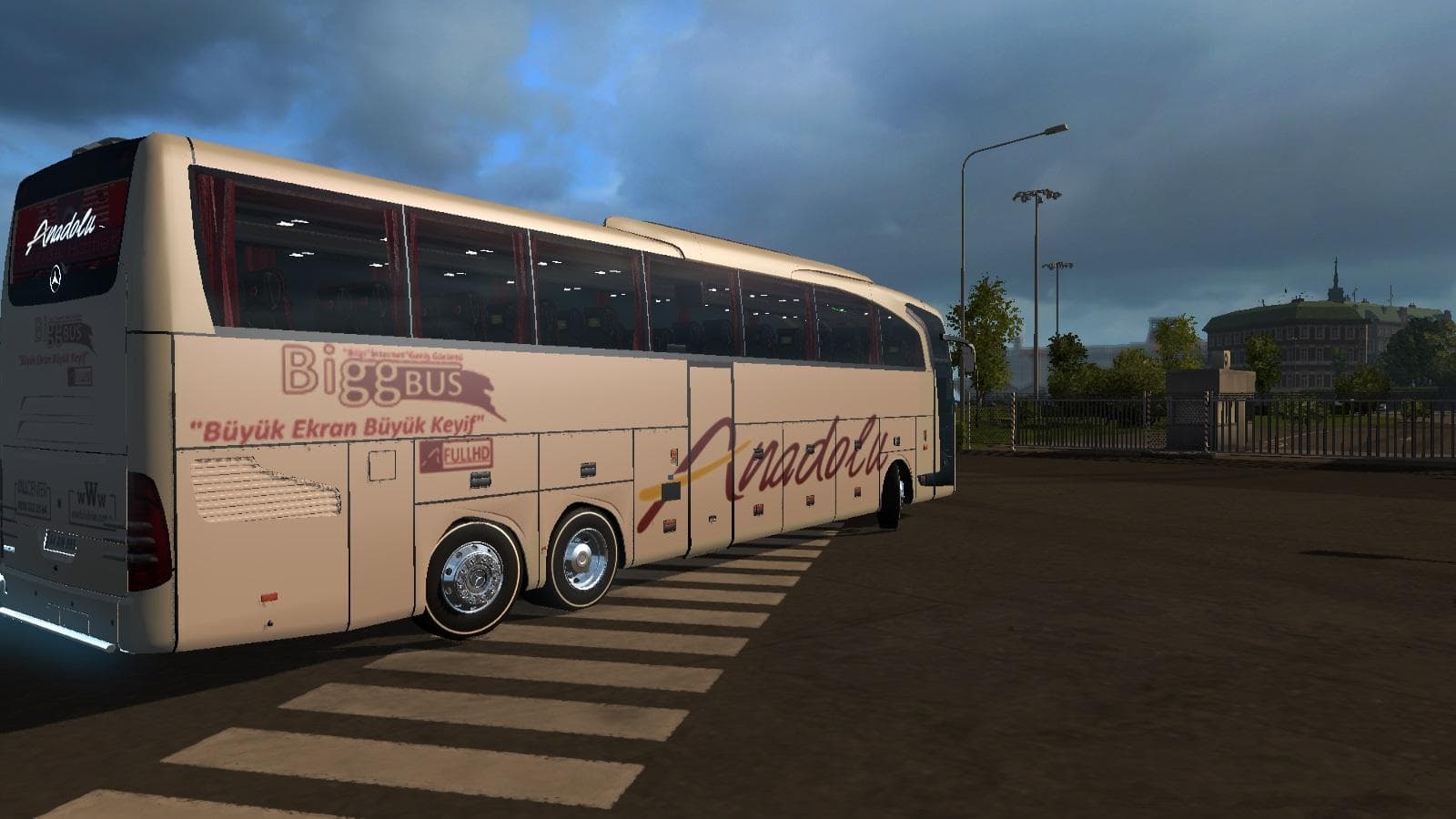
The MB Travego S. Edition 15-17 Anadolu Skin is a skin mod for ETS2 version 1.0, 1.21, and 1.22 created by Euro truck simulator 2. The mod was made by Kodakpowe
The MB Travego S. Edition 15-17 Anadolu Skin v1.0 is a repaint mod for Euro Truck Simulator 2 that adds a specific skin to the Mercedes-Benz Travego S Edition bus model from 2015 to 2017. This type of mod doesn't alter the vehicle's structure or performance but changes its visual appearance by applying a new texture or design. It fits into the category of skins, which are straightforward mods that you usually select in the game's paint shop once you've got the correct base model installed.
Skin mods like this one depend heavily on having the matching base vehicle in your game since they don't include any new models themselves. The MB Travego S. Edition skin works with ETS2 versions 1.0, 1.21, and 1.22, so make sure your game is compatible before installing it. Typically, these mods load without conflicting with gameplay mechanics or other mods unless multiple skins target the same truck simultaneously.
When setting up a modded environment, skins generally have low priority in load order because they only affect visuals and don't interfere with gameplay files or map extensions. Still, it's a good idea to keep them organized separately from larger content mods to avoid confusion when troubleshooting.
This skin would appeal mainly to players who enjoy customizing their trucks or buses for greater variety and realism. If you're running a setup that includes various Mercedes-Benz vehicles and want to add some regional flair or diversity to your fleet's appearance, this repaint offers another option without adding complexity.
While the creator remains unknown, these kinds of repaints contribute nicely to personalizing your ETS2 experience, especially if you're fond of Turkish-themed designs given the 'Anadolu' name linked with Turkey.
Overall, if you prefer visual mods that don't change how your vehicles drive but offer fresh looks for existing models, this MB Travego S. Edition skin fits neatly into that niche.
How to install
1. Download the .scs file. 2. Drop it into `Documents/Euro Truck Simulator 2/mod/`. 3. Enable in Mod Manager. 4. Apply the skin in the truck/trailer paint shop.
After the mod loads, save your game inside a safe area (parking lot or service) before deciding whether to keep it. If the game refuses to load with the mod enabled, check that all required DLCs are installed and that the supported ETS2 version chips on this page include your installed game patch.
Reviews
No ratings yetNo reviews yet — be the first to rate this mod.





