Mapa Brasil Paradiso v1.60 ETS2 - Euro Truck Simulator 2 Mods | American Truck Simulator Mods

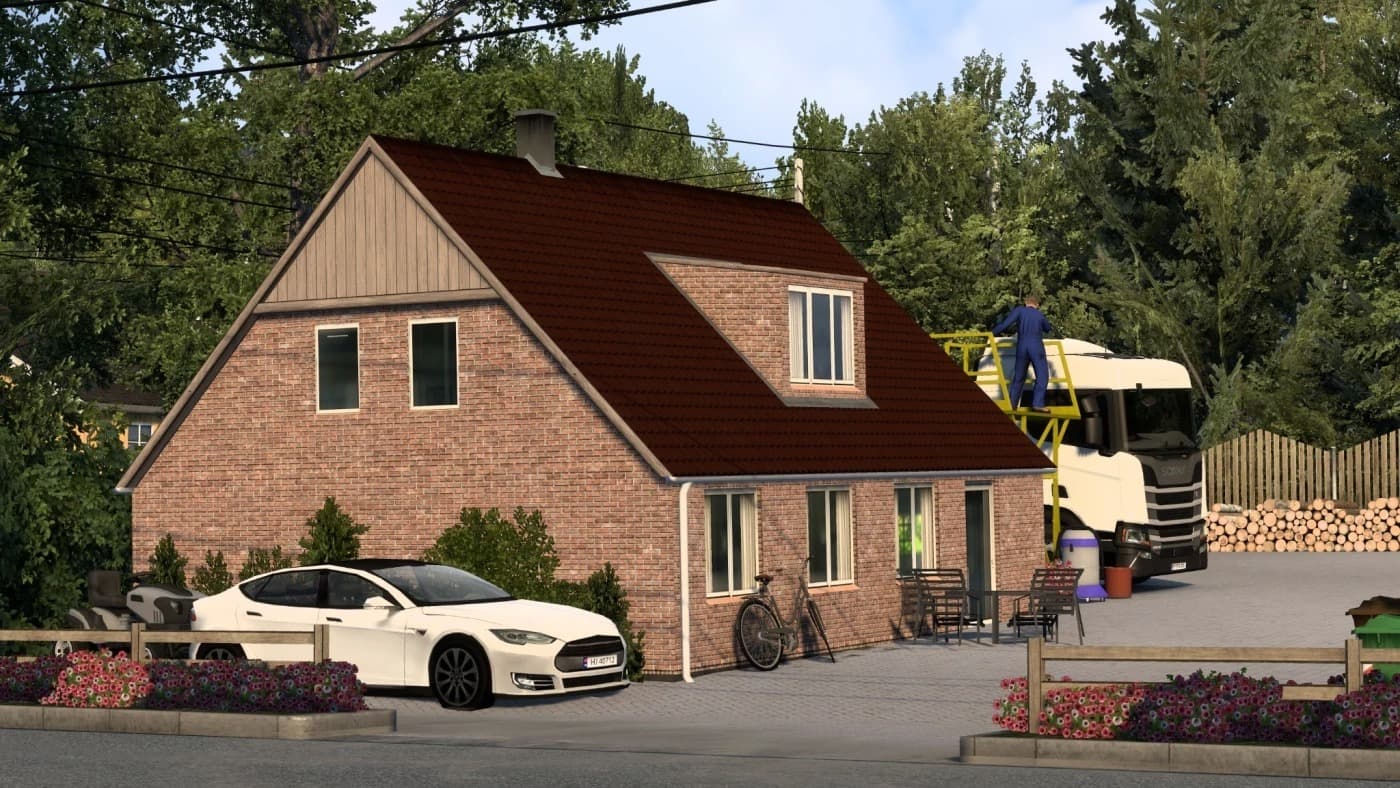
Mapa Brasil Paradiso v1.60 ETS2 mod by ETS2 Mods adds new cities like Rio Negrinho, São Bento do Sul, and Corupá, along with new companies including Compre Mais
Mapa Brasil Paradiso v1.60 is a map mod for Euro Truck Simulator 2 that broadens the game's geography by adding new Brazilian cities and regions. This update brings fresh locations such as Rio Negrinho, São Bento do Sul, and Corupá, along with new companies and service points like supermarkets and bus stations. Players can expect an expanded driving environment with varied destinations to explore beyond the base game.
Map mods like this one typically come as .scs files that you add to your ETS2 mod folder. They modify or extend the drivable world by introducing new roads, towns, and sometimes unique assets or trailers. Since map mods alter core gameplay areas, their installation usually requires careful attention to load order; placing them correctly ensures compatibility with other map expansions or DLCs. Some might even need a fresh profile to avoid conflicts.
In a modded setup, Mapa Brasil Paradiso fits well for players looking to diversify their routes with South American scenery rather than sticking solely to European or North American maps. It complements existing map DLCs if you want a broader experience but keep in mind that combining multiple large map mods can lead to performance considerations or overlap issues if not managed properly.
This kind of mod appeals mostly to drivers who want more variety in their long-haul adventures and enjoy exploring new cultural settings within ETS2. If you’re interested in trucking through Brazil’s landscapes and industrial hubs, this expansion adds both urban stops and countryside roads worth discovering.
How to install
1. Download every .scs file from the source page (map mods often ship multiple files). 2. Copy all files to `Documents/Euro Truck Simulator 2/mod/`. 3. Enable each file in Mod Manager **in the order documented by the modder**. Load order matters for maps. 4. Start a new save or use an existing save that already supports the map's base regions.
After the mod loads, save your game inside a safe area (parking lot or service) before deciding whether to keep it. If the game refuses to load with the mod enabled, check that all required DLCs are installed and that the supported ETS2 version chips on this page include your installed game patch.
Known conflicts
No conflicts reported for this mod yet. Running a big mod list? Check your whole setup for conflicts →
Reviews
No ratings yetNo reviews yet — be the first to rate this mod.