MAGNETIC RETARDER SOUND MOD
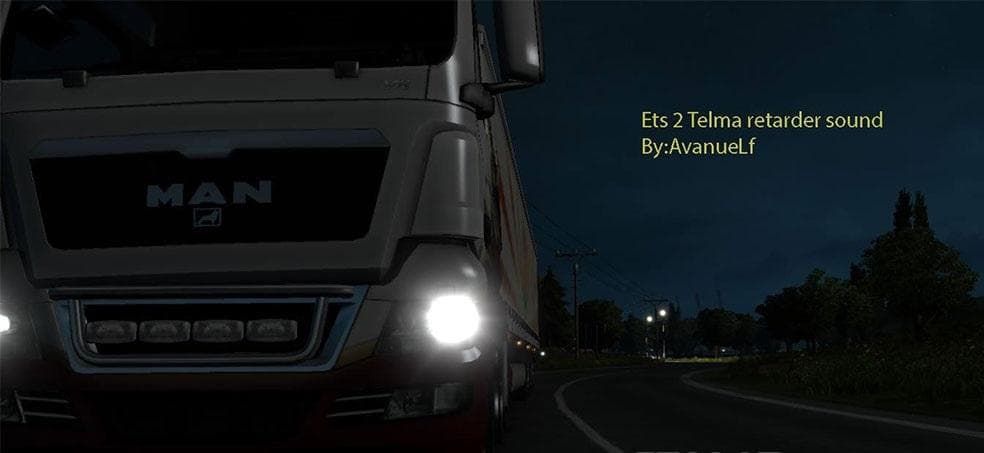
The "MAGNETIC RETARDER SOUND" mod for Euro Truck Simulator 2 adds a realistic sound for the retarder system in all trucks. The creator is Euro truck simulator 2
The MAGNETIC RETARDER SOUND MOD changes the sound effects related to the retarder system in Euro Truck Simulator 2. It focuses specifically on enhancing or replacing the audio that plays when the truck's retarder is active, giving a more distinct and realistic feel to this braking component. Sound mods like this one typically modify engine noises, horns, or other mechanical sounds to enrich the driving experience.
Sound mods in ETS2 work by swapping out default audio files with new ones, often requiring careful placement in your mod load order. Since they affect core sounds, they usually need to be loaded above truck mods that might also alter vehicle sounds to ensure their effects are heard properly. This mod fits into setups where players want a different auditory experience without changing visual aspects of their trucks.
When integrating a retarder sound mod, it's wise to check compatibility with any other sound packs you may have installed. Conflicts can occur if multiple mods try to alter the same audio files, so organizing them in the load order is essential for smooth operation. It's common practice to place sound mods high up in priority for them to override base game or truck-specific sounds effectively.
Players who appreciate the finer details of trucking simulation will find value here. Those who like authentic or customized sound profiles for their rigs might add this mod to make braking feel more immersive through audio feedback. If you enjoy tweaking your game's atmosphere and prefer nuanced changes rather than cosmetic ones, this could be worth trying.
How to install
1. Download the .scs file. 2. Drop it into `Documents/Euro Truck Simulator 2/mod/`. 3. Enable in Mod Manager. Sound mods usually need to load **above** truck mods in load order. 4. Restart the game so the audio engine picks up new samples.
After the mod loads, save your game inside a safe area (parking lot or service) before deciding whether to keep it. If the game refuses to load with the mod enabled, check that all required DLCs are installed and that the supported ETS2 version chips on this page include your installed game patch.
Reviews
No ratings yetNo reviews yet — be the first to rate this mod.





