Madsters MAN TGX Interior/Exterior Rework (BETA)
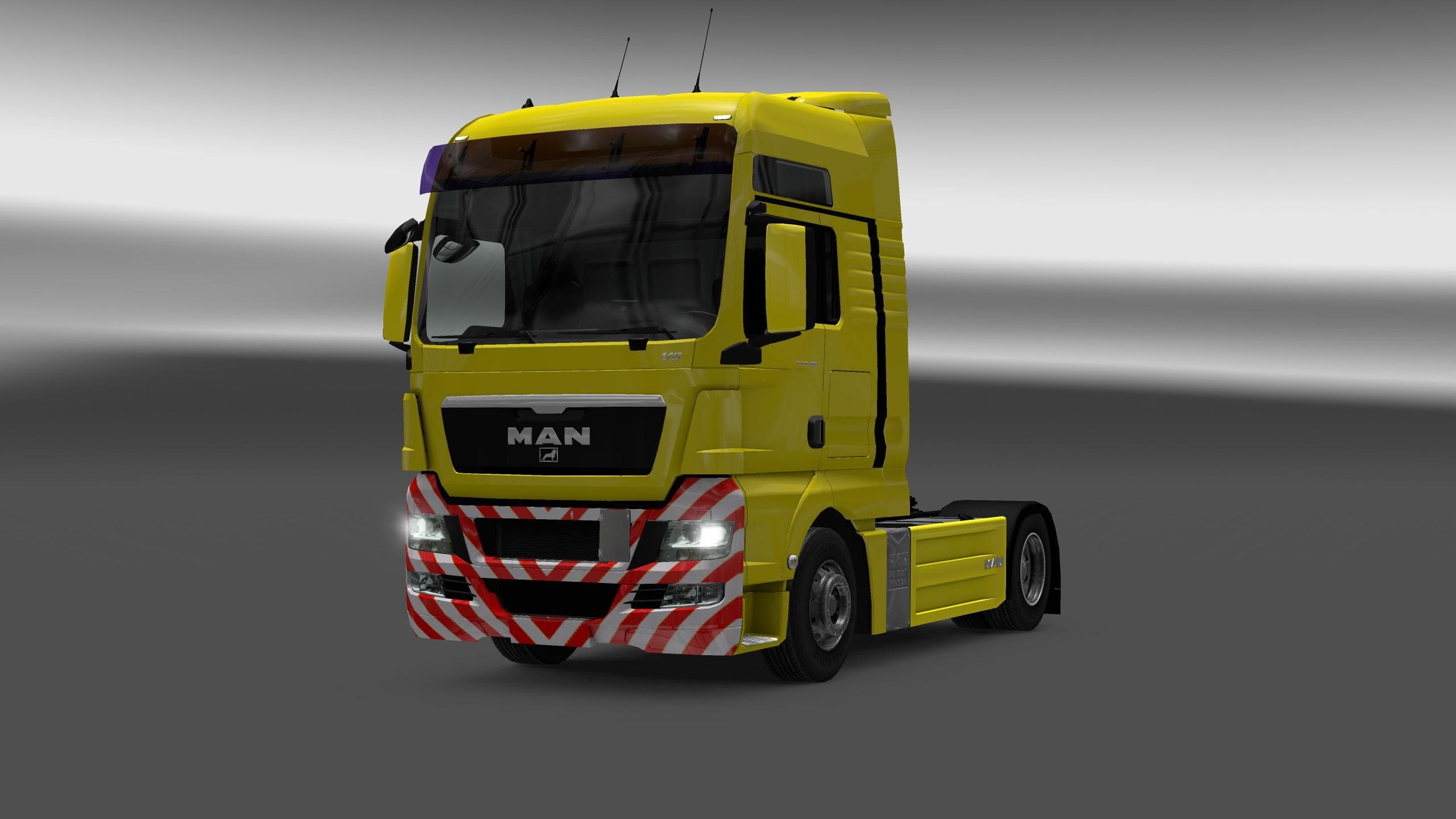
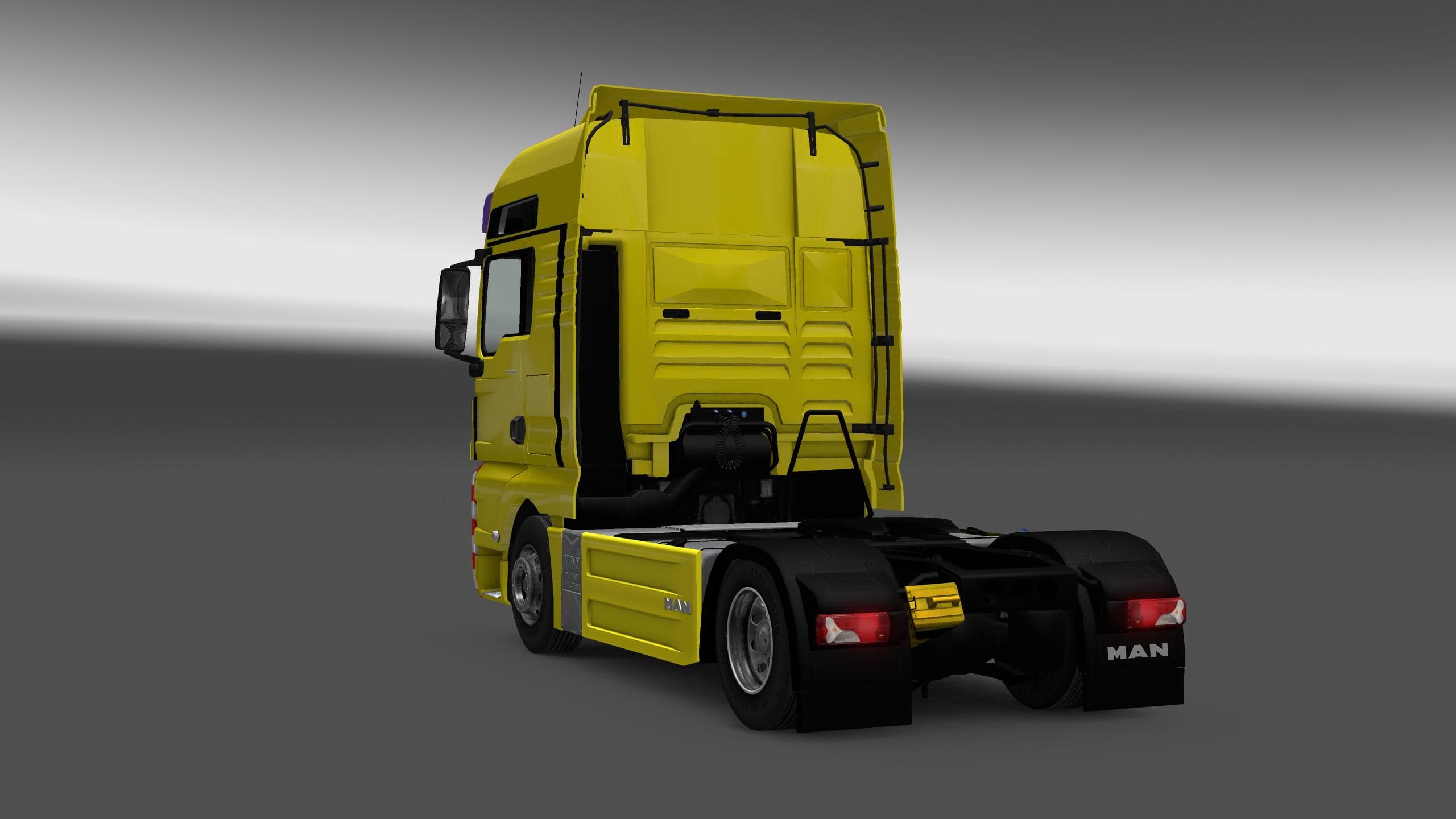
The Madsters MAN TGX Interior/Exterior Rework (BETA) mod for ETS2 offers a revamped interior with HD dashboard, textures, and tachograph. Interiors have been re
The Madsters MAN TGX Interior/Exterior Rework (BETA) is a modification aimed at enhancing both the inside and outside of the MAN TGX truck in ETS2. It focuses on updating textures, offering a fresh look by replacing many interior elements with higher-definition versions. This includes improvements to the dashboard and the tachograph, giving a more detailed and refined experience while driving.
Mods like this one typically update visual components without changing gameplay mechanics. They improve immersion by refining textures and models that players see frequently during their haulage routes. Since it covers both interior and exterior aspects, it offers a more cohesive upgrade for those who spend time appreciating their virtual truck's design.
In terms of fitting into a modded setup, these rework mods usually slot in after map or trailer mods but before any AI traffic or weather alterations to avoid conflicts. They are often compatible with other cosmetic mods but might require attention to load order if combined with other MAN TGX specific skins or modifications. The fact that this is marked as BETA suggests users should keep backups and check for updates as fixes or enhancements arrive.
This kind of mod appeals mostly to players who favor realism and detail in their trucking environment. If you enjoy spending time inside your cab or want your MAN TGX to stand out visually on European roads, this rework provides an upgraded aesthetic without altering core gameplay elements.
Installing it through the in-game Mod Manager keeps things straightforward, which is typical for general ETS2 mods like this one. It's a convenient way to add visual polish without hassle, especially for those who regularly customize their trucks.
How to install
1. Download the file(s) from the original source linked above. 2. Drop them into `Documents/Euro Truck Simulator 2/mod/`. 3. Enable in Mod Manager and restart the game.
After the mod loads, save your game inside a safe area (parking lot or service) before deciding whether to keep it. If the game refuses to load with the mod enabled, check that all required DLCs are installed and that the supported ETS2 version chips on this page include your installed game patch.
Reviews
No ratings yetNo reviews yet — be the first to rate this mod.





