LOEKYR TRUCKING SKINS 1.22.X
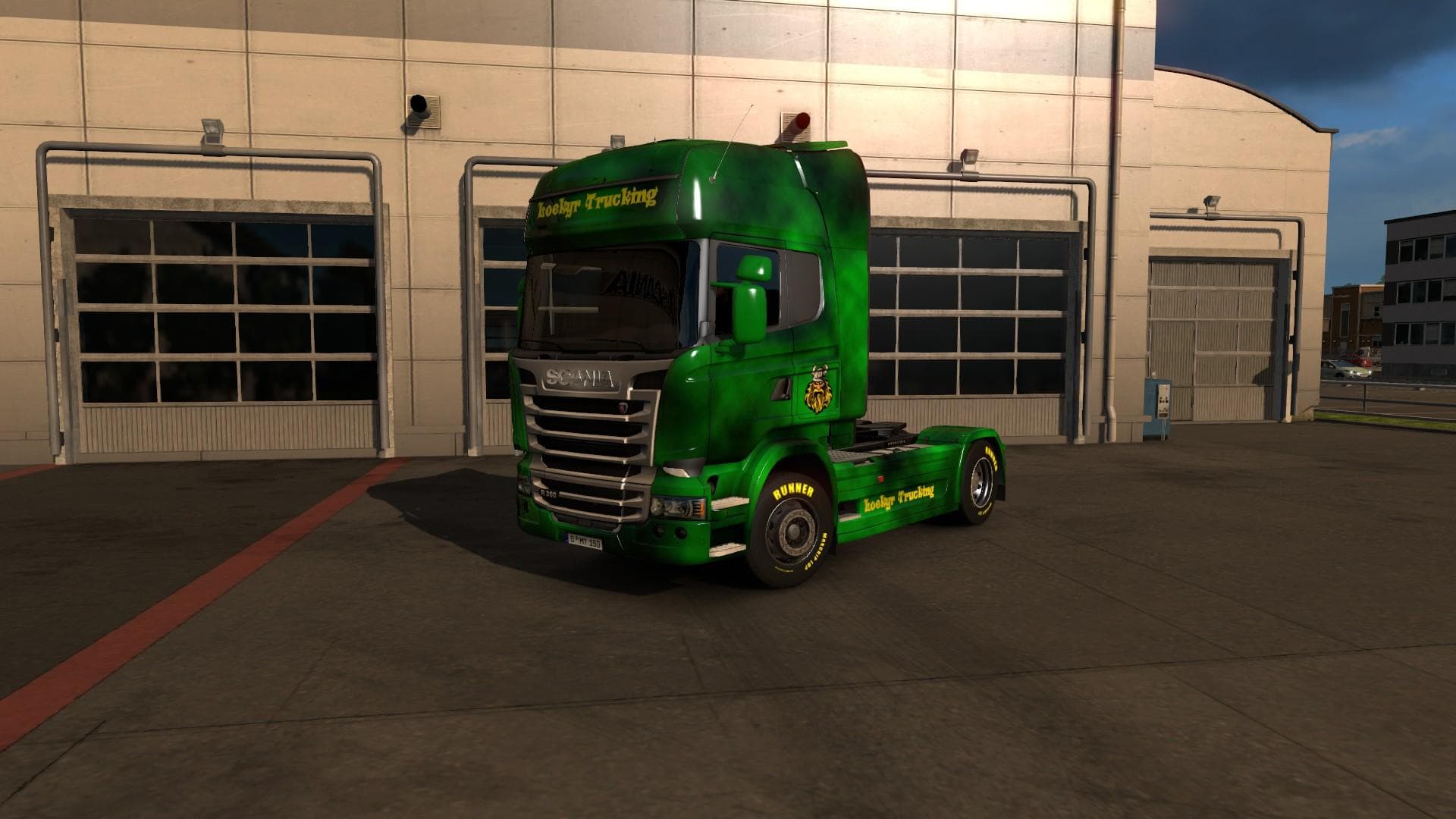
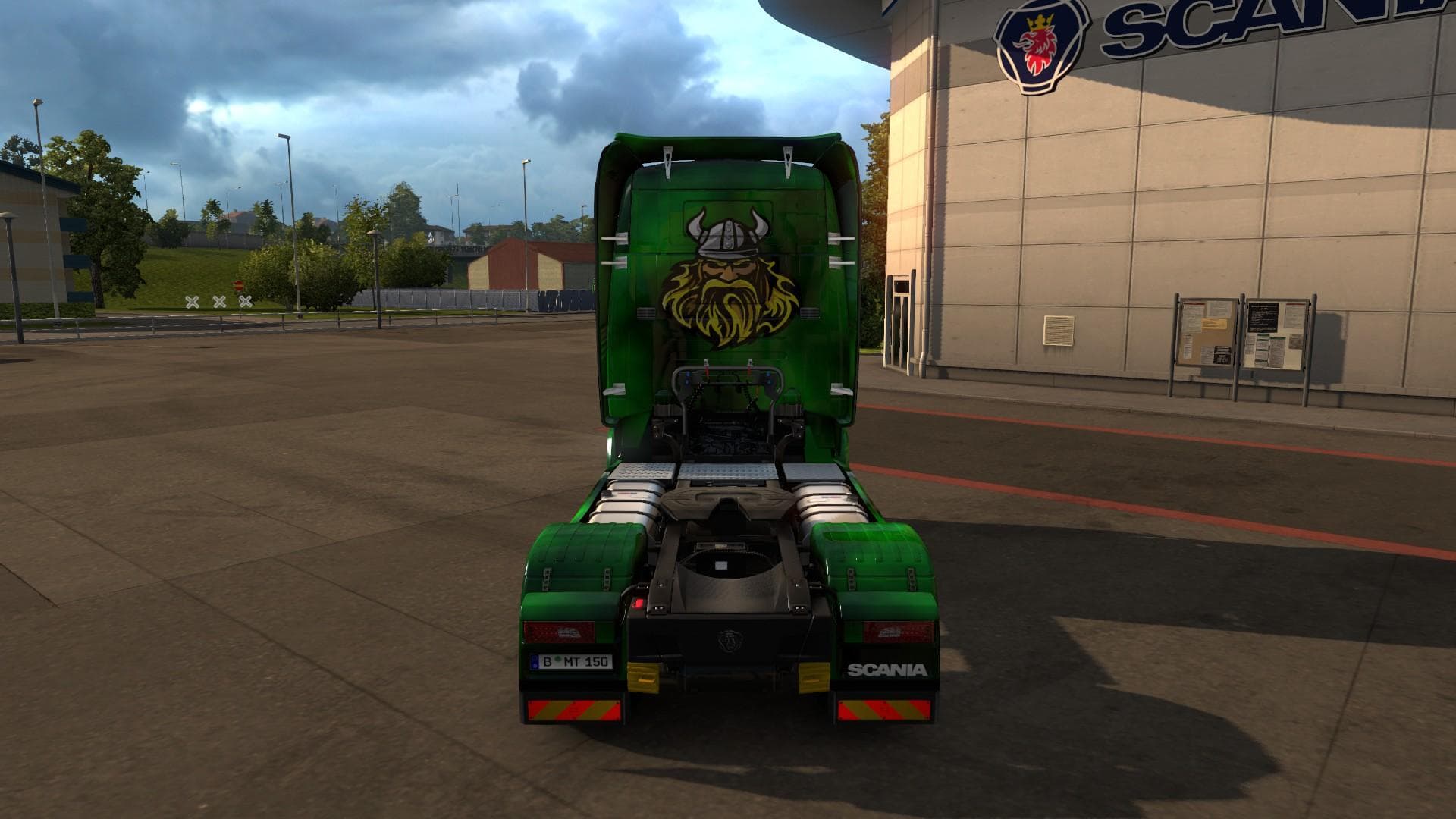
LOEKYR TRUCKING SKINS 1.22.X offers fan-made skins for ETS2 Scania Streamline, created by Euro truck simulator 2 for Danish fans. This mod is compatible with ET
LOEKYR TRUCKING SKINS 1.22.X offers a collection of fan-made paint jobs specifically designed for the Scania Streamline truck in Euro Truck Simulator 2 version 1.22. These skins don't alter the truck's model but instead provide fresh visual designs that can be selected within the game's paint shop. Since they're tailored for the Streamline, they rely on that base vehicle being present to function correctly.
Skin mods like this one are popular among players who want to personalize their trucks without modifying core game files or vehicle mechanics. They repaint existing trucks with new liveries and often reflect regional or thematic inspirations, making your rig stand out on the road. This particular set seems to have a connection to Danish fans, suggesting some cultural or stylistic influence from that area.
When integrating skin mods into a modded ETS2 setup, it's wise to keep track of load order because skins override each other if they target the same truck and slot. Typically, newer or preferred skins should be loaded last to ensure they appear correctly in-game. Compatibility issues rarely occur unless another mod changes the same vehicle's base textures extensively.
Players who enjoy customizing their Scania Streamline with unique looks will find this skin pack useful. It's especially suited for those running ETS2 version 1.22 since it was created for that release and may not work properly on other versions without updates. Fans of Scandinavian trucking culture might appreciate the thematic nod as well.
Adding these skins is straightforward: just place them in your mod folder and activate them through the mod manager. Because they don’t affect gameplay mechanics or add new vehicles, they usually coexist well with other mods focused on maps, sound, or physics enhancements.
How to install
1. Download the .scs file. 2. Drop it into `Documents/Euro Truck Simulator 2/mod/`. 3. Enable in Mod Manager. 4. Apply the skin in the truck/trailer paint shop.
After the mod loads, save your game inside a safe area (parking lot or service) before deciding whether to keep it. If the game refuses to load with the mod enabled, check that all required DLCs are installed and that the supported ETS2 version chips on this page include your installed game patch.
Reviews
No ratings yetNo reviews yet — be the first to rate this mod.





