LETI7KEDIL'S AIR HORN 1.21.X - 1.22.X
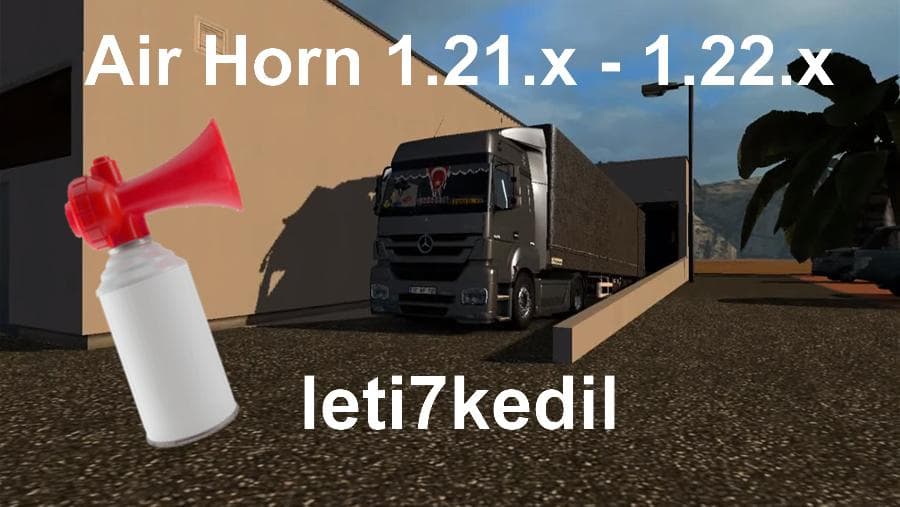
LETI7KEDIL'S AIR HORN 1.21.X - 1.22.X is a sounds mod for ETS2 versions 1.21 and 1.22. Created by Euro truck simulator 2, the mod features a 2.0 MB file size an
LETI7KEDIL'S AIR HORN is a sound mod compatible with ETS2 versions 1.21 and 1.22. It replaces the default air horn sounds, giving players an alternative audio experience when using their horn in the game. Mods like this focus solely on audio files, tweaking or replacing specific sounds to alter the game's atmosphere without changing gameplay mechanics.
Sound mods in ETS2 typically replace engine noises, horns, or environmental sounds to make the auditory experience more varied or realistic. They often need to be loaded higher than truck mods that modify similar sound components to ensure they work correctly without conflicts. Installing a sound mod involves placing its file in the mod folder and activating it through the game's mod manager.
This air horn mod fits well into a modded setup where players prioritize immersive or customized soundscapes alongside visual tweaks or map expansions. Since it's designed specifically for versions 1.21 and 1.22, users should ensure compatibility by matching their game version accordingly. Careful attention to load order is recommended as with all sound replacements.
Players who want a fresh take on the classic air horn will find this mod useful. It’s particularly suited for those who enjoy customizing their truck's audio cues or want something different from the stock sounds while driving across various regions like Germany, France, or Poland in ETS2.
While details about the creator are unknown and file size isn't specified, LETI7KEDIL'S AIR HORN offers a straightforward upgrade to your trucking soundtrack without additional complexity. Sound mods like this one keep things simple but effective for enhancing immersion.
How to install
1. Download the .scs file. 2. Drop it into `Documents/Euro Truck Simulator 2/mod/`. 3. Enable in Mod Manager. Sound mods usually need to load **above** truck mods in load order. 4. Restart the game so the audio engine picks up new samples.
After the mod loads, save your game inside a safe area (parking lot or service) before deciding whether to keep it. If the game refuses to load with the mod enabled, check that all required DLCs are installed and that the supported ETS2 version chips on this page include your installed game patch.
Reviews
No ratings yetNo reviews yet — be the first to rate this mod.





