KEYSHOT KENWORTH K100 6X4 + 4X2 V5.0
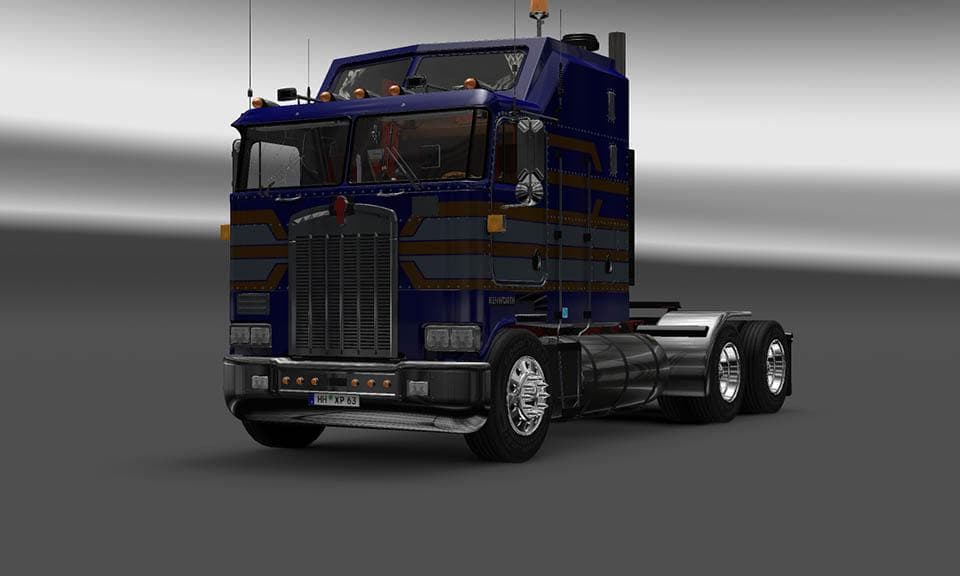
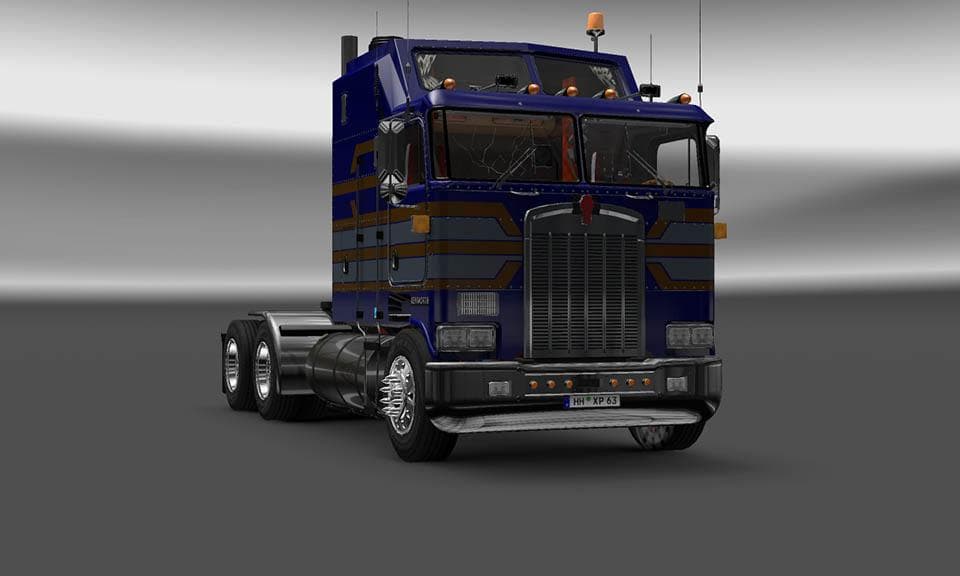
This mod is a custom skin for the Kenworth K100 6x4-4x2 V5.0, created by Euro Truck Simulator 2. The skin, named Keyshot, was designed by BrianC and credits Sta
The KEYSHOT KENWORTH K100 6X4 + 4X2 V5.0 is a skin mod designed specifically for the Kenworth K100 truck model in Euro Truck Simulator 2. This type of mod doesn't alter the truck's mechanics or shape but changes its visual appearance, offering players a fresh look for their vehicle without affecting gameplay. Skin mods like this one are typically applied through the game's paint shop, relying on the original truck model to function properly.
Skin mods generally serve those who want to customize their trucks beyond the default options provided by the game. Since they only repaint an existing model, they tend to be lightweight and easy to install compared to more complex mods that add new vehicles or features. The KEYSHOT skin fits neatly into any modded setup where players want a distinct style for their Kenworth K100 without compatibility issues common with larger overhaul mods.
When using skins, load order usually isn't as critical as with gameplay-altering mods, but it's still advisable to load skins after any mods that change the base truck model itself. This ensures that the skin textures override defaults correctly and display as intended in-game. Given this skin is tailored for a specific variant of the Kenworth K100, it won't work if you don't have that base vehicle installed.
This mod would appeal mainly to enthusiasts who enjoy personalizing their fleet with unique liveries and want their Kenworth trucks to stand out on virtual roads. It’s also useful for players who like collecting various skins to switch between different looks depending on mood or mission requirements.
Since details like supported ETS2 versions or file size aren't provided, users should be cautious about compatibility with their current game version and check mod descriptions carefully before installing. Generally, skins are among the simpler mods to manage and remove if needed, making them a low-risk option for adding variety.
How to install
1. Download the .scs file. 2. Drop it into `Documents/Euro Truck Simulator 2/mod/`. 3. Enable in Mod Manager. 4. Apply the skin in the truck/trailer paint shop.
After the mod loads, save your game inside a safe area (parking lot or service) before deciding whether to keep it. If the game refuses to load with the mod enabled, check that all required DLCs are installed and that the supported ETS2 version chips on this page include your installed game patch.
Reviews
No ratings yetNo reviews yet — be the first to rate this mod.





