KENWORTH W900 AIR HORN
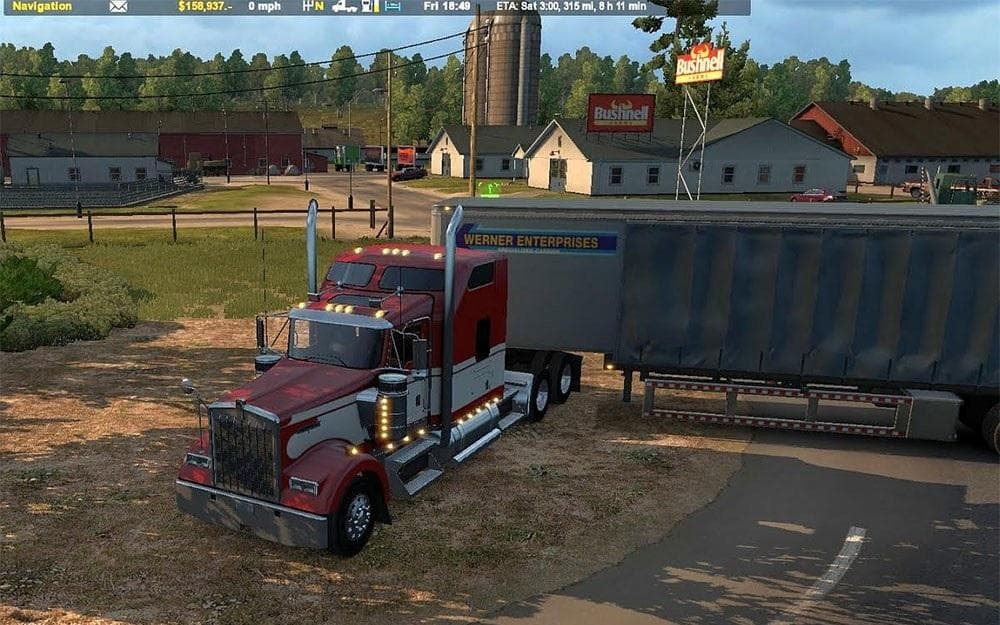
The "KENWORTH W900 AIR HORN" mod for ETS2 adds a more fitting air horn sound to the SCS Kenworth W900 truck. It enhances the audio experience for players lookin
The KENWORTH W900 AIR HORN mod changes the horn sound on the SCS Kenworth W900 truck. Instead of the default horn, this mod replaces it with an air horn that better suits the style and presence of the Kenworth W900 model. It's a simple but effective way to customize your truck's audio profile.
Sound mods like this one focus solely on replacing specific noises within ETS2, such as engine sounds, horns, or ambient effects. In this case, only the air horn sound is altered without affecting other aspects of the truck. These mods usually require careful placement in your mod manager to work correctly.
For optimal performance, sound mods should generally be loaded above any truck models they modify to ensure their audio files override defaults. This means if you use multiple mods that change sounds or trucks, placing this one near the top of your load order will help it function as intended without conflicts.
Players who enjoy customizing their trucks beyond visual tweaks might find this air horn mod appealing. It adds a layer of authenticity and personality to the Kenworth W900 experience for those who want more immersive audio feedback while driving around Europe or other regions represented in ETS2.
This type of mod fits well in setups where players aim for a more personalized or realistic trucking simulation. Anyone who spends time driving the Kenworth W900 and wants its horn to stand out from standard sounds would appreciate this straightforward modification.
How to install
1. Download the .scs file. 2. Drop it into `Documents/Euro Truck Simulator 2/mod/`. 3. Enable in Mod Manager. Sound mods usually need to load **above** truck mods in load order. 4. Restart the game so the audio engine picks up new samples.
After the mod loads, save your game inside a safe area (parking lot or service) before deciding whether to keep it. If the game refuses to load with the mod enabled, check that all required DLCs are installed and that the supported ETS2 version chips on this page include your installed game patch.
Reviews
No ratings yetNo reviews yet — be the first to rate this mod.





