KENWORTH T800 SOUND PACK 1.22.X
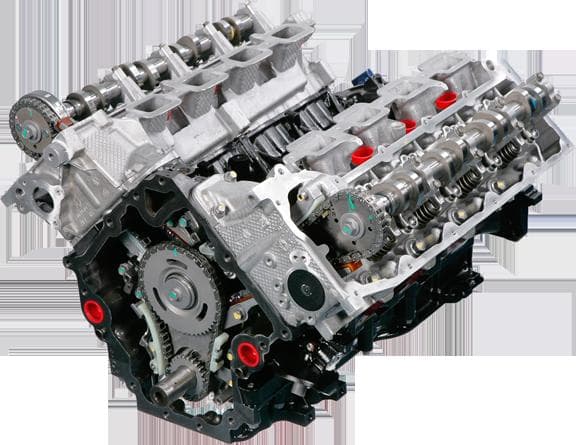
The KENWORTH T800 SOUND PACK 1.22.X mod for ETS2 adds new engine sounds for CAT (C15 and 3406) and Cummins ISX to the Kenworth T800 truck version 2.1. This mod
The KENWORTH T800 SOUND PACK 1.22.X is a sound mod designed specifically for the Kenworth T800 truck in Euro Truck Simulator 2 version 1.22. This mod replaces the default engine noises with more distinctive sounds, including those from CAT engines like the C15 and 3406, as well as the Cummins ISX. Sound packs like this one focus on enhancing the auditory experience by providing unique engine and horn audio that better matches the truck's character.
Sound mods in ETS2 typically overwrite existing vehicle audio files to create a more immersive atmosphere. They often include different engine roars, exhaust tones, or horn sounds tailored to particular trucks or engines. Since these mods directly affect core game audio, they usually need to be placed high in the load order. Doing so ensures their sounds take priority over any conflicting mods, especially truck model mods that may have their own sounds.
When integrating a sound pack like this into a modded setup, it's important to keep it above other mods that alter truck appearances or performance but below any global sound replacers if those are used. Compatibility is generally straightforward with truck-specific sound packs, but conflicts can arise if multiple sound mods target the same vehicle. Testing load order and making adjustments is part of managing such setups.
This mod fits well for players who favor driving the Kenworth T800 and want its engine audio to stand out more realistically within their game world. Anyone running a heavily modded rig with various trucks might appreciate swapping out generic sounds for something more specific to their preferred model. It’s particularly useful for those aiming for an authentic American trucking vibe while exploring regions like Texas or California where Kenworth trucks are common.
How to install
1. Download the .scs file. 2. Drop it into `Documents/Euro Truck Simulator 2/mod/`. 3. Enable in Mod Manager. Sound mods usually need to load **above** truck mods in load order. 4. Restart the game so the audio engine picks up new samples.
After the mod loads, save your game inside a safe area (parking lot or service) before deciding whether to keep it. If the game refuses to load with the mod enabled, check that all required DLCs are installed and that the supported ETS2 version chips on this page include your installed game patch.
Reviews
No ratings yetNo reviews yet — be the first to rate this mod.





