KAWASAKI NINJA COMBO PACK
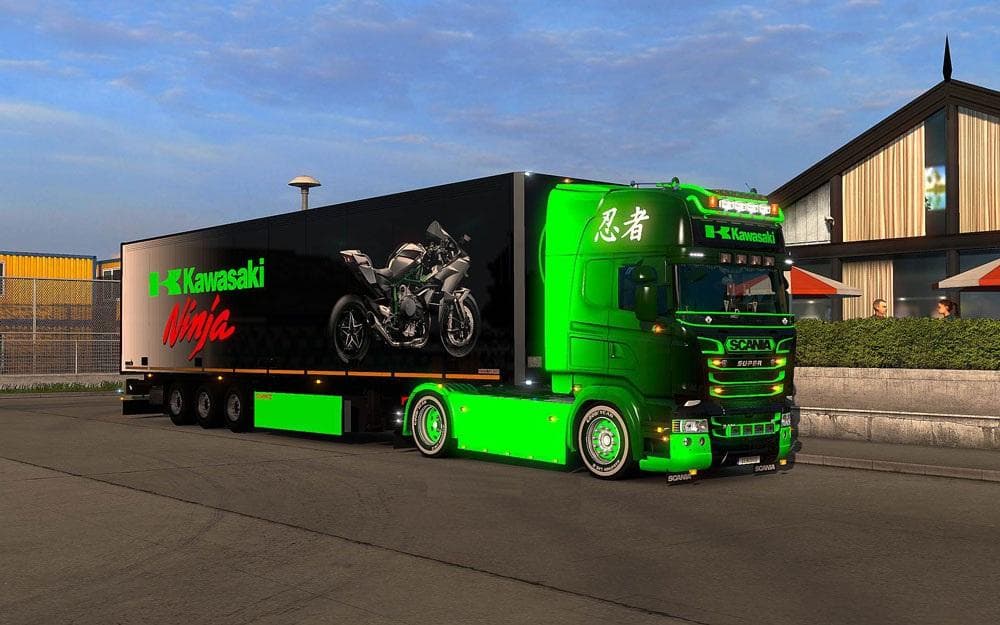
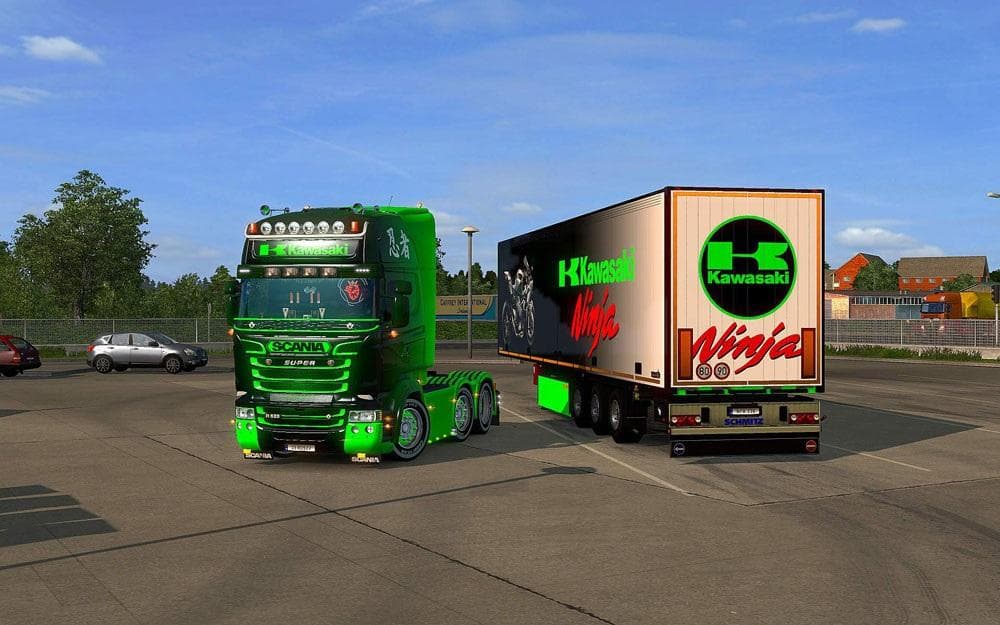
The KAWASAKI NINJA COMBO PACK is a skin mod for Scania R & Streamline trucks and trailers in ETS2 version 1.21. Created by Euro Truck Simulator 2, the mod featu
The KAWASAKI NINJA COMBO PACK offers a set of skins designed for Scania R and Streamline (RJL) trucks along with their trailers. These skins give your vehicles a fresh look inspired by the Kawasaki Ninja theme, applying new paint jobs without altering the underlying model. This kind of mod typically replaces the visual textures on existing trucks and trailers through the paint shop interface in Euro Truck Simulator 2.
Skin mods like this one don't change how your truck drives or handles. Instead, they provide a way to personalize your fleet by repainting vehicles you already own in-game. Because these skins depend on specific base vehicles, compatibility with the Scania R and Streamline models is essential to ensure they display correctly.
When adding skin mods into a modded setup, it's good practice to pay attention to load order. Skin mods usually load after model-changing mods but before gameplay tweaks. This helps prevent conflicts where multiple mods might try to modify the same vehicle's appearance. Since this pack targets specific truck types, it should slot in smoothly alongside other visual enhancements that don't affect those models directly.
This mod is compatible with ETS2 version 1.21, so players running that or similar game versions will find it easier to integrate without running into version mismatches. Although details about its creator and file size aren't specified, it's tested on 1.21.1.4s, suggesting stability within that update range.
Players who enjoy customizing their trucks visually but want to keep things simple will appreciate this combo pack. It suits those who prefer the Scania R series or Streamline variants and want a Kawasaki Ninja-themed design applied quickly through the paint shop rather than more complex vehicle conversions.
How to install
1. Download the .scs file. 2. Drop it into `Documents/Euro Truck Simulator 2/mod/`. 3. Enable in Mod Manager. 4. Apply the skin in the truck/trailer paint shop.
After the mod loads, save your game inside a safe area (parking lot or service) before deciding whether to keep it. If the game refuses to load with the mod enabled, check that all required DLCs are installed and that the supported ETS2 version chips on this page include your installed game patch.
Reviews
No ratings yetNo reviews yet — be the first to rate this mod.





