J.D.HICKMAN TRAILER 1.22.X
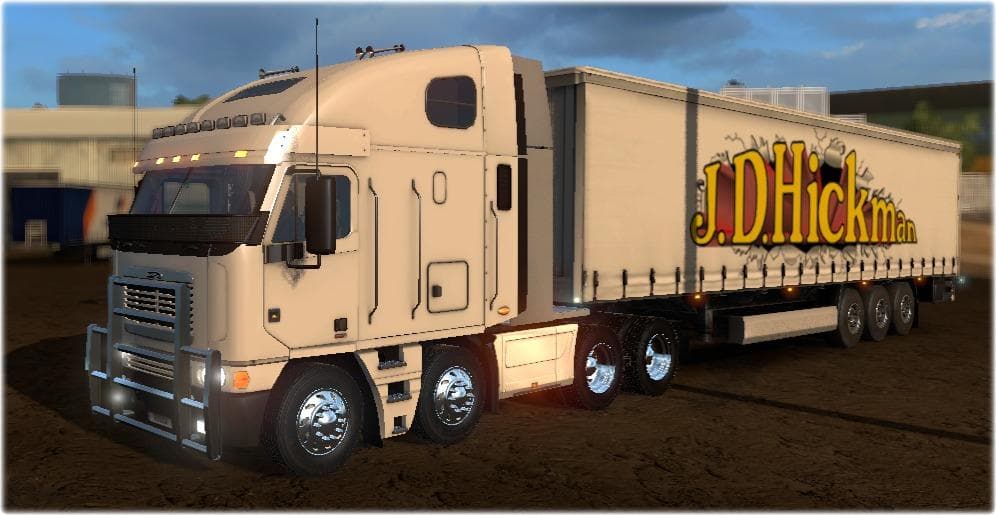
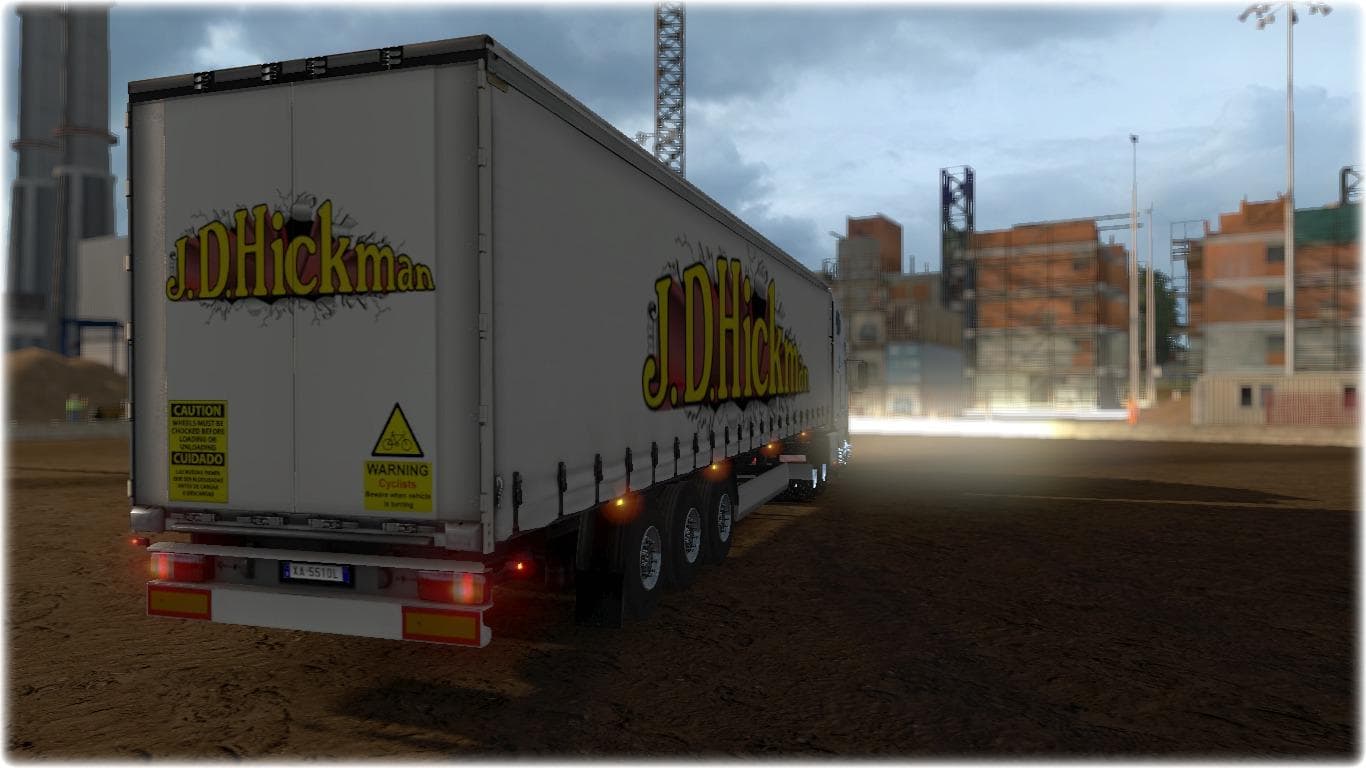
This mod is a J.D. Hickman Trailer skin for Euro Truck Simulator 2 version 1.22. Created by L'dub, it features a trailer template by Matdom1988. The file size a
The J.D.HICKMAN TRAILER 1.22.X is a skin mod designed for Euro Truck Simulator 2 version 1.22. This particular mod provides a repaint for trailers, giving them a fresh look without altering the original model. Skin mods like this one are applied directly in the paint shop and rely on the base trailer they were created for to function properly.
Skins serve as a way to customize your fleet's appearance while keeping the game's core mechanics intact. Since this mod targets trailers specifically, it allows players to add variety or thematic coherence to their convoy by simply changing how their trailers look. It’s a straightforward way to personalize your ETS2 experience without needing extensive changes or affecting performance.
In terms of integrating with other mods, skin mods generally slot in smoothly as long as they're compatible with the game's current version, which in this case is 1.22. Load order isn't usually critical for skins unless you’re using multiple skins on the same trailer model or combining them with trailer model mods. Users should ensure that their base game and any related truck or trailer models are updated accordingly to avoid conflicts.
This skin is ideal for players who enjoy customizing their trailers’ aesthetics and want an alternative design option within their existing setup. It fits well into modded environments focused on visual enhancements rather than gameplay changes. Those who prefer keeping things visually fresh without adding new assets will find it useful.
Since the creator of this mod is unknown and file size details aren’t provided, users should approach installation as they would with most skins: download, place in the mod folder, and activate via the mod manager before launching ETS2. This process keeps things simple and maintains compatibility across various setups.
How to install
1. Download the .scs file. 2. Drop it into `Documents/Euro Truck Simulator 2/mod/`. 3. Enable in Mod Manager. 4. Apply the skin in the truck/trailer paint shop.
After the mod loads, save your game inside a safe area (parking lot or service) before deciding whether to keep it. If the game refuses to load with the mod enabled, check that all required DLCs are installed and that the supported ETS2 version chips on this page include your installed game patch.
Reviews
No ratings yetNo reviews yet — be the first to rate this mod.





