IVECO OLD SOUND MOD
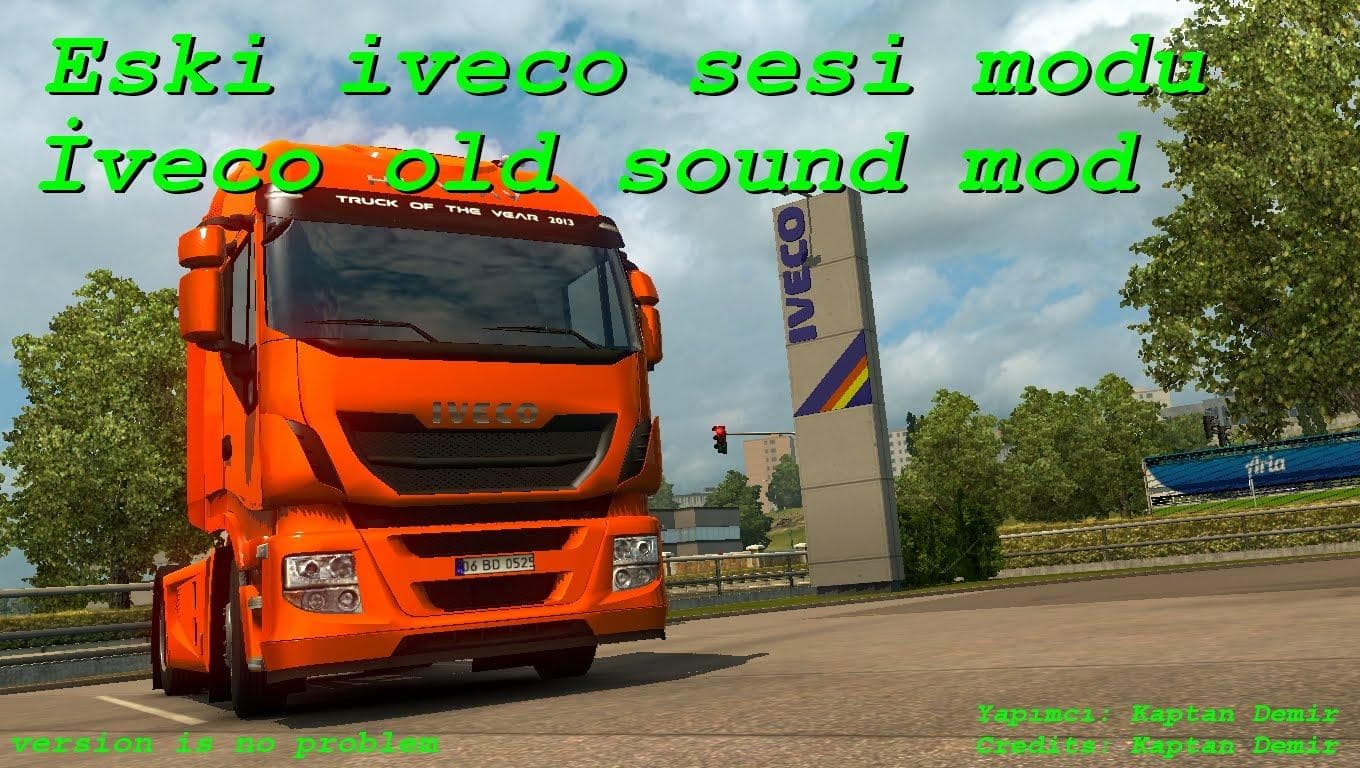
The "IVECO OLD SOUND MOD" is a sound mod for ETS2 that provides an old sound for the Iveco Hiway truck. The creator, mod version, supported ETS2 versions, file
The IVECO OLD SOUND MOD focuses on bringing a vintage engine sound specifically for the Iveco Hi-Way truck in Euro Truck Simulator 2. This kind of mod replaces the default audio files linked to the truck's engine, giving players a different auditory experience that reflects older vehicle models. It’s a neat way to add some variety and nostalgia if you prefer classic truck sounds over the stock ones.
Sound mods like this one usually target specific vehicles or brands and swap out their engine noises, horns, or sometimes environmental effects around the cab. They’re particularly popular among players who want a more immersive or personalized driving atmosphere. You’ll typically find these mods sitting near the top of your mod load order because they need to override existing truck sound files properly.
When using the IVECO OLD SOUND MOD alongside other mods, it’s crucial to place it above any mods that also affect sounds for the Iveco Hi-Way. This helps avoid conflicts or unintended audio layering issues. Since this mod is focused solely on sound, it can easily complement visual or gameplay mods without much hassle.
Players who enjoy fine-tuning every aspect of their ETS2 setup will find value in this mod. If you drive an Iveco Hi-Way often and want to switch up the engine noise for something older and different from the default, this mod fits well into a custom sound pack or a themed vehicle collection.
Overall, this sound mod offers a simple yet effective change for fans of Iveco trucks looking to alter their game's audio landscape. It’s straightforward to install and adds character by revisiting an older engine sound signature.
How to install
1. Download the .scs file. 2. Drop it into `Documents/Euro Truck Simulator 2/mod/`. 3. Enable in Mod Manager. Sound mods usually need to load **above** truck mods in load order. 4. Restart the game so the audio engine picks up new samples.
After the mod loads, save your game inside a safe area (parking lot or service) before deciding whether to keep it. If the game refuses to load with the mod enabled, check that all required DLCs are installed and that the supported ETS2 version chips on this page include your installed game patch.
Reviews
No ratings yetNo reviews yet — be the first to rate this mod.





