IRONE MAN 1.22.X
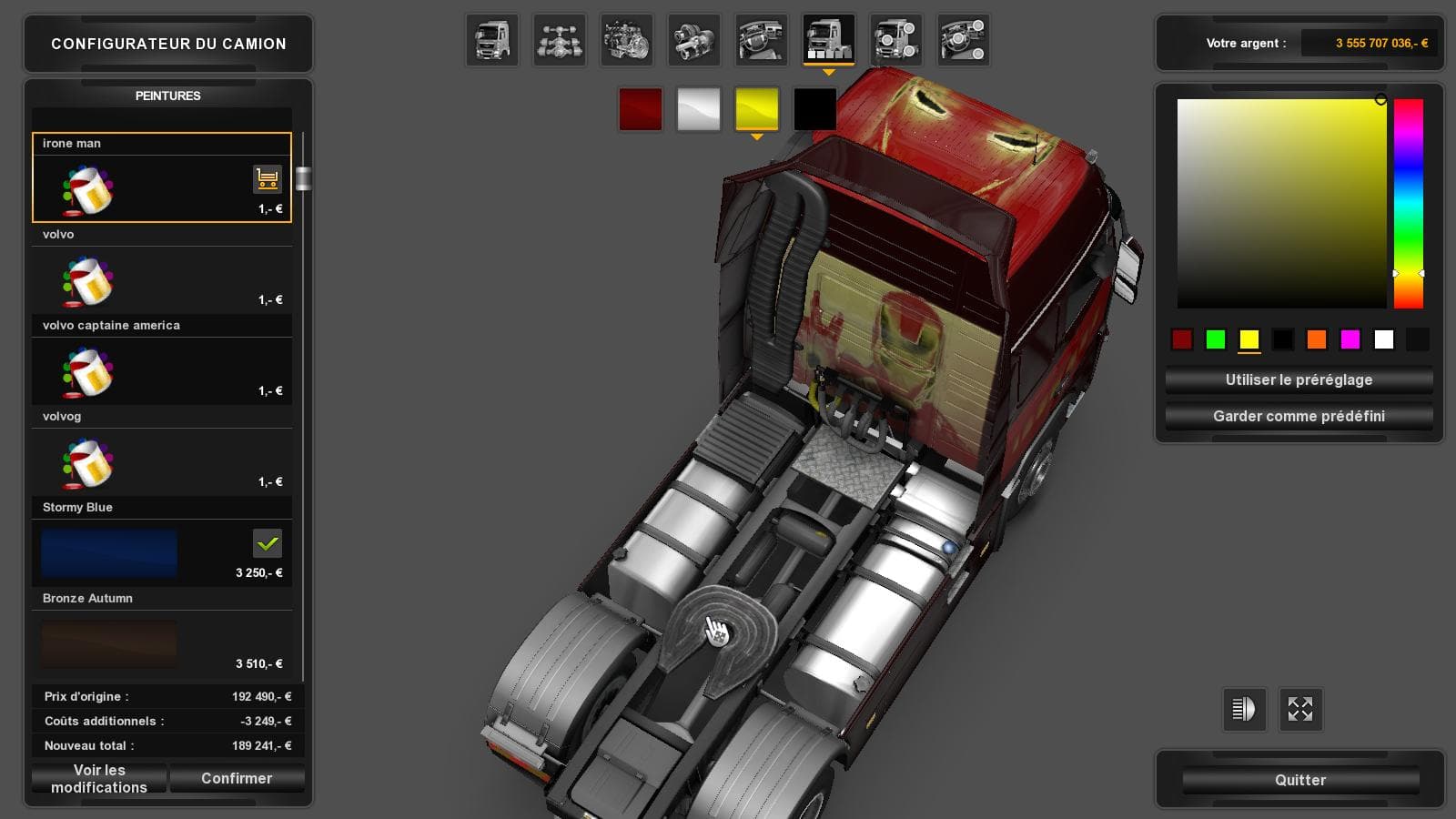
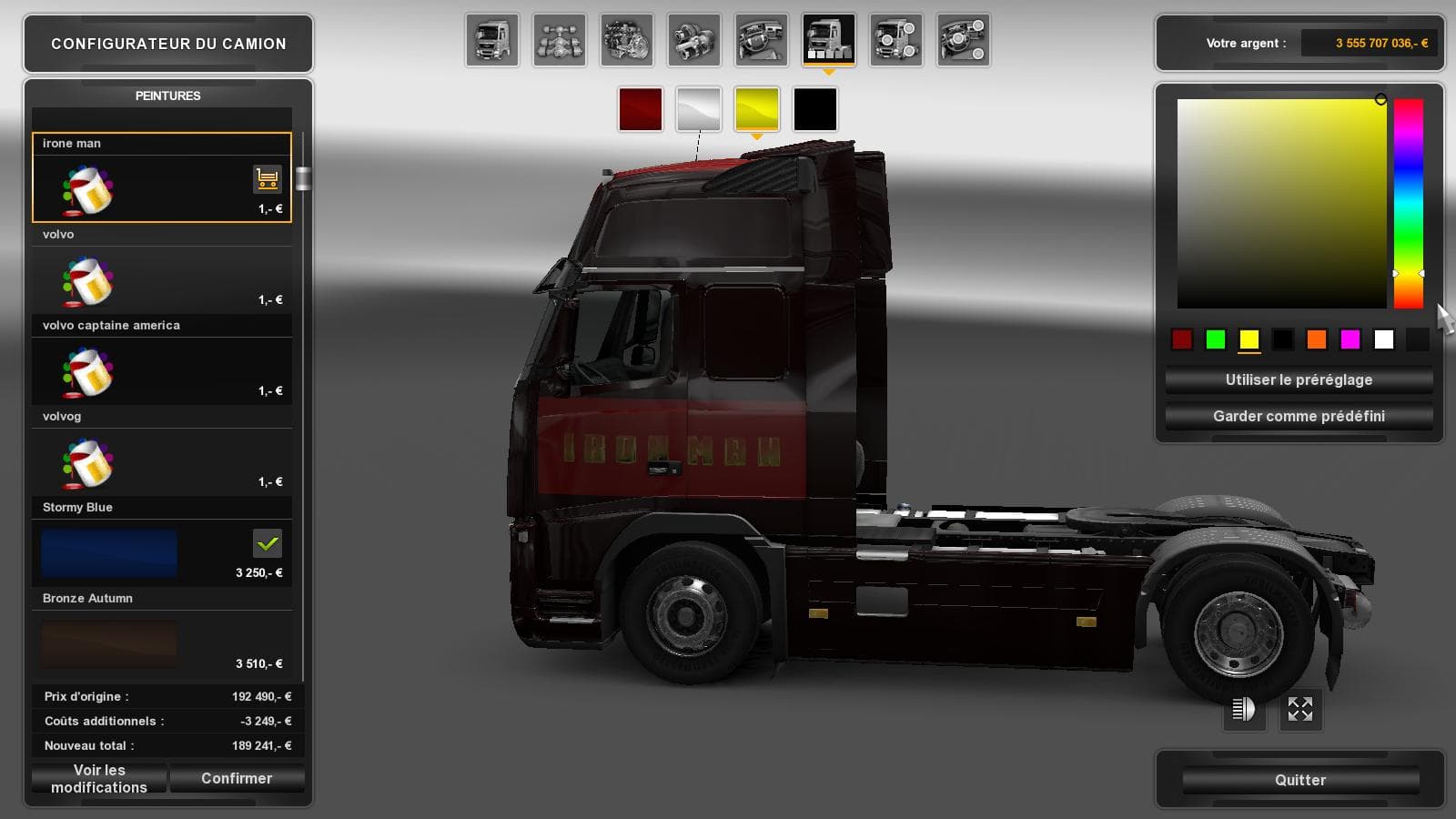
IRONE MAN 1.22.X is a mod for Euro Truck Simulator 2, tested on version 1.22.x. The file size is 5.4 MB and can be downloaded from uploadfiles.eu or sharemods.c
The IRONE MAN 1.22.X mod is a skin mod designed for Euro Truck Simulator 2, tailored specifically for version 1.22 of the game. Skin mods like this one repaint existing trucks without altering the base model or mechanics, providing a fresh look while keeping all original functions intact. This particular skin is applied through the in-game paint shop, where it will only work with compatible vehicles.
In ETS2, skins serve as a straightforward way to customize your fleet's appearance without affecting gameplay or performance. They repaint either trucks, trailers, or cabins and depend heavily on the underlying vehicle model they were created for. The IRONE MAN 1.22.X mod fits into this category by offering a unique visual style that stands out on the road but requires you to have matching truck models to use it.
For players who run several mods, it's good practice to manage load order carefully with skin mods since they usually override stock textures but can be overridden themselves by other skins loaded later in the list. Being compatible with ETS2 version 1.22 means it should integrate smoothly with other content made for that same game update, though conflicts might arise if different skins target identical vehicles.
This type of skin mod appeals mainly to those who enjoy personalizing their trucks beyond factory paint jobs but prefer to avoid more complex mods that alter vehicle handling or add new parts. It's ideal for drivers wanting some visual flair that keeps their setup neat and organized without expanding file sizes dramatically.
Since details like file size and creator are unknown, users should always back up their profiles before installation and confirm the mod works as expected in their own setups. Skins generally don’t impact gameplay mechanics, so compatibility issues tend to be minor compared to more intrusive mods.
How to install
1. Download the .scs file. 2. Drop it into `Documents/Euro Truck Simulator 2/mod/`. 3. Enable in Mod Manager. 4. Apply the skin in the truck/trailer paint shop.
After the mod loads, save your game inside a safe area (parking lot or service) before deciding whether to keep it. If the game refuses to load with the mod enabled, check that all required DLCs are installed and that the supported ETS2 version chips on this page include your installed game patch.
Reviews
No ratings yetNo reviews yet — be the first to rate this mod.





