INTERIOR RIGHT ROTATING CAMERA FULL VERSION
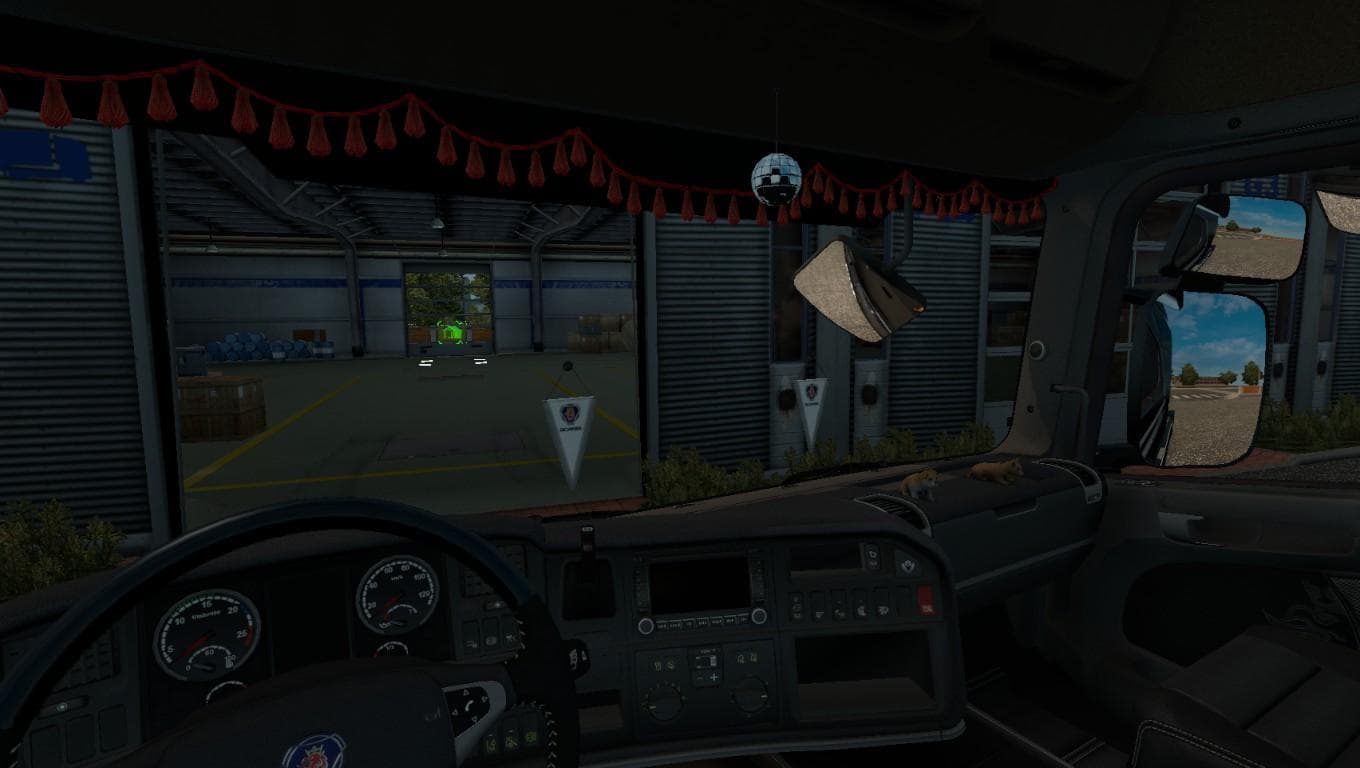
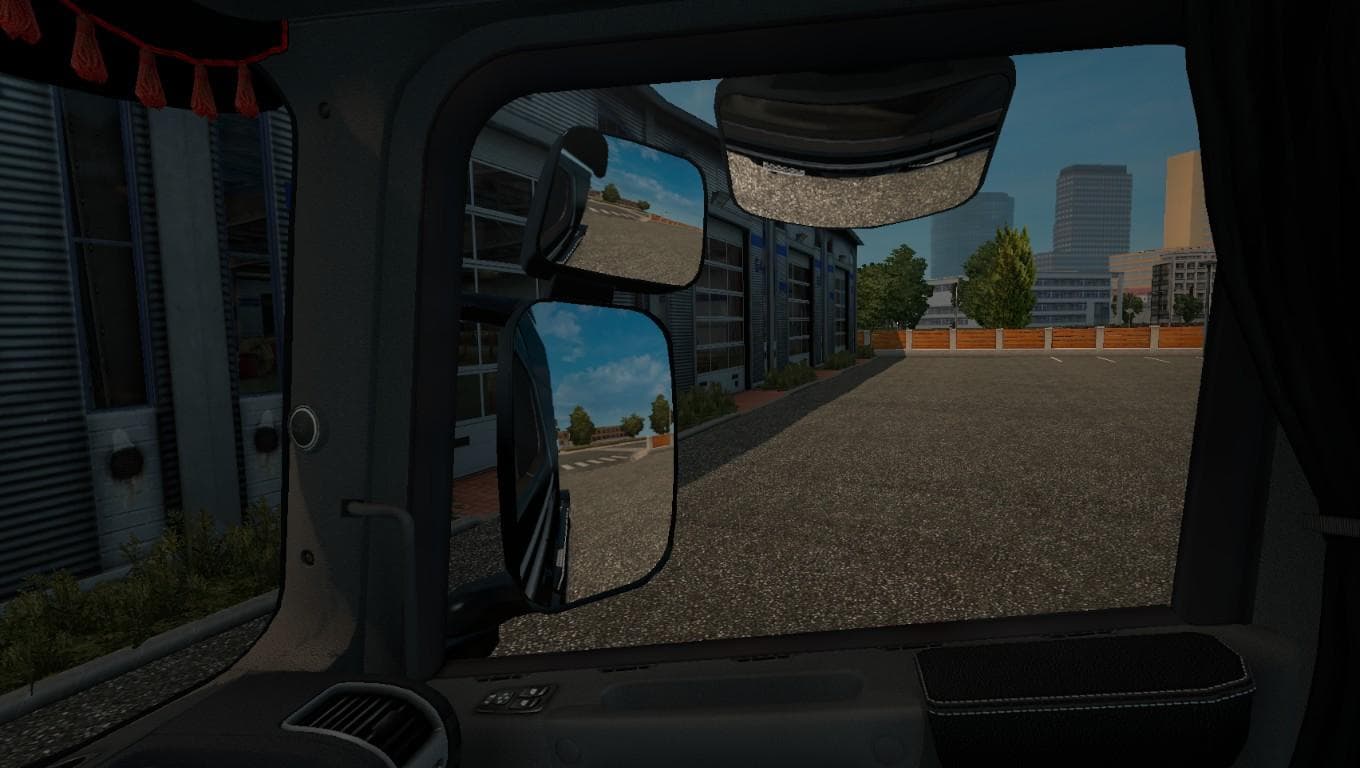
Interior right rotating camera mod for various truck models in ETS2, including DAF XF, Iveco Hiway, MAN TGX, and more. Allows for a unique perspective while dri
The INTERIOR RIGHT ROTATING CAMERA FULL VERSION mod changes the in-cabin camera perspective in Euro Truck Simulator 2 by enabling a right-side rotating view. This modification applies to several popular truck models such as DAF XF, Iveco HiWay, MAN TGX, and Mercedes Actros 2009 among others, allowing players to inspect their vehicle's interior from a different angle. Mods like this typically enhance the immersion by offering more control over how you see your cab environment while driving or parked.
In ETS2, camera mods alter the default viewpoints available inside the truck cabin. They don’t usually affect gameplay mechanics but provide new ways to observe your surroundings or appreciate detailed interior designs. Since this mod is installed through the in-game Mod Manager, it fits neatly alongside other cosmetic or functional modifications without requiring complex setup procedures.
When integrating this type of camera mod into a heavily modded game setup, it's wise to consider load order since camera changes might conflict with other mods that modify interior views or HUD elements. Generally, placing it after larger vehicle packs or UI mods helps avoid issues. This category of mod is relatively lightweight and shouldn't interfere with performance or cause compatibility problems unless another mod also alters cabin cameras.
Players who enjoy spending time customizing their experience will find this useful for gaining fresh perspectives on their favorite trucks. It’s especially appealing to those who want a more dynamic visual connection with their vehicles during long hauls across European regions such as Germany, France, or Poland. By changing how you look around inside the cab, it subtly shifts the feel of daily driving tasks within ETS2.
How to install
1. Download the file(s) from the original source linked above. 2. Drop them into `Documents/Euro Truck Simulator 2/mod/`. 3. Enable in Mod Manager and restart the game.
After the mod loads, save your game inside a safe area (parking lot or service) before deciding whether to keep it. If the game refuses to load with the mod enabled, check that all required DLCs are installed and that the supported ETS2 version chips on this page include your installed game patch.
Reviews
No ratings yetNo reviews yet — be the first to rate this mod.





