INTERIOR LIGHTS 1.21
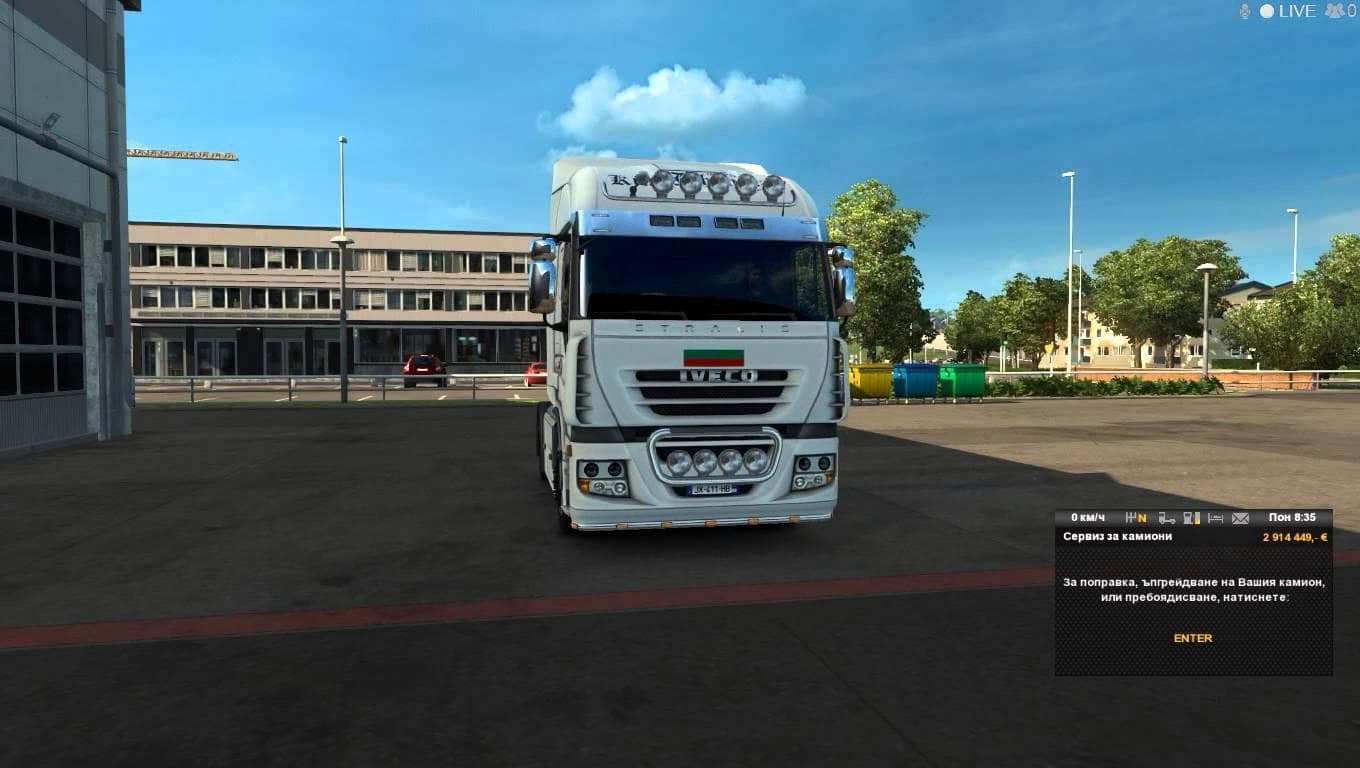
Interior Lights 1.21 mod by Euro Truck Simulator 2 adds red, green, blue, and white interior lights for all default trucks, including Volvo, DAF Ohaha, DAF 50ke
INTERIOR LIGHTS 1.21 is a mod designed to change the interior lighting colors of all default trucks in Euro Truck Simulator 2, including popular models like Volvo, DAF, Scania RJL, and Argosy. It replaces the standard white light with options such as red, green, blue, and white to offer some variety inside the cabin. This type of mod tweaks aesthetic details that can add a different atmosphere during nighttime driving without affecting gameplay mechanics.
Mods that adjust interior lights generally work by replacing or modifying existing game textures or configurations related to cabin illumination. They are installed through the in-game Mod Manager and typically load alongside other cosmetic or visual mods. Since this mod targets default trucks only, it fits well into setups focusing on stock vehicles rather than heavily customized ones.
When incorporating mods like INTERIOR LIGHTS 1.21 into your collection, pay attention to load order especially if you have multiple mods altering truck interiors or lighting effects. Conflicts may arise if another mod also modifies interior lights or textures for the same vehicles. Placing this mod above others with similar changes helps ensure its color settings take effect.
This mod caters to players who enjoy personalizing their trucking experience down to small details inside the cab. It’s ideal for those looking to differentiate their default trucks visually during night drives without adding complex features or large overhaul mods. It works with ETS2 version 1.21 and aligns with users preferring subtle but noticeable changes.
How to install
1. Download the file(s) from the original source linked above. 2. Drop them into `Documents/Euro Truck Simulator 2/mod/`. 3. Enable in Mod Manager and restart the game.
After the mod loads, save your game inside a safe area (parking lot or service) before deciding whether to keep it. If the game refuses to load with the mod enabled, check that all required DLCs are installed and that the supported ETS2 version chips on this page include your installed game patch.
Reviews
No ratings yetNo reviews yet — be the first to rate this mod.





