INTERIEUR SET PACK 1.21.X
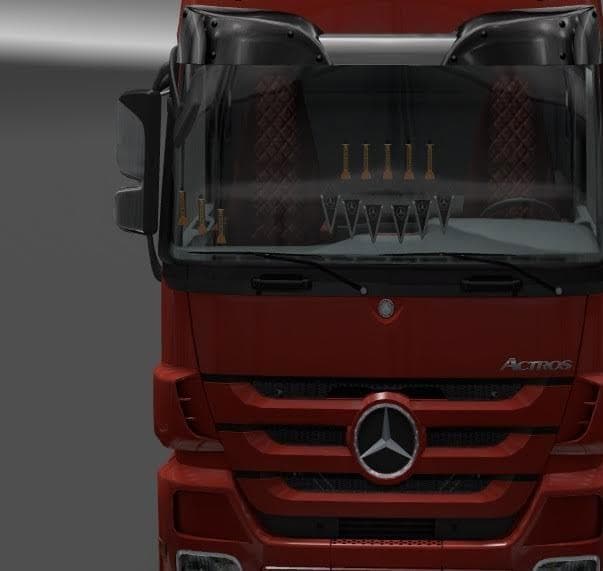
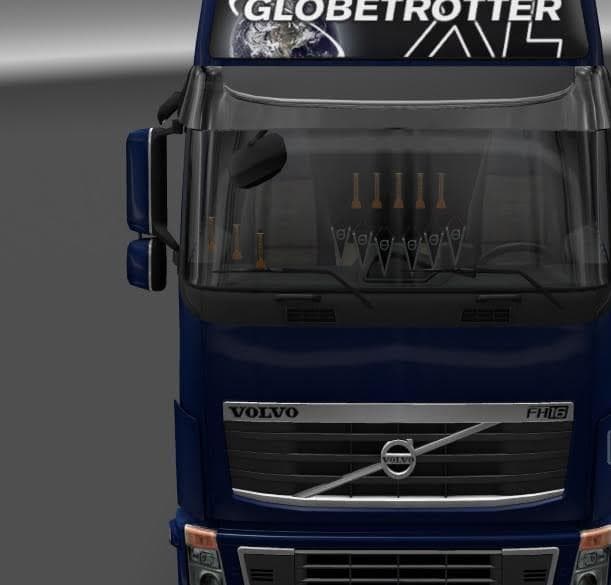
INTERIEUR SET PACK 1.21.X is an interior mod for ETS2 version 1.21, created by Euro truck simulator 2. The pack includes various interior sets for all trucks, w
The INTERIEUR SET PACK 1.21.X is a mod designed to enhance the interior options across all trucks in Euro Truck Simulator 2, specifically compatible with version 1.21. This type of mod typically adds new visual elements or variations to the truck cabins, giving players more choices for customizing their driving environment beyond the default game settings.
Mods focusing on truck interiors like this one work by replacing or adding textures and models inside the cabin space. They don't alter gameplay mechanics but improve immersion by allowing drivers to personalize their virtual workspace. Since it's installed through the in-game Mod Manager, it integrates smoothly into your existing setup without needing manual file adjustments.
When using mods that affect truck interiors, it's useful to pay attention to load order if you have multiple mods modifying the same area. Generally, interior packs should be placed higher in priority than broader truck overhaul mods to ensure their changes are applied correctly. Compatibility is usually straightforward unless another mod modifies the exact same interior assets.
This pack fits well for players who enjoy fine-tuning every detail of their trucks and want fresh interior looks without switching trucks entirely. It complements map expansions or skin mods nicely because it adds a layer of personalization inside the cabin rather than changing external appearances or environments.
Drivers interested in exploring different cabin styles will appreciate what this mod offers. It suits those who spend long hours behind the wheel and value subtle customization that enhances their connection to their rig without impacting performance or gameplay flow.
How to install
1. Download the file(s) from the original source linked above. 2. Drop them into `Documents/Euro Truck Simulator 2/mod/`. 3. Enable in Mod Manager and restart the game.
After the mod loads, save your game inside a safe area (parking lot or service) before deciding whether to keep it. If the game refuses to load with the mod enabled, check that all required DLCs are installed and that the supported ETS2 version chips on this page include your installed game patch.
Reviews
No ratings yetNo reviews yet — be the first to rate this mod.





