IMPROVED WEATHER RELOAD R6
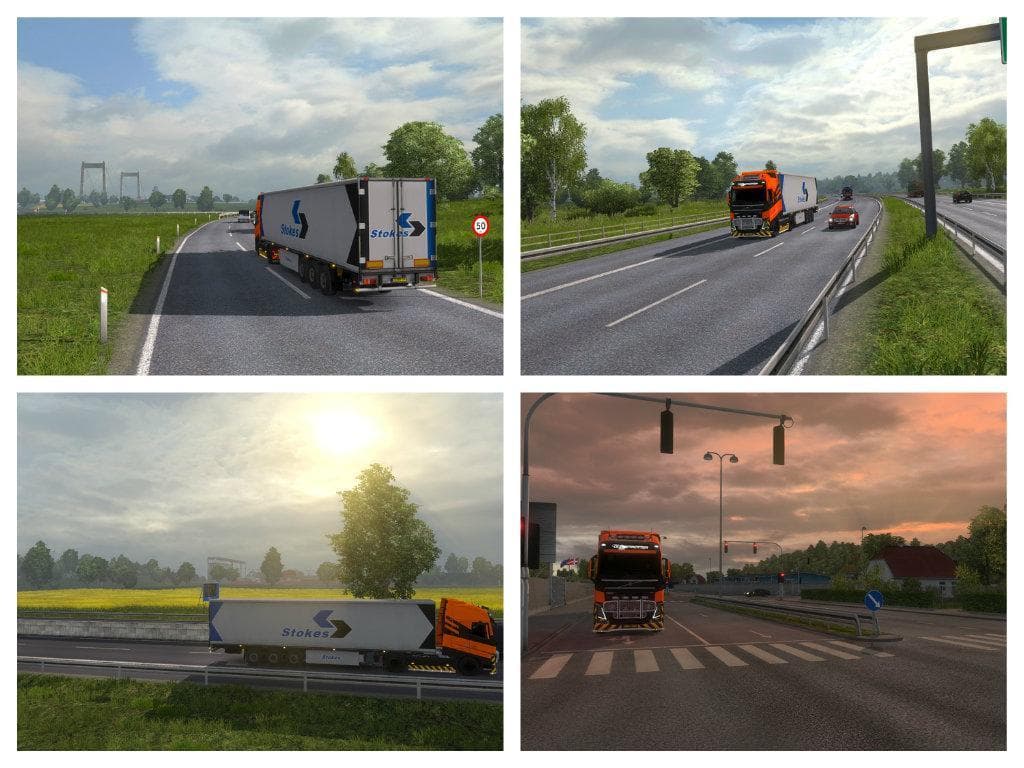
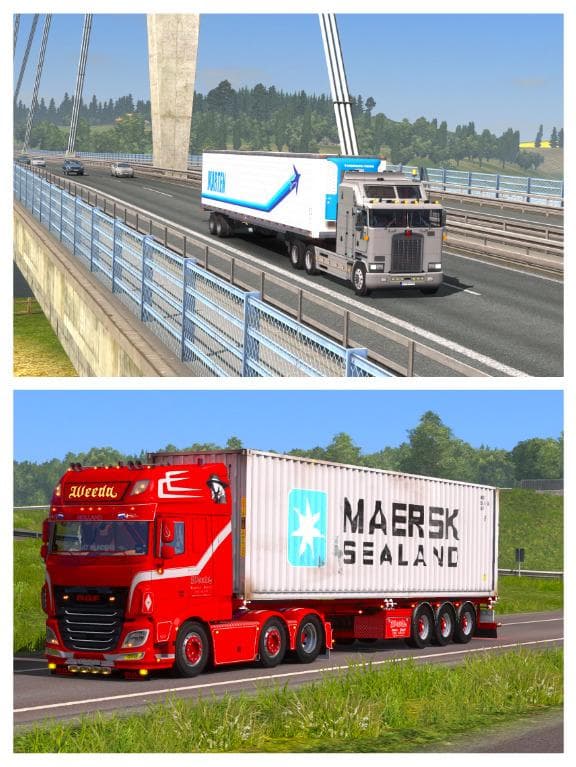
IMPROVED WEATHER RELOAD R6 is a sound mod designed specifically for Euro Truck Simulator 2 version 1.20. This mod updates environmental audio to create a more immersive weather experience, though it has a known issue with incorrect sun placement on skyboxes. It’s not recommended to use this mod alongside other weather mods due to potential conflicts.
Sound mods like this one typically replace or enhance the game's engine, horn, or ambient sounds. In the case of IMPROVED WEATHER RELOAD R6, the focus is on environmental audio tied to weather conditions, adding depth to how rain, wind, and other atmospheric elements sound while driving.
When incorporating this mod into a broader modded setup, it’s important to place it high in the load order since sound mods need priority over truck and vehicle mods they might affect. Users should avoid combining it with other weather-related modifications to prevent issues such as overlapping audio or visual inconsistencies.
This mod is suitable for players who want enhanced weather sounds without altering visual weather effects extensively. If your setup already includes multiple truck or map mods but you desire better ambiance during different weather states, this could be a straightforward addition—provided you manage compatibility carefully.
How to install
1. Download the .scs file. 2. Drop it into `Documents/Euro Truck Simulator 2/mod/`. 3. Enable in Mod Manager. Sound mods usually need to load **above** truck mods in load order. 4. Restart the game so the audio engine picks up new samples.
After the mod loads, save your game inside a safe area (parking lot or service) before deciding whether to keep it. If the game refuses to load with the mod enabled, check that all required DLCs are installed and that the supported ETS2 version chips on this page include your installed game patch.
Reviews
No ratings yetNo reviews yet — be the first to rate this mod.





