IMPROVED ENVIRONMENT SOUND 1.22.X
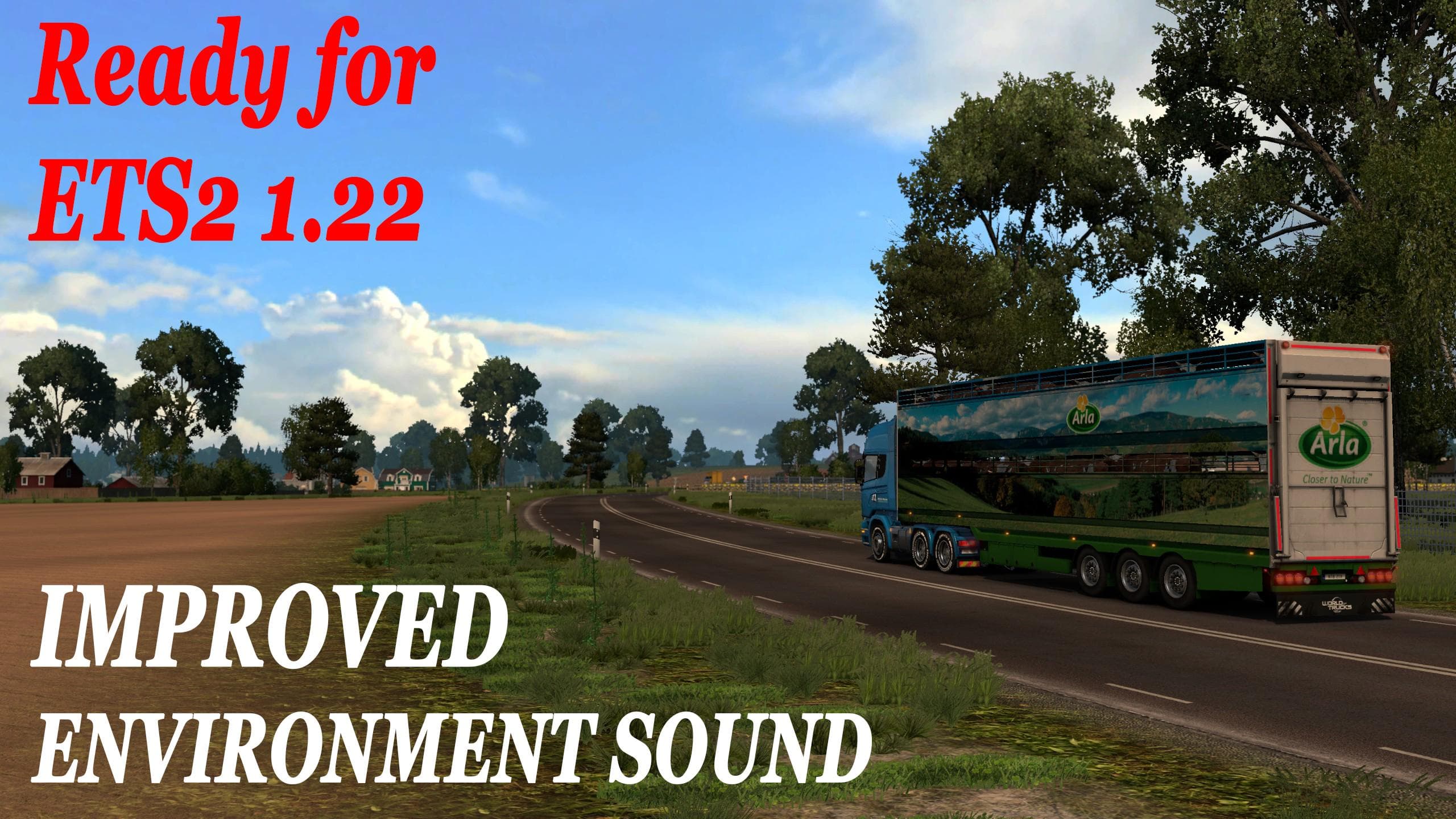
IMPROVED ENVIRONMENT SOUND 1.22.X is a sounds mod for ETS2 version 1.22 by Euro truck simulator 2. It adds approximately 180 high-quality sounds and music, incl
IMPROVED ENVIRONMENT SOUND 1.22.X is a sound mod designed for ETS2 version 1.22. It enhances the audio experience by adding around 180 new sounds and music tracks, including updated environmental noises and fresh AI car horn effects. This type of mod focuses on enriching the game's soundscape rather than visuals or gameplay mechanics.
Sound mods like this one typically replace or add to the default engine, horn, and ambient noises heard during play. They often require careful placement in your mod load order—usually near the top—to ensure their sounds take priority over any conflicting truck mods you might have installed. Proper loading helps avoid overlapping audio issues that can detract from immersion.
Since this mod updates various AI vehicle sounds and general environment audio, it fits well into a heavily modded setup where audio detail is a priority. Players who already use truck mods or map expansions will find it complements those additions by improving sound variety without interfering with other features.
Anyone looking to boost the auditory atmosphere of ETS2 without changing gameplay elements would appreciate this mod. It's especially suited for those who enjoy driving through diverse regions like Germany or France, where subtle differences in traffic and ambiance contribute to a more engaging haul.
Because the creator is unknown and file size details aren't provided, it's wise to back up your current sound files before installing. Testing for compatibility with other sound mods is also recommended, as multiple sound replacements can conflict if not managed carefully.
How to install
1. Download the .scs file. 2. Drop it into `Documents/Euro Truck Simulator 2/mod/`. 3. Enable in Mod Manager. Sound mods usually need to load **above** truck mods in load order. 4. Restart the game so the audio engine picks up new samples.
After the mod loads, save your game inside a safe area (parking lot or service) before deciding whether to keep it. If the game refuses to load with the mod enabled, check that all required DLCs are installed and that the supported ETS2 version chips on this page include your installed game patch.
Reviews
No ratings yetNo reviews yet — be the first to rate this mod.





