HOOGVLIET TRUCK + TRAILER PACK
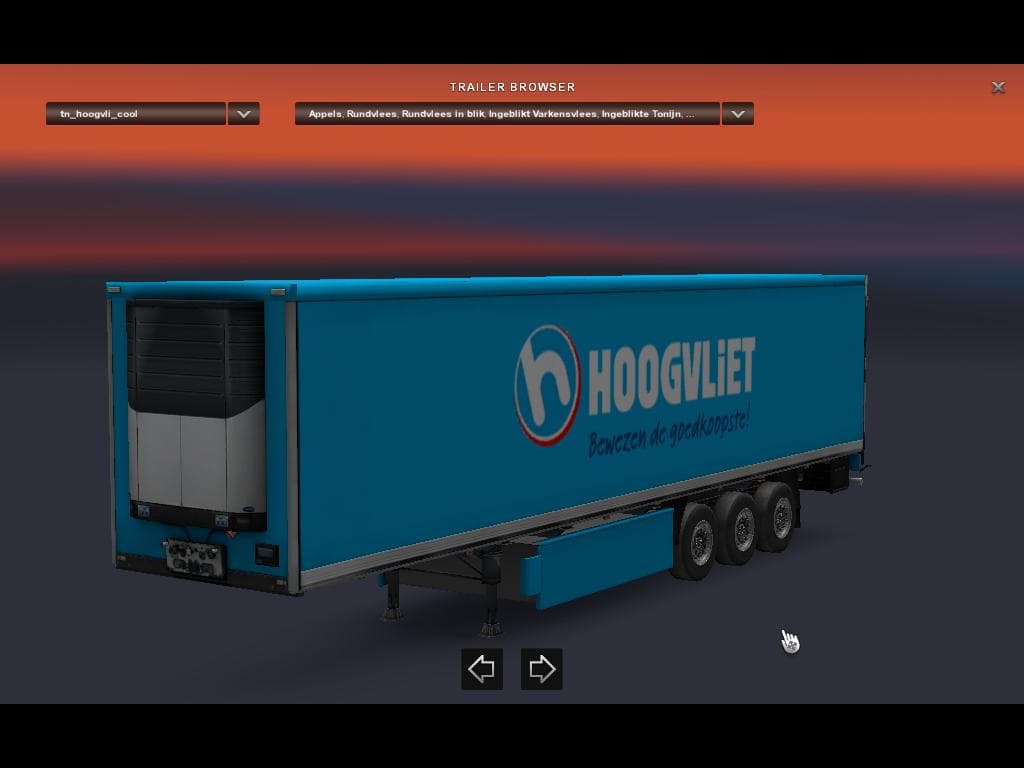
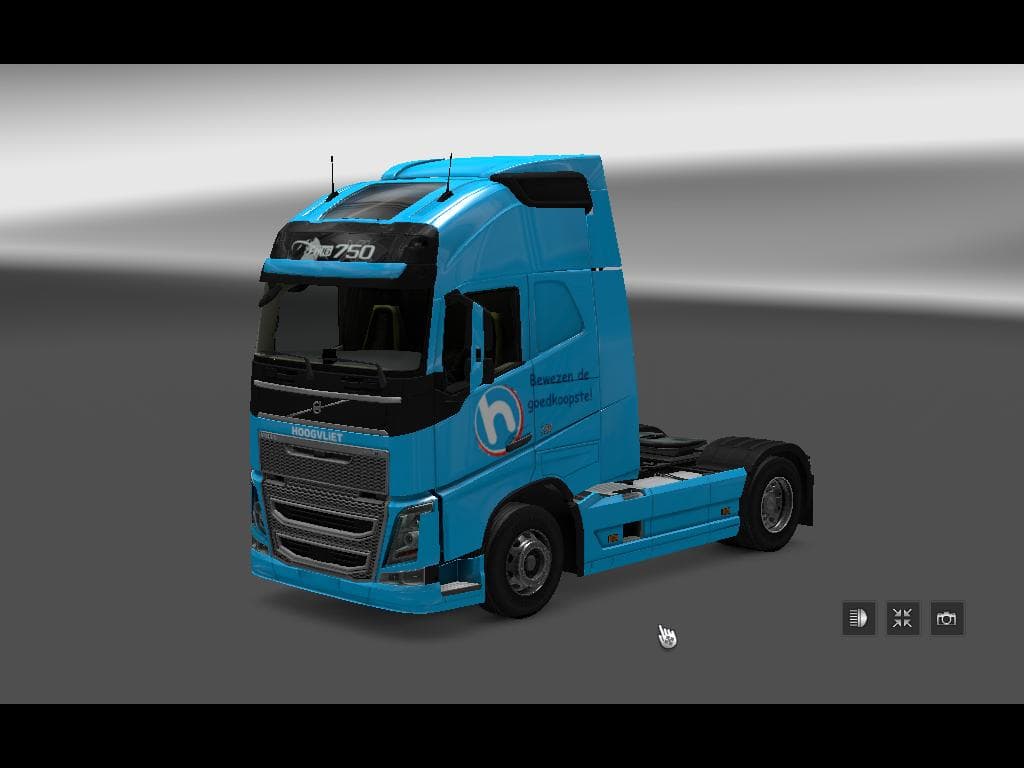
The HOOGVLIET TRUCK + TRAILER PACK is a skins mod for ETS2 created by Euro Truck Simulator 2. It includes 3 truck skins and 3 standalone trailers, with credits
The HOOGVLIET TRUCK + TRAILER PACK is a set of skins designed for Euro Truck Simulator 2 that includes three truck designs along with three trailers, both standalone and visible in traffic. These skins repaint existing SCS Software vehicles without altering their models, so they apply directly in the paint shop where you customize your trucks and trailers. Since the pack features both trucks and trailers, it offers a cohesive look if you like to keep your rigs visually consistent on the road.
Skin mods like this one don't add new vehicles but rather change the appearance of those already present in ETS2. Because they're tied to specific base models from the official game, you need to have those original vehicles installed for these skins to work properly. They don't affect gameplay or performance but can enhance immersion by introducing fresh liveries that might represent real-world companies or fictional brands.
When adding skin packs to a modded setup, it's wise to pay attention to load order if you're running multiple mods affecting the same vehicles. Skins should generally load after any model-changing mods but before any AI traffic modifications that could override trailer appearances. Compatibility is usually straightforward with skin mods since they only swap textures, but conflicts can happen if two mods target the same vehicle skin slot.
This pack would appeal mostly to players who enjoy customizing their fleet’s look or want more variety in their convoy and AI traffic. If you prefer a modded game where your trucks and trailers reflect different liveries beyond the default options, this kind of skin pack fits well. It's also useful for those who want a bit more realism or thematic consistency when driving across regions represented in ETS2.
How to install
1. Download the .scs file. 2. Drop it into `Documents/Euro Truck Simulator 2/mod/`. 3. Enable in Mod Manager. 4. Apply the skin in the truck/trailer paint shop.
After the mod loads, save your game inside a safe area (parking lot or service) before deciding whether to keep it. If the game refuses to load with the mod enabled, check that all required DLCs are installed and that the supported ETS2 version chips on this page include your installed game patch.
Reviews
No ratings yetNo reviews yet — be the first to rate this mod.





