GAZPROM COMBO SKIN 1.22
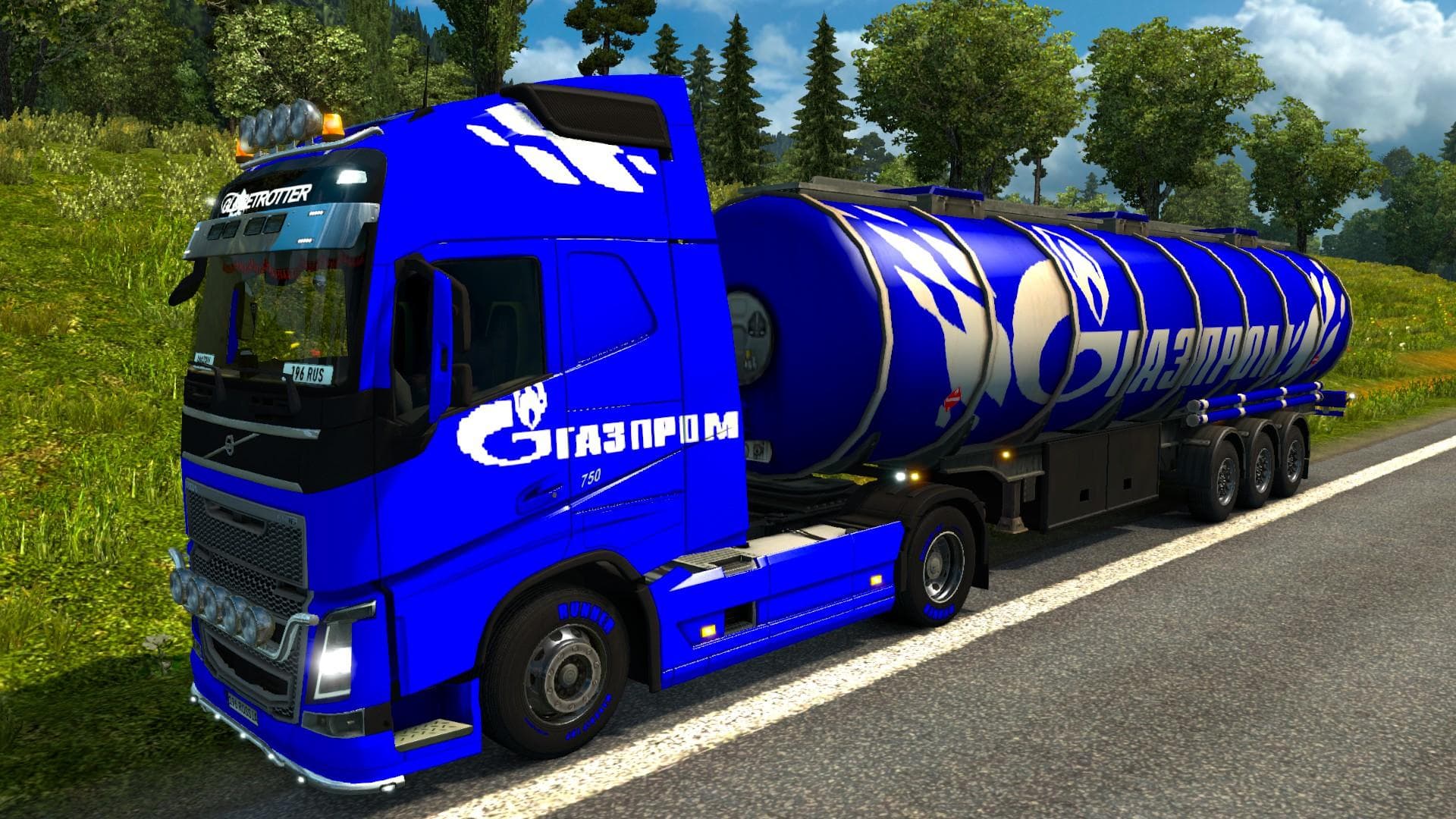
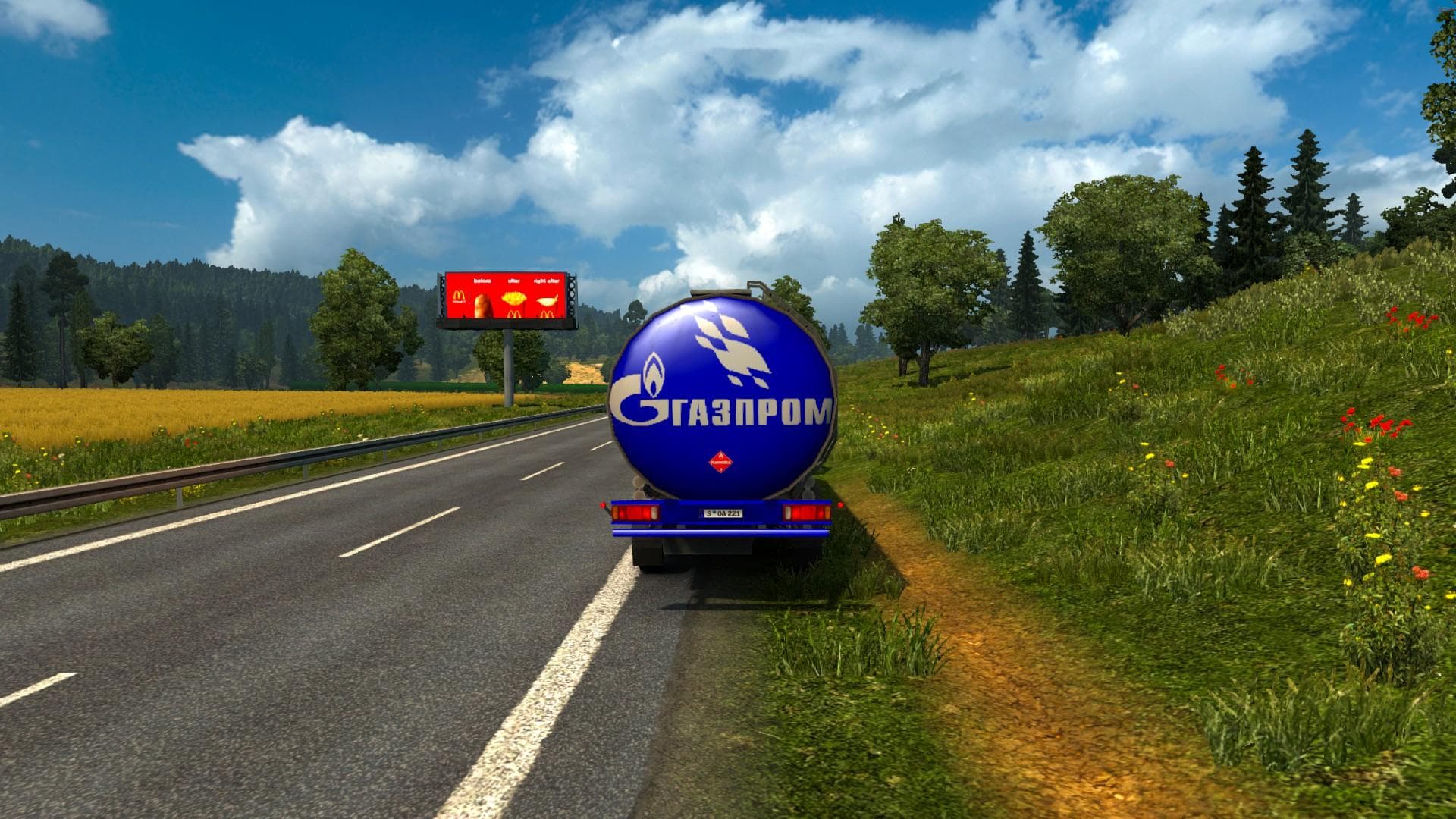
The GAZPROM COMBO SKIN 1.22 is a skin mod for Volvo FH 2013 truck and 2 trailers in Euro Truck Simulator 2 version 1.22. Created by Euro truck simulator 2, the
The GAZPROM COMBO SKIN 1.22 is a repaint mod designed for the Volvo FH 2013 truck and two trailers in Euro Truck Simulator 2. Instead of altering the vehicle's shape or mechanics, it changes the visual appearance by applying a Gazprom-themed design. Skins like this one are usually selected in the game's paint shop and rely on compatible base vehicles to display correctly.
Skin mods generally offer a straightforward way to customize your trucks without affecting gameplay or performance. They overlay new textures onto existing models, allowing you to personalize your fleet or match specific themes such as company branding or regional designs. Because they don't modify the truck's structure, these skins typically work alongside other mods that add trucks, trailers, or gameplay features without conflicts.
When adding a skin like this to a modded setup, it’s worth noting that load order can influence how textures appear in-game. Typically, skin mods should be loaded after any truck model mods to ensure they override default textures properly. Conflicts are rare with skins unless multiple repaint mods target the same vehicle simultaneously.
This Gazprom skin suits players who want their Volvo FH 2013 trucks and trailers to sport a realistic corporate livery linked to Russia’s energy sector. It fits well within setups focused on authenticity or those seeking a bit of variety in their truck visuals while sticking with official game versions around 1.22.
Overall, if you run ETS2 version 1.22 and enjoy tweaking your truck’s look through paint jobs rather than mechanical upgrades, this skin offers an easy way to give your Volvo rigs a distinctive touch tied to Gazprom branding.
How to install
1. Download the .scs file. 2. Drop it into `Documents/Euro Truck Simulator 2/mod/`. 3. Enable in Mod Manager. 4. Apply the skin in the truck/trailer paint shop.
After the mod loads, save your game inside a safe area (parking lot or service) before deciding whether to keep it. If the game refuses to load with the mod enabled, check that all required DLCs are installed and that the supported ETS2 version chips on this page include your installed game patch.
Reviews
No ratings yetNo reviews yet — be the first to rate this mod.





