FPS INCREASE FINAL (ONLY CONFIG)
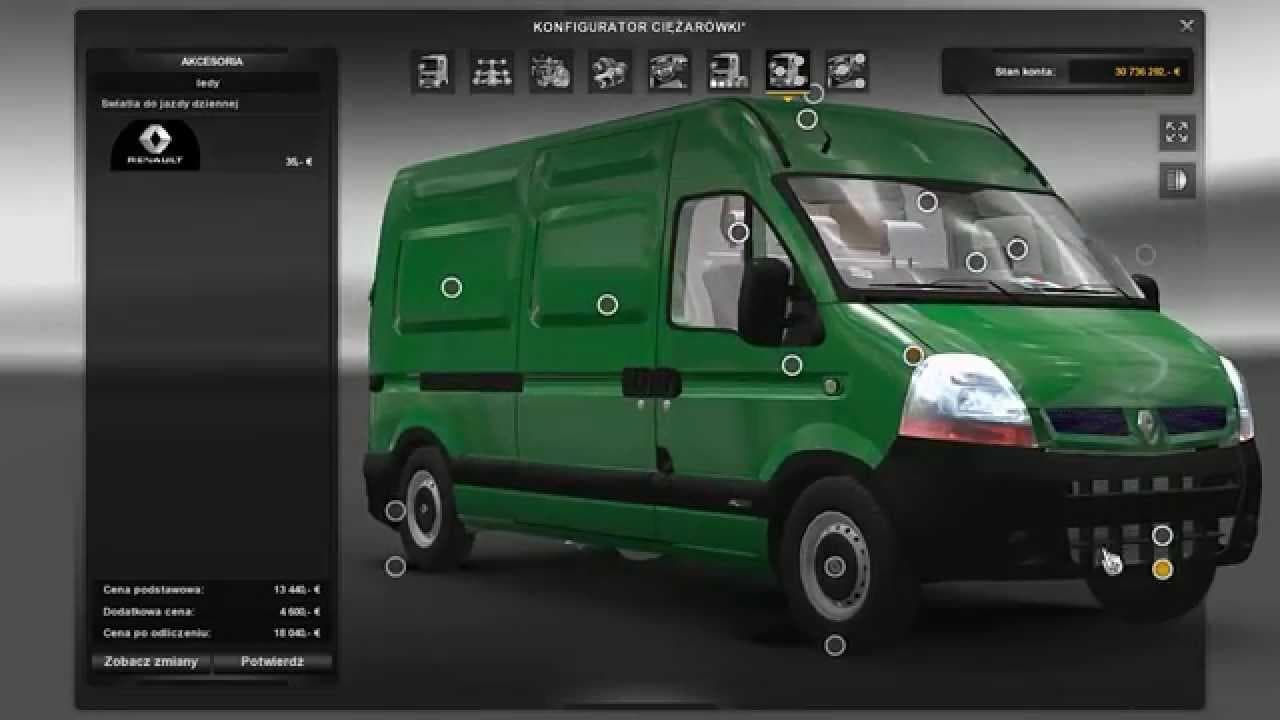
FPS INCREASE FINAL (ONLY CONFIG) - ETS2 mods download is an ETS2 unknown.
This mod, titled FPS INCREASE FINAL (ONLY CONFIG), is a sound-related modification for Euro Truck Simulator 2 that specifically adjusts the game's display elements by disabling the console and the FPS counter on the top of the screen. Unlike many sound mods which replace engine or horn noises, this one focuses on the interface aspect tied to performance feedback rather than audio content itself.
Sound mods in ETS2 usually involve swapping out various in-game noises such as engine sounds, horns, or environmental audio to enhance immersion or suit personal preferences. They tend to require placement high in the load order so they properly override default sounds and any truck-specific sound packs. Though this mod doesn't alter actual audio files, it aligns with sound category tweaks by modifying related configuration settings affecting what you see during play.
In a modded setup, FPS INCREASE FINAL (ONLY CONFIG) would fit well if you're looking to clean up your screen by removing performance indicators that some players find distracting. Since it disables console and FPS display elements rather than changing core game mechanics or visuals, it should generally be compatible with most other mods without special load order considerations beyond typical sound mod rules.
Players who prefer a minimalistic interface or want fewer on-screen distractions while driving might appreciate what this mod offers. It's especially useful for those who have used earlier versions featuring console and FPS displays but now want those removed for a cleaner experience.
How to install
1. Download the .scs file. 2. Drop it into `Documents/Euro Truck Simulator 2/mod/`. 3. Enable in Mod Manager. Sound mods usually need to load **above** truck mods in load order. 4. Restart the game so the audio engine picks up new samples.
After the mod loads, save your game inside a safe area (parking lot or service) before deciding whether to keep it. If the game refuses to load with the mod enabled, check that all required DLCs are installed and that the supported ETS2 version chips on this page include your installed game patch.
Reviews
No ratings yetNo reviews yet — be the first to rate this mod.





