FOGGY WEATHER 1.2 – SEASON EDITION
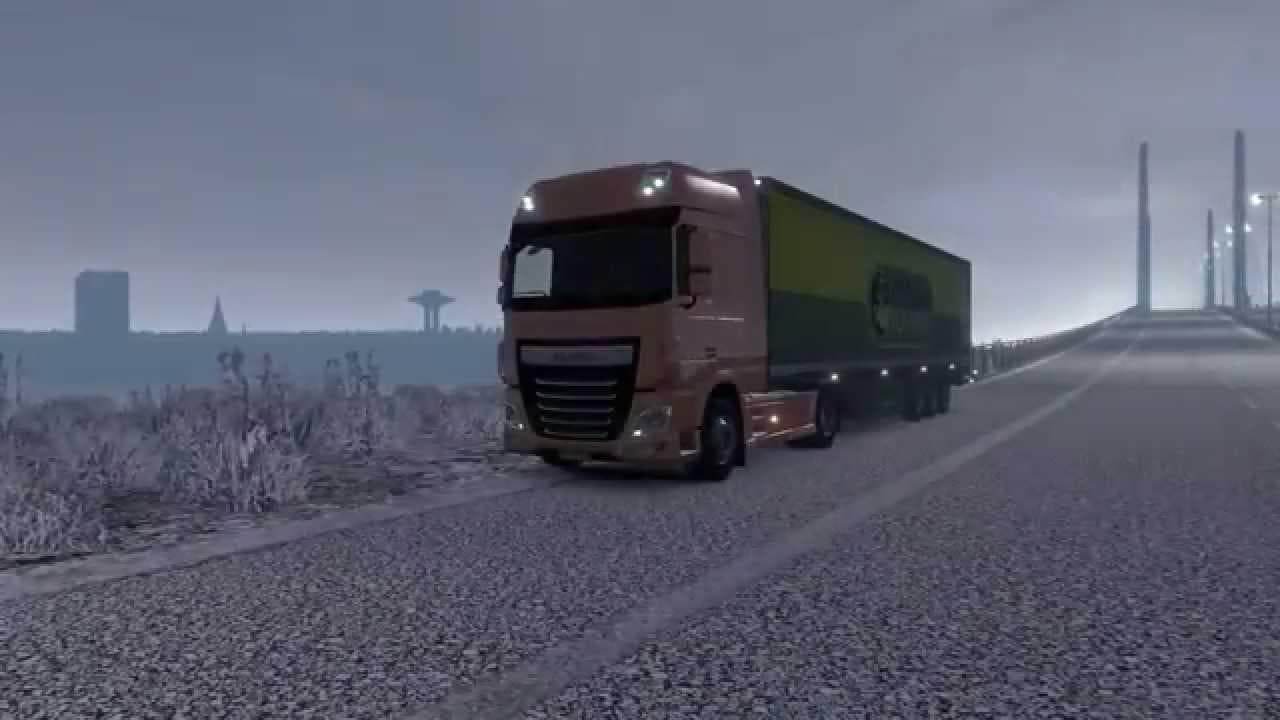
This mod, titled "Foggy Weather 1.2 – Season Edition," is the latest version created by Euro Truck Simulator 2. It offers compatibility with late-autumn and...
Foggy Weather 1.2 – Season Edition is a sound mod designed to enhance the atmospheric audio in Euro Truck Simulator 2. This version focuses on improving foggy weather sounds, making the in-game environment feel more immersive during misty or low-visibility conditions. It’s a continuation of a previously released weather sound mod, now with better compatibility for late-autumn settings.
Sound mods like this one replace environmental audio elements such as rain, wind, thunder, or fog effects to create a richer sensory experience. They usually don’t alter gameplay mechanics but can significantly change how players perceive different weather scenarios. Installing these mods typically involves placing them high in the mod load order so their sounds override any default or truck-specific audio files.
Since Foggy Weather 1.2 supports ETS2 version 1.2, it fits well into setups that include other mods focused on seasonal visuals or weather changes. Players running multiple sound mods should pay attention to the load order because overlapping audio replacements can cause conflicts or reduce immersion if one mod unintentionally mutes another’s effects.
This mod will appeal most to players who enjoy realistic trucking environments and want their auditory experience to match visually foggy roads and landscapes. It complements other seasonal or regional mods that focus on autumnal or cooler climates, enhancing the mood without interfering with core gameplay.
While specifics about file size and creator are unknown, the mod’s main draw lies in its ability to bring subtle yet noticeable changes to ETS2’s ambient sounds during foggy conditions. Anyone looking to enrich their game’s atmosphere with authentic weather sounds may find this addition worthwhile.
How to install
1. Download the .scs file. 2. Drop it into `Documents/Euro Truck Simulator 2/mod/`. 3. Enable in Mod Manager. Sound mods usually need to load **above** truck mods in load order. 4. Restart the game so the audio engine picks up new samples.
After the mod loads, save your game inside a safe area (parking lot or service) before deciding whether to keep it. If the game refuses to load with the mod enabled, check that all required DLCs are installed and that the supported ETS2 version chips on this page include your installed game patch.
Reviews
No ratings yetNo reviews yet — be the first to rate this mod.





