Flares Pack
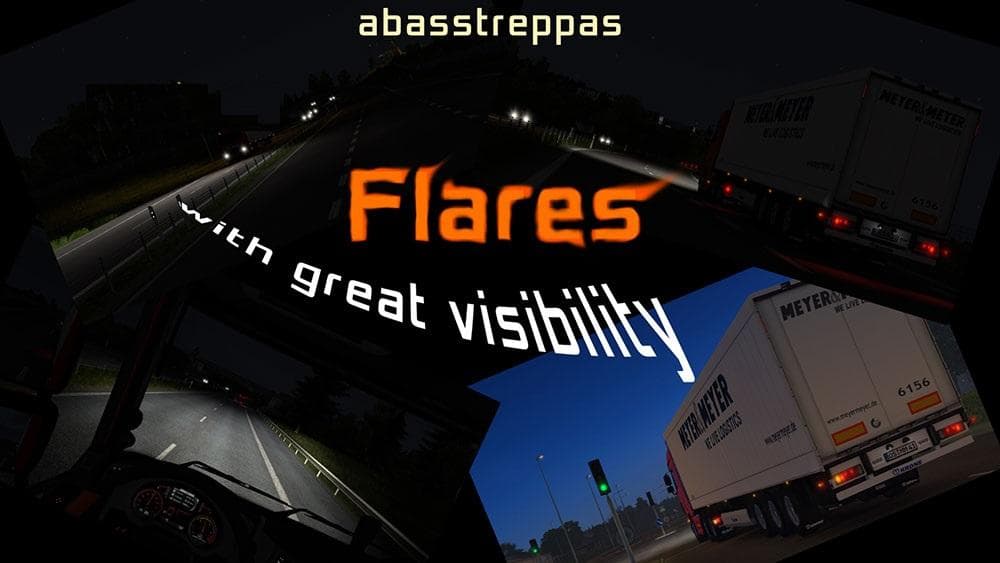
The Flares Pack mod enhances the visual signals used in Euro Truck Simulator 2 by improving flare visibility at a distance and introducing variations in their illumination. While it focuses on flare effects rather than sounds directly, this mod falls under the broader sound category because it involves environmental cues that contribute to immersion. Players will notice flares appearing clearer and lighting up differently, which can help signal emergencies or stops more effectively during gameplay.
Sound mods like this typically modify engine noises, horns, or ambient audio elements. Although this pack specifically changes flare illumination, it's still advisable to place it higher in your mod load order to ensure compatibility with any truck or environment mods that might also affect visuals or audio cues. That way, it won't get overridden by other modifications dealing with similar aspects of the game.
Since the Flares Pack is compatible with ETS2 versions from 1.0 through 1.18, it suits players running older or updated game versions who want a subtle yet noticeable improvement to roadside safety effects. Its integration doesn't demand complex setups and should fit smoothly into most modded profiles without conflicts if loaded properly.
Drivers who often find themselves using emergency stops or driving in conditions where visibility is limited may appreciate this addition. It adds a layer of realism by making flares more distinct and varied in appearance, helping communicate intentions better to other road users within the simulation.
Overall, this mod caters to those looking for small but practical enhancements to their driving experience in ETS2, especially users who enjoy adding environmental detail through audio-visual tweaks alongside their vehicle customizations.
How to install
1. Download the .scs file. 2. Drop it into `Documents/Euro Truck Simulator 2/mod/`. 3. Enable in Mod Manager. Sound mods usually need to load **above** truck mods in load order. 4. Restart the game so the audio engine picks up new samples.
After the mod loads, save your game inside a safe area (parking lot or service) before deciding whether to keep it. If the game refuses to load with the mod enabled, check that all required DLCs are installed and that the supported ETS2 version chips on this page include your installed game patch.
Reviews
No ratings yetNo reviews yet — be the first to rate this mod.





