FIRE AIRBRUSH SKIN FOR PETERBILT 389
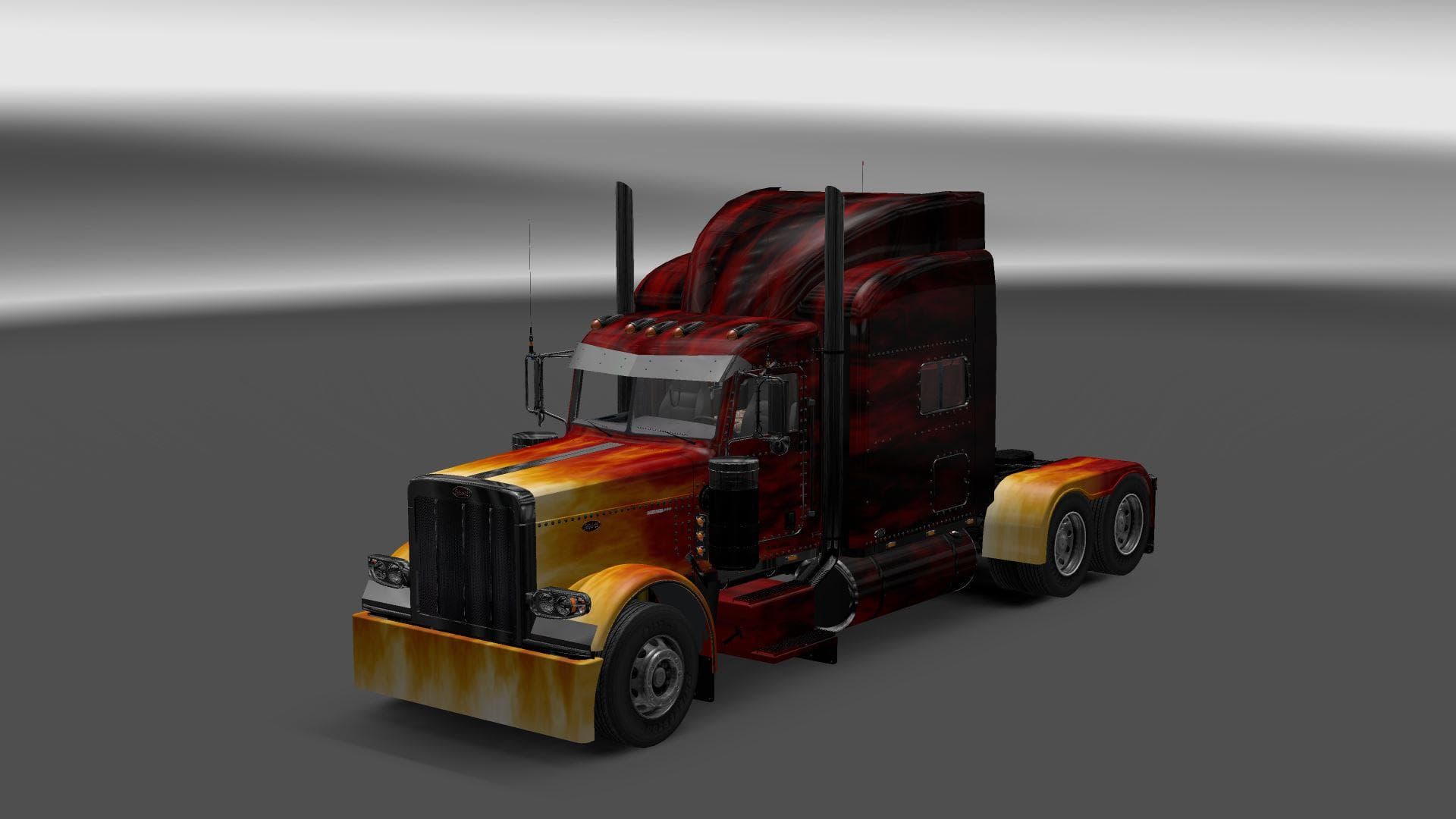
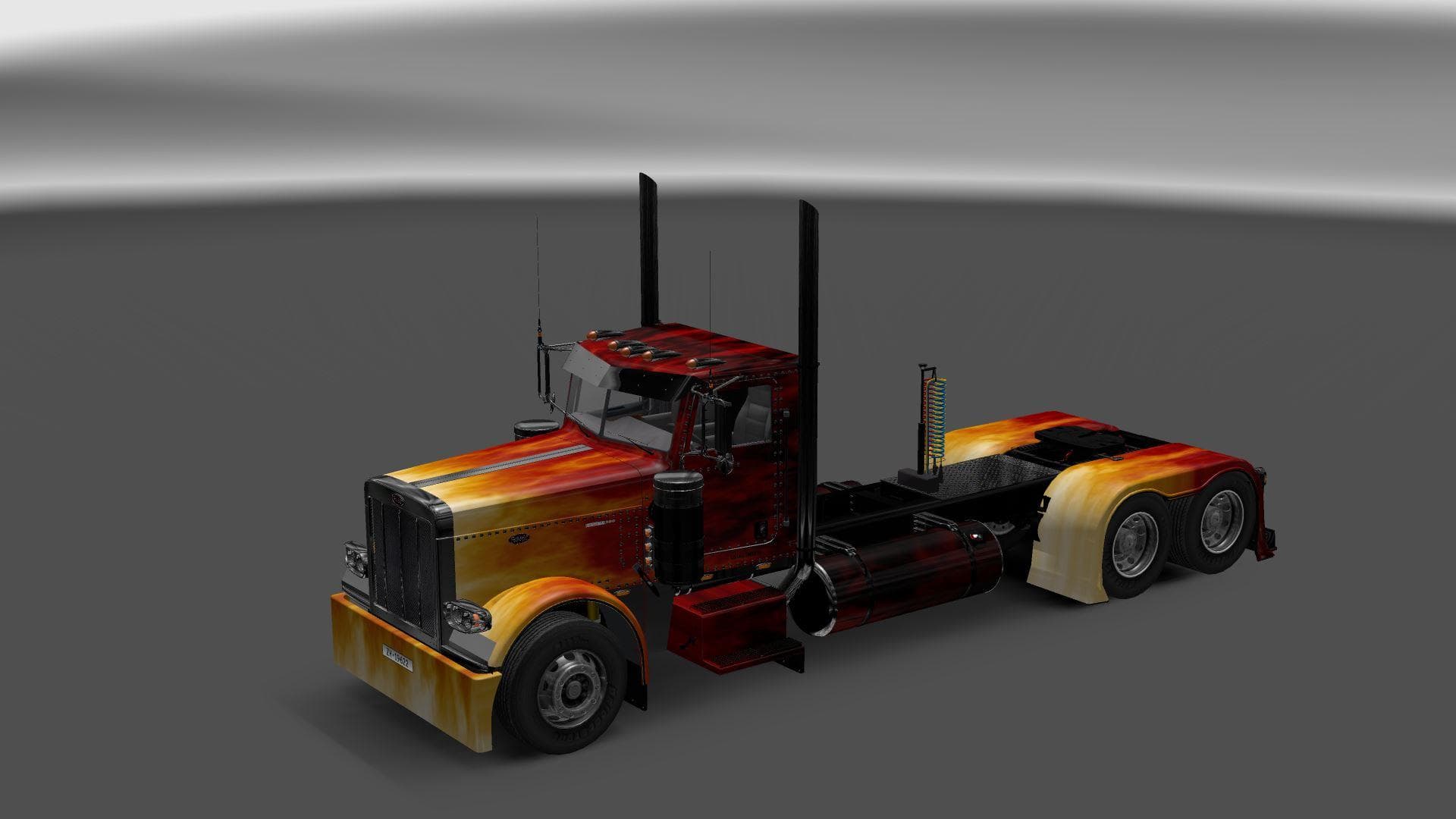
The Fire Airbrush Skin for Peterbilt 389 is a repaint mod designed specifically for the Peterbilt 389 truck model, enhancing its visual style with a fiery airbrush effect. This kind of skin mod doesn't alter the truck's mechanics or shape but changes its appearance through a new paint job applied in the paint shop. It supports all cabins of the Peterbilt 389 and works with ETS2 version 1.20.x.
Skin mods like this one are popular because they allow players to personalize their trucks without modifying gameplay or vehicle physics. Since it relies on the base model by Viper2, it's essential that players have that Peterbilt 389 version installed first. The skin simply overlays onto the existing model, giving your rig a fresh look.
When integrating this type of mod into a setup that already includes multiple skins or other visual enhancements, load order can matter. Generally, skins should be loaded after any mods that alter the truck model itself to ensure the paint job displays correctly. Compatibility issues are rare with skins but checking for conflicts is always wise if you use several texture mods.
This fire-themed paint job will appeal to drivers who enjoy bold and expressive designs on their vehicles. Whether you're running long hauls across California or cruising through Texas, this skin adds character to your virtual fleet. It fits well in setups focused on American trucks and custom aesthetics.
Since this mod supports all cabins of the Peterbilt 389, it offers flexibility no matter which variant you prefer to drive. Players who want something different from stock liveries without changing their gameplay experience might find this a straightforward way to customize their truck's look.
How to install
1. Download the .scs file. 2. Drop it into `Documents/Euro Truck Simulator 2/mod/`. 3. Enable in Mod Manager. 4. Apply the skin in the truck/trailer paint shop.
After the mod loads, save your game inside a safe area (parking lot or service) before deciding whether to keep it. If the game refuses to load with the mod enabled, check that all required DLCs are installed and that the supported ETS2 version chips on this page include your installed game patch.
Reviews
No ratings yetNo reviews yet — be the first to rate this mod.





