FINDIKKALE SKIN FOR SETRA 416 GT-HD 1.21
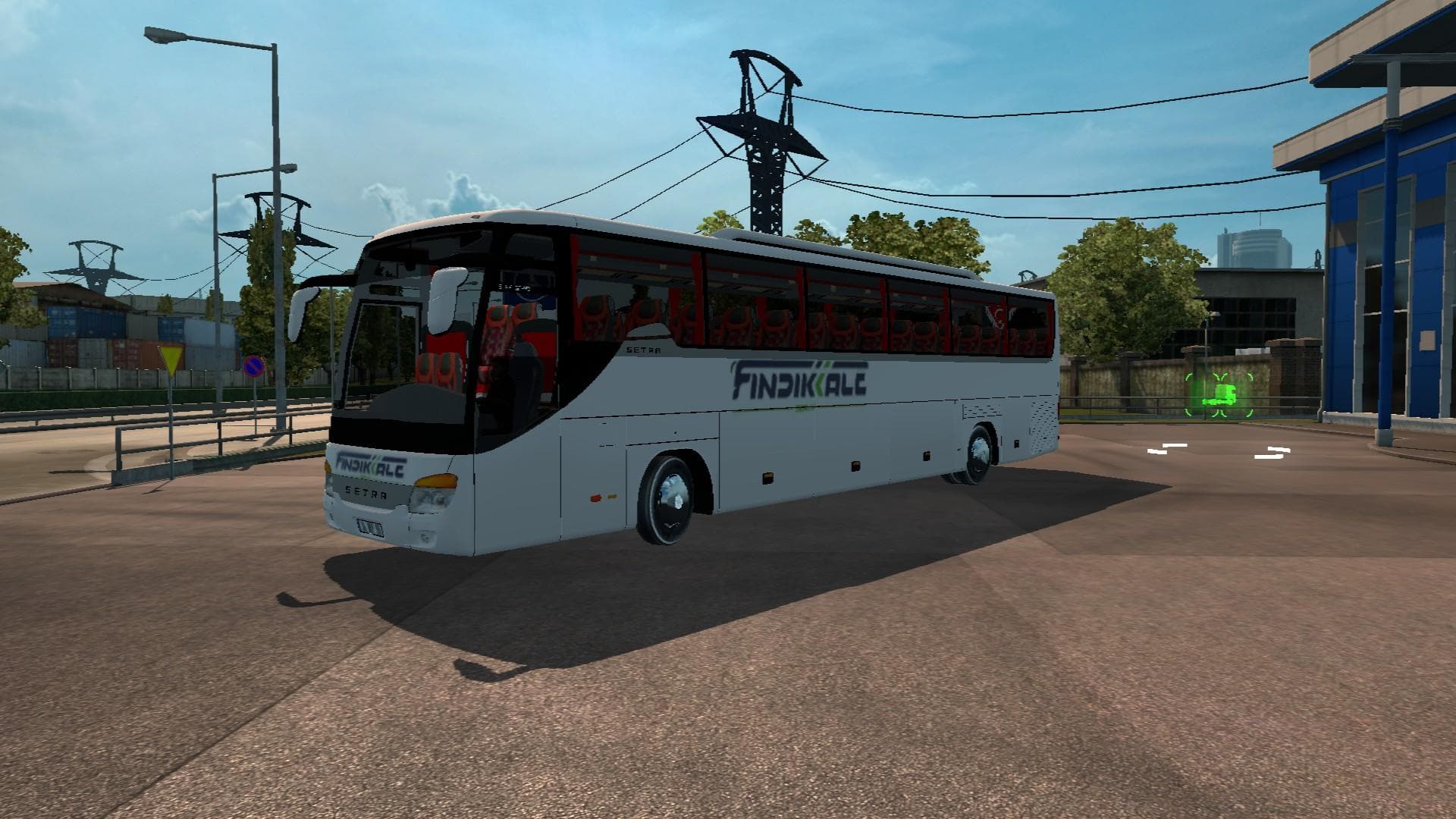
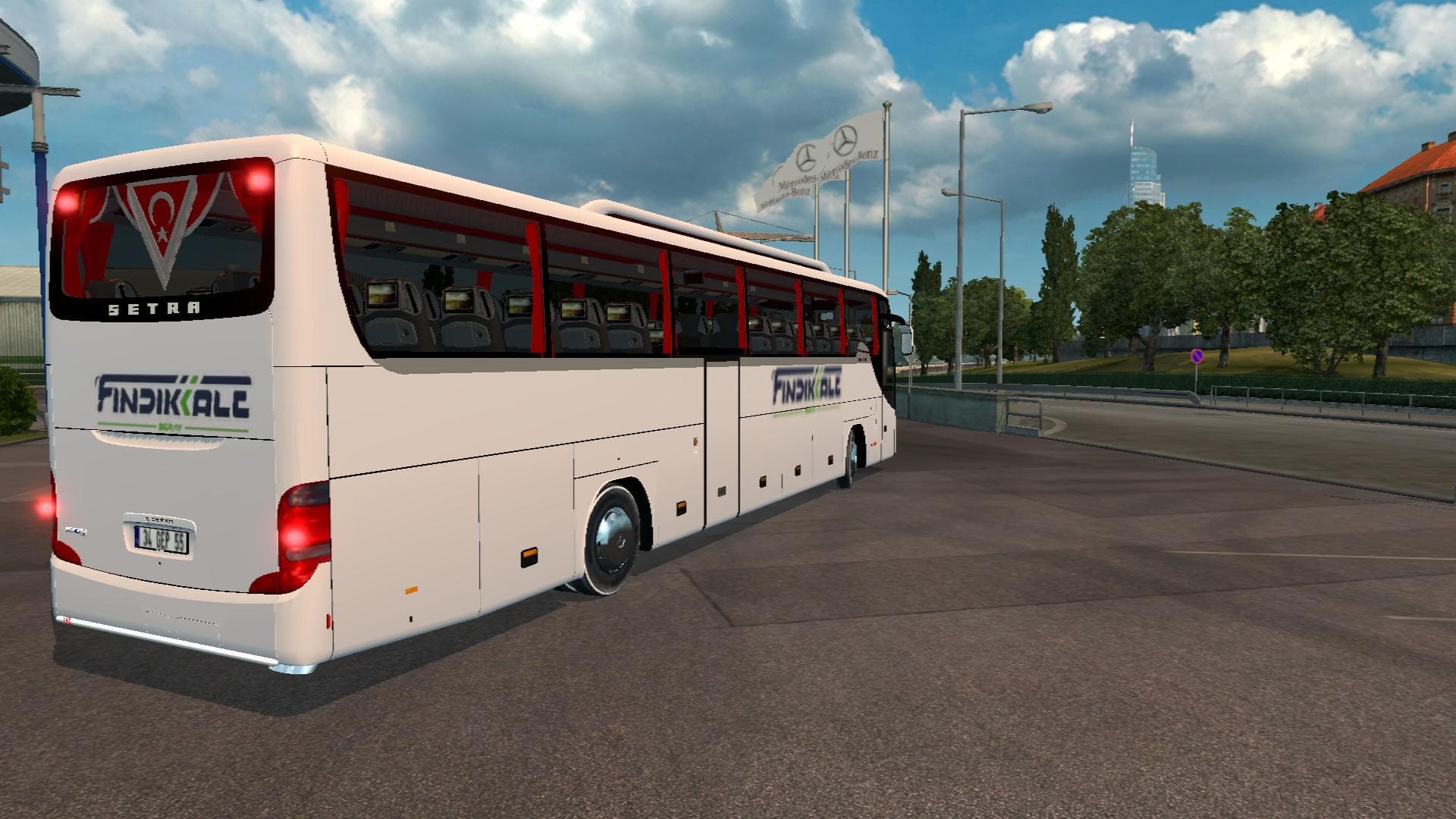
This mod adds the Fındıkkale Skin for the Setra 416 GT-HD Bus in Euro Truck Simulator 2 version 1.21. It has been tested and credited to Reyizz.
The FINDIKKALE SKIN FOR SETRA 416 GT-HD 1.21 is a repaint mod designed specifically for the Setra 416 GT-HD bus model in Euro Truck Simulator 2. It changes the appearance of this particular vehicle without altering its shape or functionality, giving it a fresh look while keeping the original model intact. This type of mod is applied through the game's paint shop, where players can customize their vehicles with various skins to suit their preferences.
Skin mods like this one work by replacing or overlaying textures on an existing truck or bus model. They don't modify game mechanics but offer visual variety, which can enhance immersion and personalization. Since this mod targets version 1.21 of ETS2 and matches that game version exactly, it should integrate smoothly without causing conflicts when used with compatible mods.
When setting up a modded environment, skin packs generally load after map or gameplay modifications to avoid overwriting changes affecting vehicle appearances. It's advisable to place skin mods towards the end of your load order if you use multiple mods, especially those that alter models or add new vehicles. This ensures the skin displays properly on the intended base model without interference.
Players who enjoy customizing their buses will appreciate this mod for its specific focus on the Setra 416 GT-HD. It’s a straightforward way to update your vehicle’s look and stand out on roads spanning regions like Turkey and surrounding areas where such buses might be common.
If you’re running ETS2 version 1.21 and want a unique style for your Setra bus, applying this repaint offers an easy enhancement to your fleet's visual appeal without complicated installation steps or compatibility concerns.
How to install
1. Download the .scs file. 2. Drop it into `Documents/Euro Truck Simulator 2/mod/`. 3. Enable in Mod Manager. 4. Apply the skin in the truck/trailer paint shop.
After the mod loads, save your game inside a safe area (parking lot or service) before deciding whether to keep it. If the game refuses to load with the mod enabled, check that all required DLCs are installed and that the supported ETS2 version chips on this page include your installed game patch.
Reviews
No ratings yetNo reviews yet — be the first to rate this mod.





