FANTASY FLAME DRAGON SKIN PACK FOR ALL TRUCKS
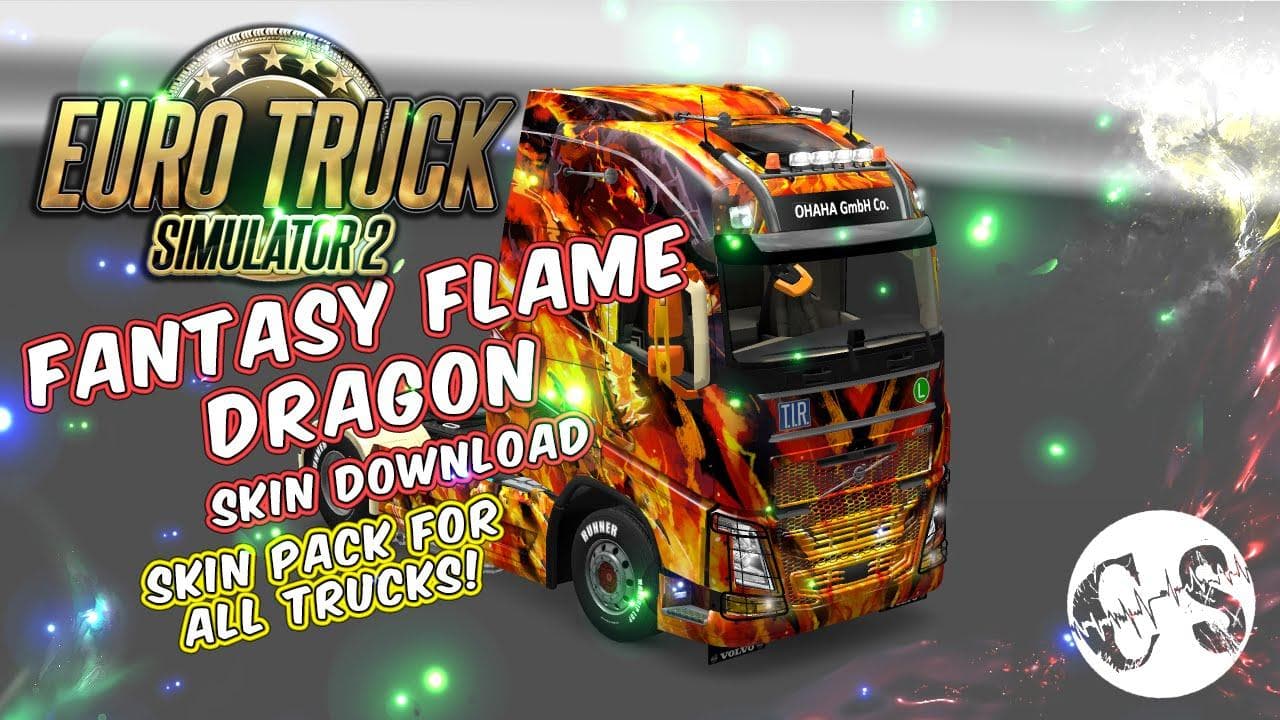
FANTASY FLAME DRAGON SKIN PACK FOR ALL TRUCKS is an ETS2 unknown.
The Fantasy Flame Dragon Skin Pack for all trucks offers a new look by repainting your existing vehicles with a dragon-themed design. These skins don't change the truck models themselves but apply a fresh visual style that you can select in the paint shop once installed. This type of mod is purely cosmetic, so it won't affect gameplay mechanics or performance but adds a personalized touch to your fleet.
Skin mods like this one are usually placed in the Euro Truck Simulator 2 mod folder and activated through the game's mod manager. They rely on the base truck model, so compatibility depends on which trucks you own and have installed. Since these skins are overlays, they generally work well alongside other mods as long as load order keeps skins active without conflicts.
In a modded setup, adding unique skins helps break up the monotony of standard trucks on the road. Players who enjoy customizing their vehicles will find this pack fits right into their collection. Load order typically places skin mods after map and gameplay mods to ensure visual elements display correctly without overriding essential files.
This skin pack suits players wanting to add some flair to their trucking experience without altering core game functions. It's especially appealing if you like fantasy themes or want your trucks to stand out during your hauls across various ETS2 regions. Since it supports all trucks, it's versatile enough regardless of your preferred vehicle brand.
Installing this kind of skin involves extracting files into your ETS2 mod directory and activating them in-game. No known version restrictions or file size details are available, but these straightforward steps align with how most paint job mods operate within ETS2's ecosystem.
How to install
1. Download the .scs file. 2. Drop it into `Documents/Euro Truck Simulator 2/mod/`. 3. Enable in Mod Manager. 4. Apply the skin in the truck/trailer paint shop.
After the mod loads, save your game inside a safe area (parking lot or service) before deciding whether to keep it. If the game refuses to load with the mod enabled, check that all required DLCs are installed and that the supported ETS2 version chips on this page include your installed game patch.
Reviews
No ratings yetNo reviews yet — be the first to rate this mod.





