ETS2 Marcopolo G7 1600LD button sound fix 1.0.1
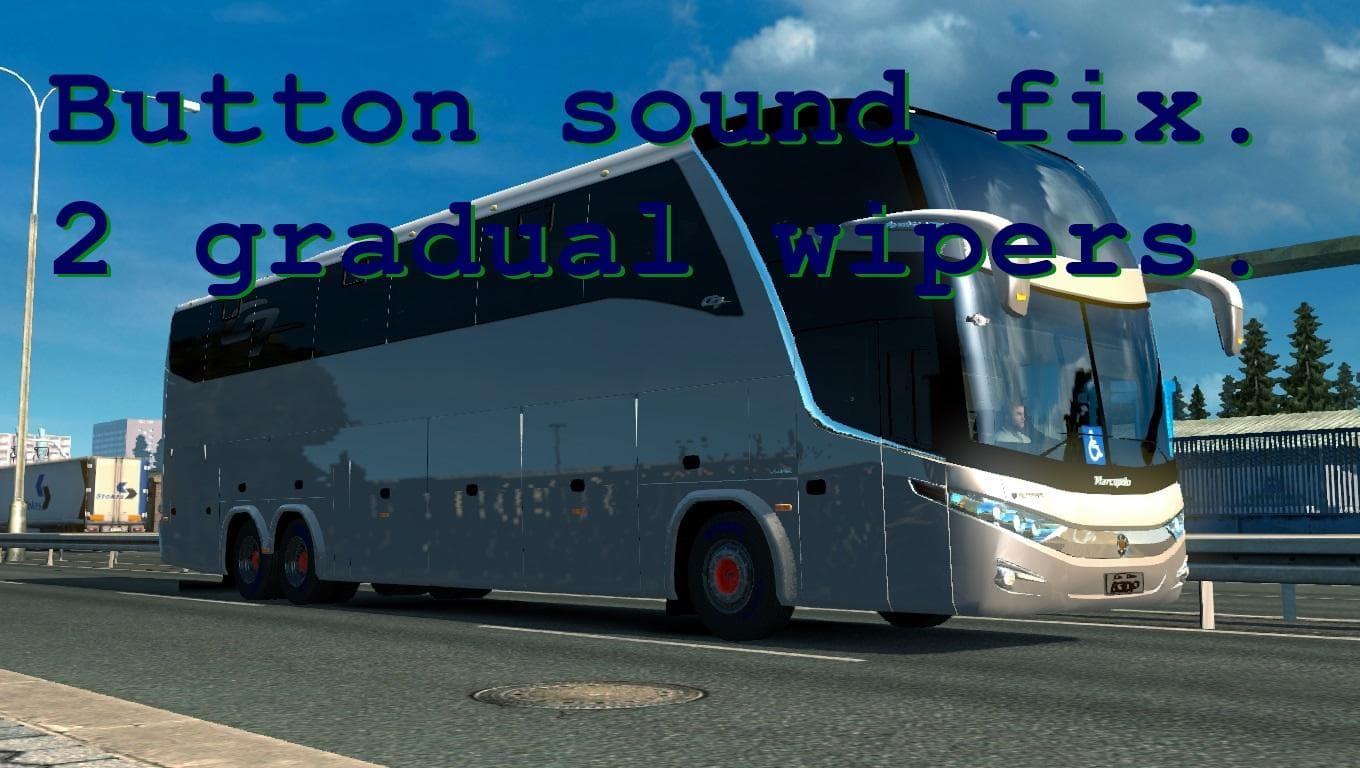
The ETS2 Marcopolo G7 1600LD button sound fix 1.0.1 mod corrects key tone and wipers sound issues. Created by Euro Truck Simulator 2, it is compatible with ETS2
The ETS2 Marcopolo G7 1600LD button sound fix 1.0.1 is a small but focused mod that addresses specific audio issues related to the button sounds inside the Marcopolo G7 1600LD truck model. This type of sound mod typically corrects or enhances in-cabin auditory feedback, ensuring that elements like key tones and wiper noises behave more realistically or consistently.
Sound mods in Euro Truck Simulator 2 replace various audio components, ranging from engine rumbles to button clicks and environmental noises. Since they directly affect how you experience the truck's interior sounds, these mods often need to be loaded above the truck models themselves to override default files properly. This one specifically tweaks the gradual sound effect for the second wiper setting alongside fixing key tone sounds.
In a modded ETS2 setup, integrating a sound fix like this helps polish your driving immersion, especially if you use the Marcopolo G7 1600LD as your main vehicle or part of your fleet. Because it focuses solely on button and wiper sounds, it won't conflict with broader sound packs that overhaul engines or horns but should still be placed higher in the load order than the base truck mod for proper effect.
The version supported by this mod corresponds with ETS2 1.0, so players running older versions or heavily modified game clients might want to verify compatibility before installation. Its straightforward nature means it's unlikely to cause conflicts but always keep an eye on load order when combining multiple sound-related modifications.
Drivers who pay attention to detail and want a smoother auditory experience inside their Marcopolo G7 1600LD will find this fix useful. It’s especially relevant if you noticed inconsistencies or abruptness in button sounds during gameplay and prefer a subtle improvement over larger overhauls.
How to install
1. Download the .scs file. 2. Drop it into `Documents/Euro Truck Simulator 2/mod/`. 3. Enable in Mod Manager. Sound mods usually need to load **above** truck mods in load order. 4. Restart the game so the audio engine picks up new samples.
After the mod loads, save your game inside a safe area (parking lot or service) before deciding whether to keep it. If the game refuses to load with the mod enabled, check that all required DLCs are installed and that the supported ETS2 version chips on this page include your installed game patch.
Reviews
No ratings yetNo reviews yet — be the first to rate this mod.





