DHL SKIN FOR SCANIA V1
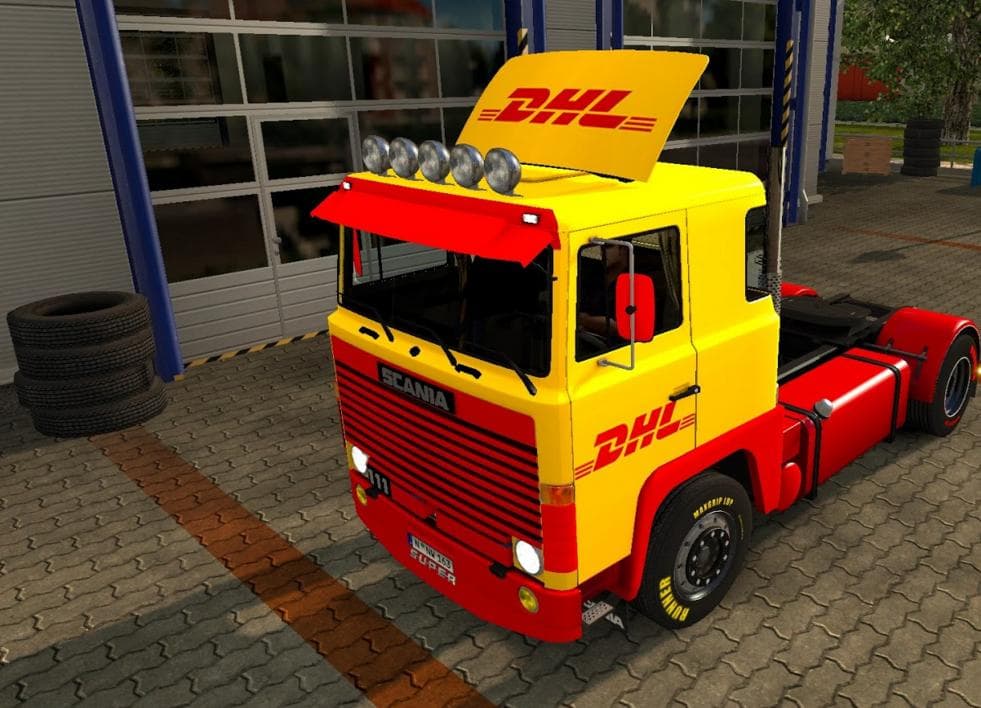
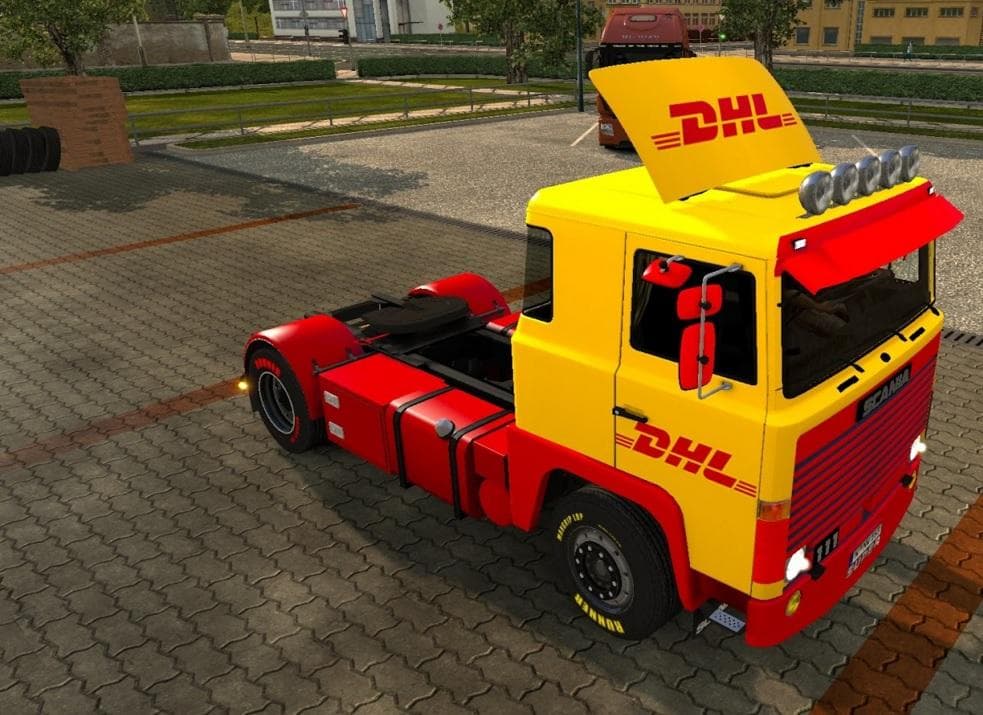
This mod is a skin for the Scania 1 Series truck, created by Euro Truck Simulator 2. The file size is 234 KB and can be found on uploadfiles.eu and sharemods.co
The DHL SKIN FOR SCANIA V1 mod is a paint job designed specifically for the Scania 1 Series truck in Euro Truck Simulator 2. Instead of adding new trucks or gameplay features, this type of mod simply changes the visual appearance of an existing vehicle model. In this case, it gives your Scania a distinctive DHL-themed look that stands out on the road.
Skin mods like this one are applied through the in-game paint shop and rely entirely on the base vehicle they were created for. That means you'll need to own the Scania 1 Series truck in ETS2 to use this skin properly. It doesn't affect any driving mechanics or performance; it’s purely cosmetic, allowing you to customize your fleet’s style without altering gameplay.
When adding skins to a modded setup, it's worth considering load order if you run multiple skin packs or mods that affect the same truck model. Generally, skins load fine alongside other mods, but conflicts can arise if two different skins try to repaint the same vehicle simultaneously. Disabling other skins for the Scania 1 Series will ensure this DHL paint job displays correctly.
This type of mod suits players who want their trucks to reflect real-world branding or just prefer a certain visual theme while hauling cargo across Europe or beyond. Fans of logistics companies and those who enjoy customizing their vehicles with authentic liveries will find this skin useful. It adds variety without requiring any extra DLC or complex installation steps.
Installing such skin mods is straightforward: just place the .scs file into your ETS2 mod folder and enable it from the game’s mod manager before starting your profile. Because these are simple texture replacements, they rarely cause performance issues or crashes when sourced from reliable sites.
How to install
1. Download the .scs file. 2. Drop it into `Documents/Euro Truck Simulator 2/mod/`. 3. Enable in Mod Manager. 4. Apply the skin in the truck/trailer paint shop.
After the mod loads, save your game inside a safe area (parking lot or service) before deciding whether to keep it. If the game refuses to load with the mod enabled, check that all required DLCs are installed and that the supported ETS2 version chips on this page include your installed game patch.
Reviews
No ratings yetNo reviews yet — be the first to rate this mod.





