DEKKER WAARLAND
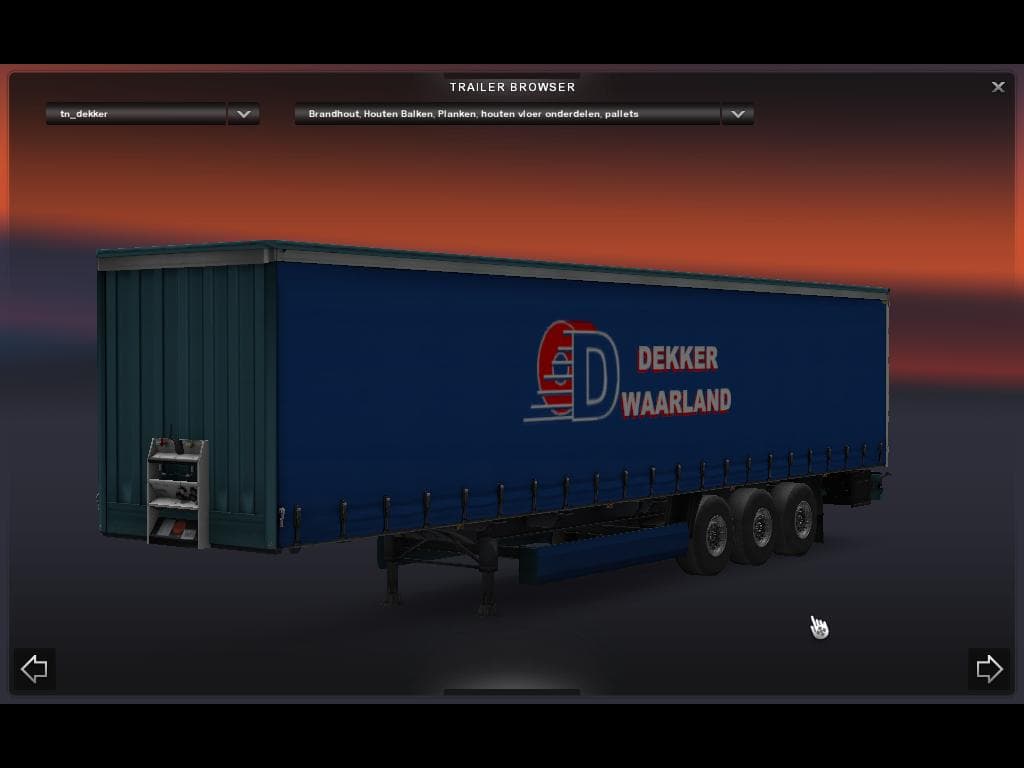
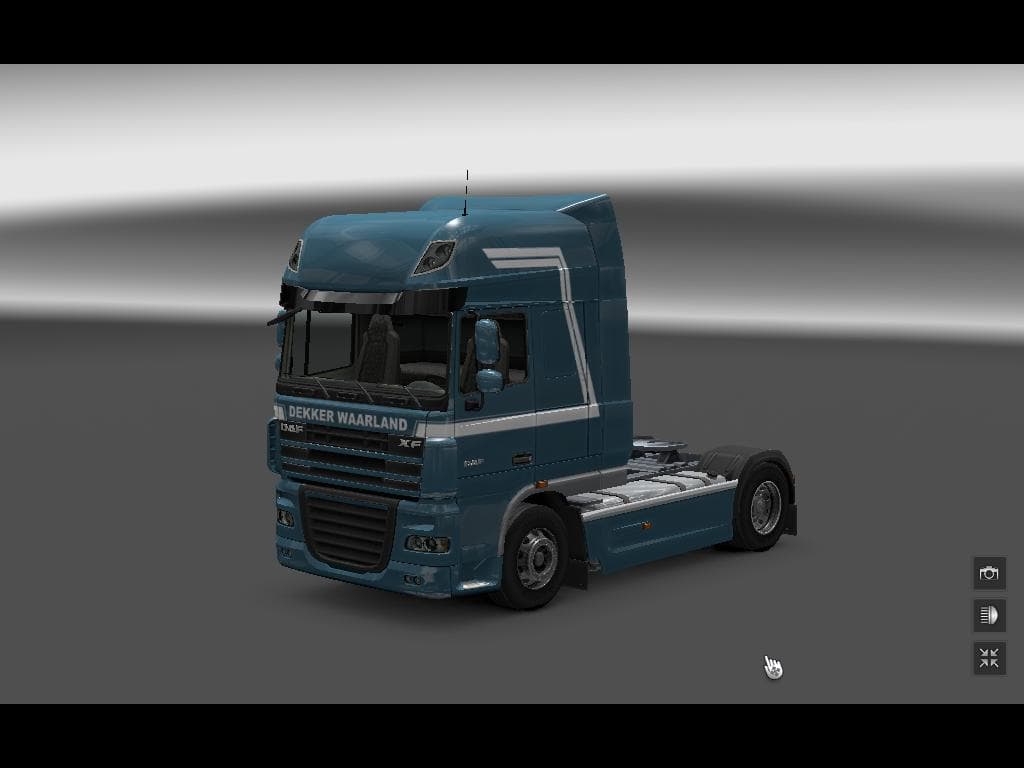
DEKKER WAARLAND is a skin mod for Euro Truck Simulator 2, serving as an update from a previous version. The credits still go to simply clever spuiterij, as the
The DEKKER WAARLAND mod is a skin update designed for Euro Truck Simulator 2, refreshing the look of an existing truck without altering its model or performance. Skins like this one are applied directly in the game's paint shop and rely on the base vehicle they were created for, meaning you need to have the compatible truck to use it properly. This particular update builds upon a previous version, with original credits attributed to simplycleverspuiterij despite changes in development.
Skin mods such as DEKKER WAARLAND are popular among players who want to personalize their trucks beyond the default options provided by ETS2. They don't affect gameplay mechanics but offer a visual change that can make your fleet stand out on the road. Because these skins only repaint the vehicle's surface, they typically load after any truck model mods but before other visual tweaks like lighting or weather effects.
When integrating this skin into a modded setup, it’s advisable to place it after any truck model mods in your load order to ensure compatibility. Conflicts are rare with skins since they don't modify core game files or add new assets beyond textures, but keeping your mods organized helps avoid issues. Since the supported ETS2 version and file size are unknown, users should verify compatibility with their current game build before installing.
This mod suits players who appreciate subtle customization and want to refresh their truck's appearance without adding new models or complex features. It fits well into setups where aesthetic variety is desired without affecting gameplay balance or performance. Fans of visually distinct fleets will find value in applying this skin for a different look during their long hauls across various European regions.
How to install
1. Download the .scs file. 2. Drop it into `Documents/Euro Truck Simulator 2/mod/`. 3. Enable in Mod Manager. 4. Apply the skin in the truck/trailer paint shop.
After the mod loads, save your game inside a safe area (parking lot or service) before deciding whether to keep it. If the game refuses to load with the mod enabled, check that all required DLCs are installed and that the supported ETS2 version chips on this page include your installed game patch.
Reviews
No ratings yetNo reviews yet — be the first to rate this mod.





