DAF XF SOUND UPDATE
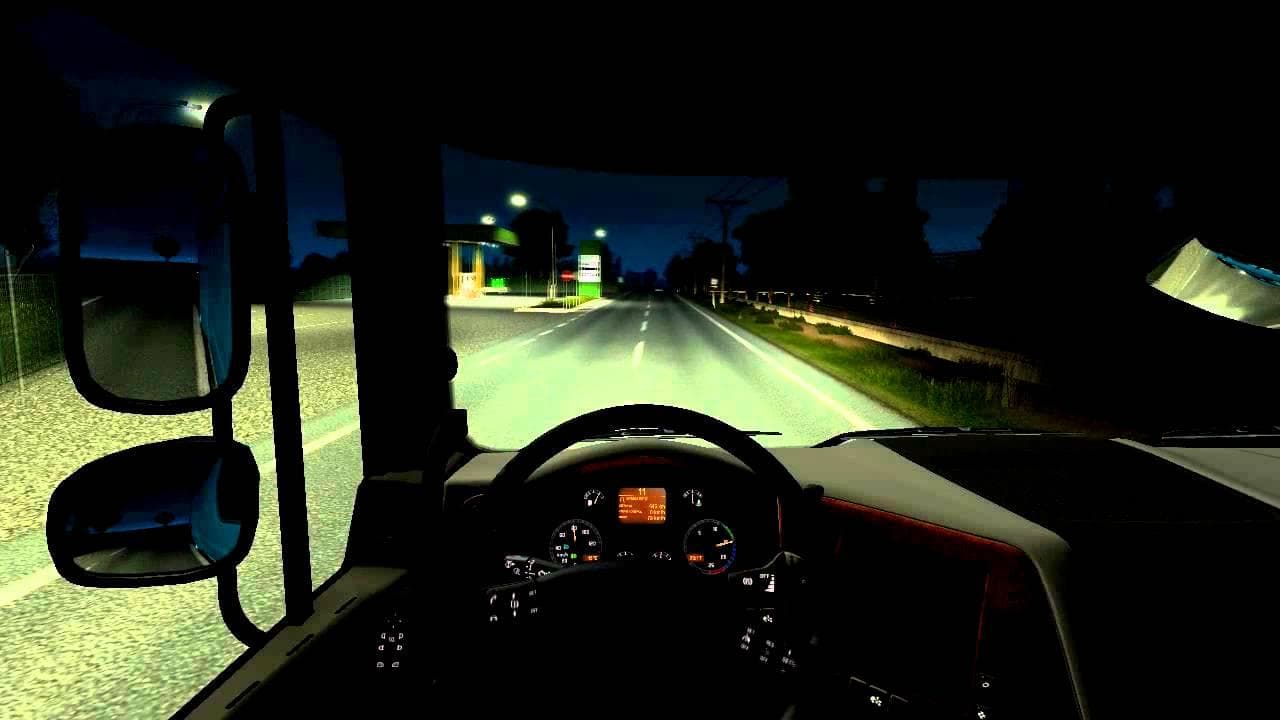
The DAF XF SOUND UPDATE mod is designed to replace the default engine sounds for the DAF XF truck in Euro Truck Simulator 2. Specifically, it caters to versions of the game running on 1.19 and is intended for trucks with a horsepower rating of 510 HP. If your truck doesn't meet this power specification, the mod won't function as expected.
Sound mods like this one typically change engine noises, horns, or environmental audio cues within ETS2. These adjustments can make driving feel more immersive by offering a different auditory experience compared to the base game sounds. Installing sound mods requires careful attention to load order since they often need to be placed above any truck mods that they modify to ensure proper functionality.
In a modded setup where multiple sound and truck mods coexist, it's essential to prioritize sound updates like this at a higher position in your mod manager. This helps prevent conflicts and ensures that the custom engine sounds are heard instead of default or conflicting audio files.
Players who enjoy customizing their trucking experience through audio enhancements might find this update useful if they regularly use DAF XF trucks with the specified horsepower. It provides an option for those seeking a change from stock sounds without altering other aspects of gameplay or visuals.
This mod fits well within broader customization efforts that include truck skins, tuning parts, and map expansions, focusing solely on improving immersion through sound. However, since the creator is unknown and version details are limited beyond compatibility with ETS2 1.19, users should test for any conflicts in their current mod list before extensive use.
How to install
1. Download the .scs file. 2. Drop it into `Documents/Euro Truck Simulator 2/mod/`. 3. Enable in Mod Manager. Sound mods usually need to load **above** truck mods in load order. 4. Restart the game so the audio engine picks up new samples.
After the mod loads, save your game inside a safe area (parking lot or service) before deciding whether to keep it. If the game refuses to load with the mod enabled, check that all required DLCs are installed and that the supported ETS2 version chips on this page include your installed game patch.
Reviews
No ratings yetNo reviews yet — be the first to rate this mod.





