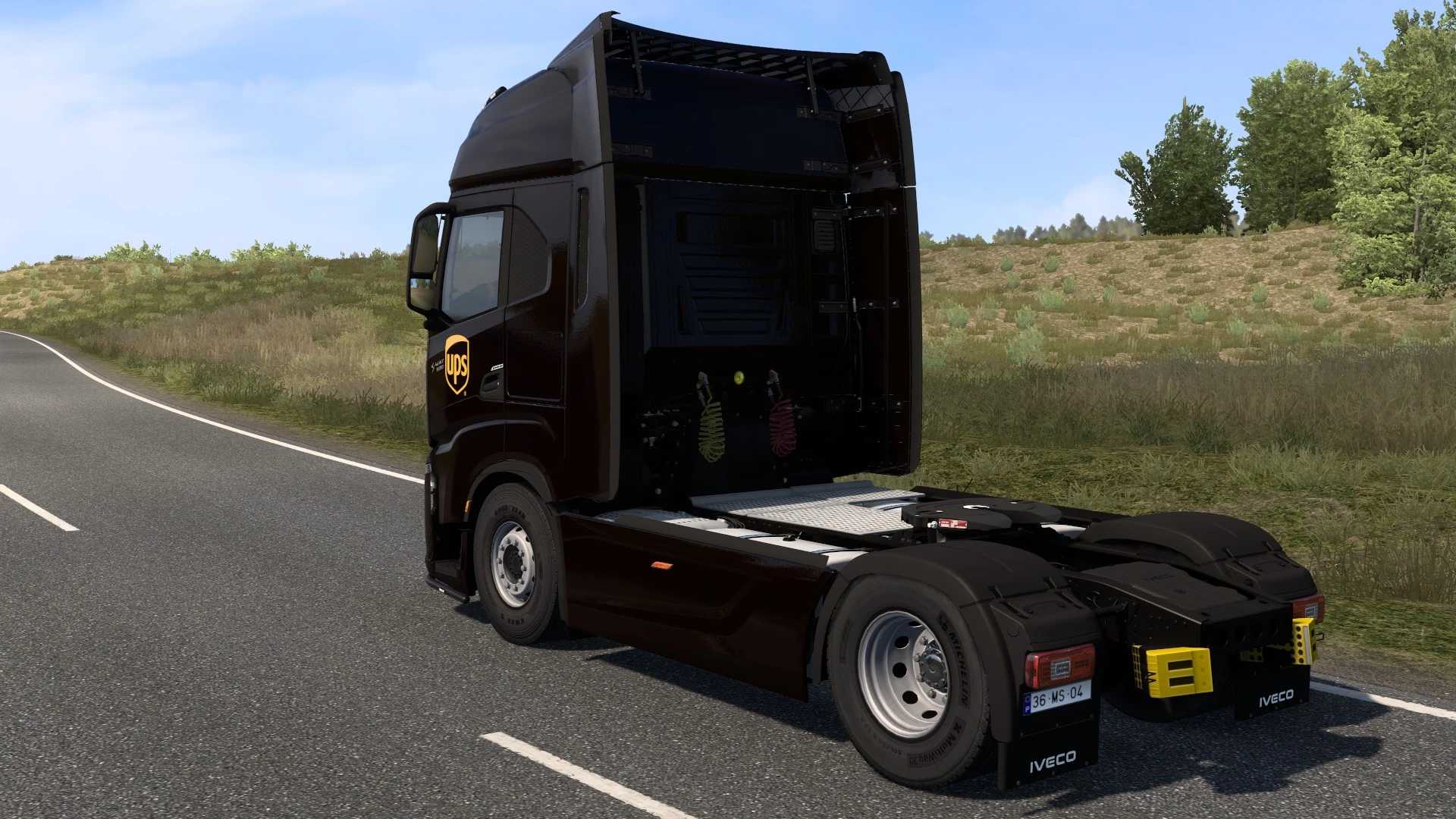
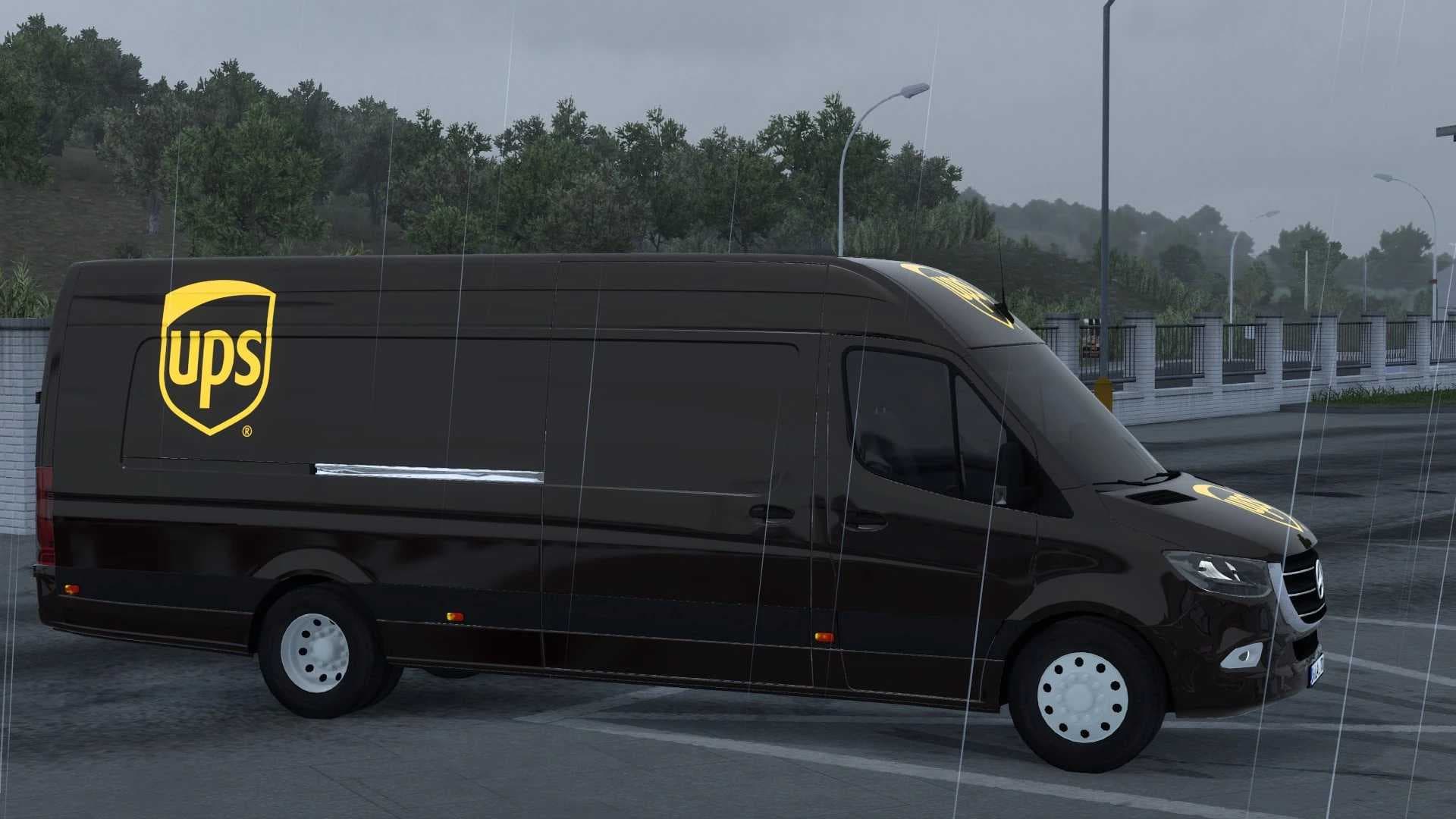
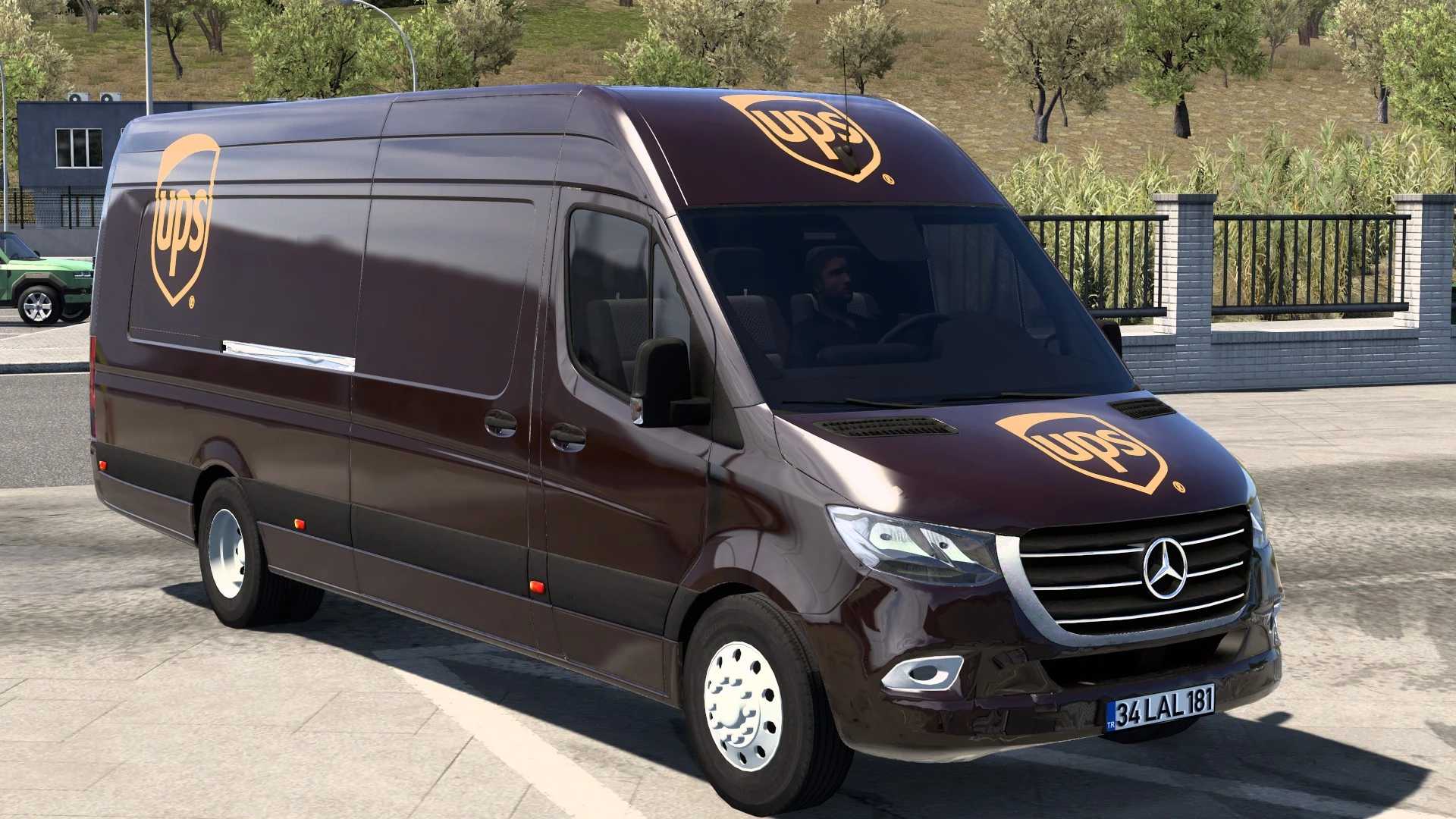
DAF XF SKINPACK BRAUN SPEDITION V1.0
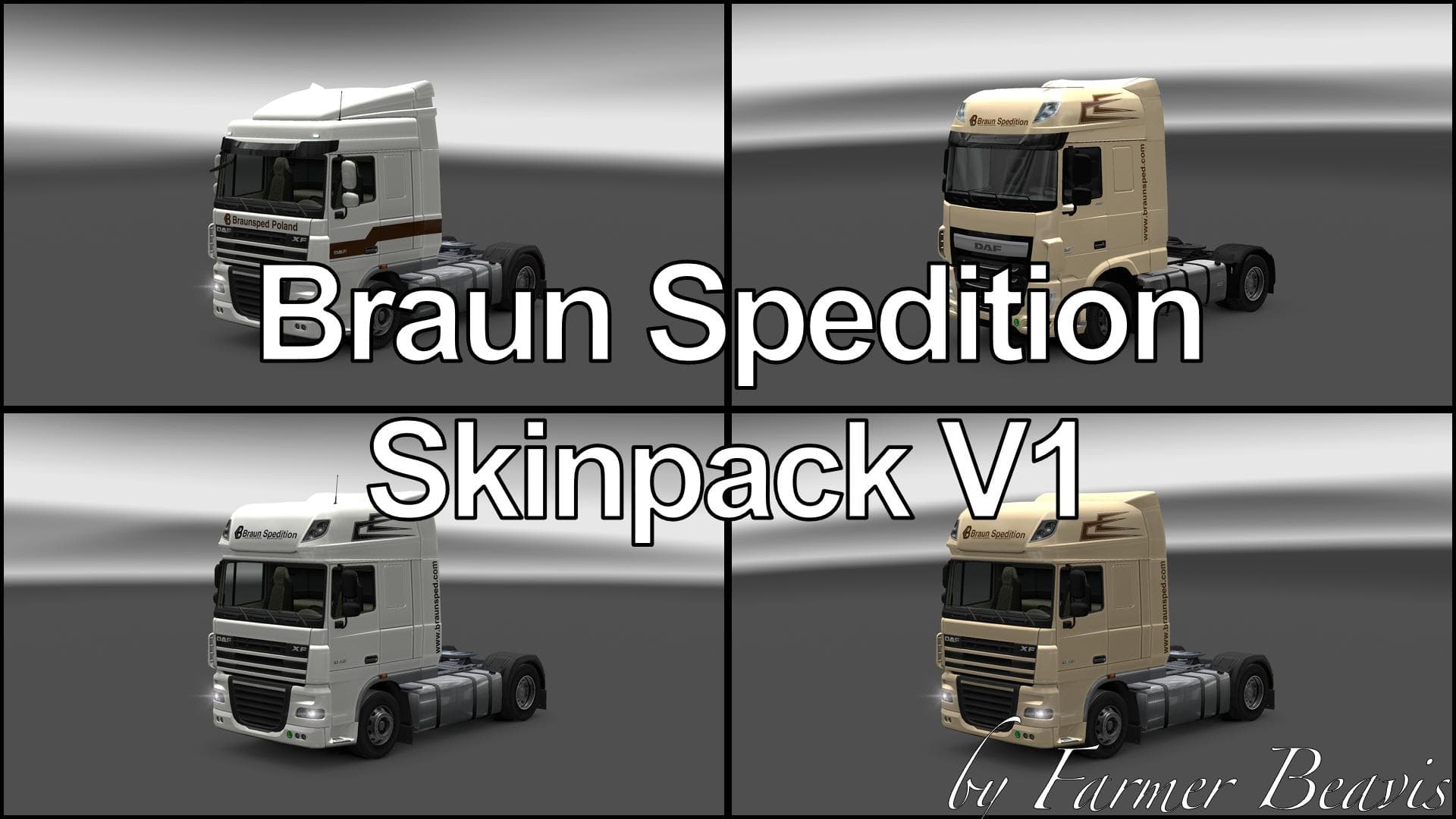
DAF XF SKINPACK BRAUN SPEDITION is an ETS2 skins. Listed compatible with ETS2 1.0, 1.21, 1.22.
This mod offers a skin pack for the DAF XF truck series, specifically designed to repaint two versions: the XF 116 SuperSpaceCab and the XF 105 SpaceCab Plus. Both are adorned with liveries inspired by Braun Spedition, a freight company recognizable within trucking circles. Instead of changing the truck's structure or adding new parts, this skin pack simply changes how these vehicles look in-game.
Skin mods like this one are quite straightforward in Euro Truck Simulator 2. They let you customize your trucks’ appearance without affecting gameplay or performance since they only modify textures applied to existing models. These skins appear as paint options in the truck customization menu, allowing players to switch liveries quickly if they have multiple skins installed for the same vehicle.
In a modded ETS2 setup, skins generally don’t conflict with other mods unless those also alter the same truck models’ textures. Proper load order can help avoid issues; usually, skin mods load after any model or tuning mods that affect the truck's shape or functionality. Since this pack supports ETS2 versions 1.0 through 1.22, it fits well into setups running older game versions but might not be compatible with more recent updates without adjustments.
Players who appreciate detailed liveries representing real-world companies might find this pack appealing. It suits those wanting to add variety and authenticity to their fleet’s appearance, especially if they favor DAF trucks. Fans of German freight companies or European trucking themes could also enjoy driving with these designs on their vehicles.
Since there’s no information about the creator or file size, users should check compatibility carefully and back up their profiles before installation. Skins like this one typically install by placing files in the mod folder and activating them through the game’s mod manager. Always keep an eye on mod descriptions for any specific instructions related to load order or conflicts.
How to install
1. Download the .scs file. 2. Drop it into `Documents/Euro Truck Simulator 2/mod/`. 3. Enable in Mod Manager. 4. Apply the skin in the truck/trailer paint shop.
After the mod loads, save your game inside a safe area (parking lot or service) before deciding whether to keep it. If the game refuses to load with the mod enabled, check that all required DLCs are installed and that the supported ETS2 version chips on this page include your installed game patch.
Reviews
No ratings yetNo reviews yet — be the first to rate this mod.