DAF XF EURO6 VOGEL TRANSPORT SKIN PACK
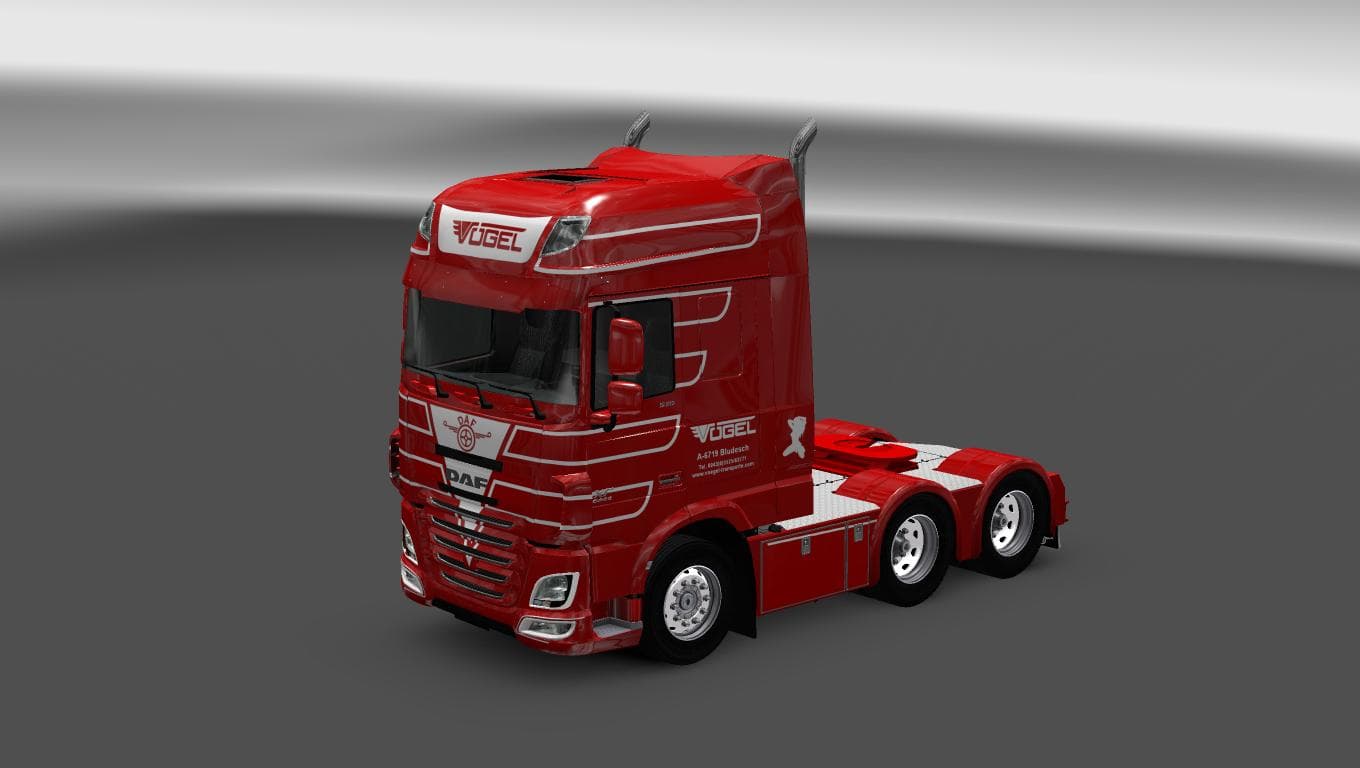
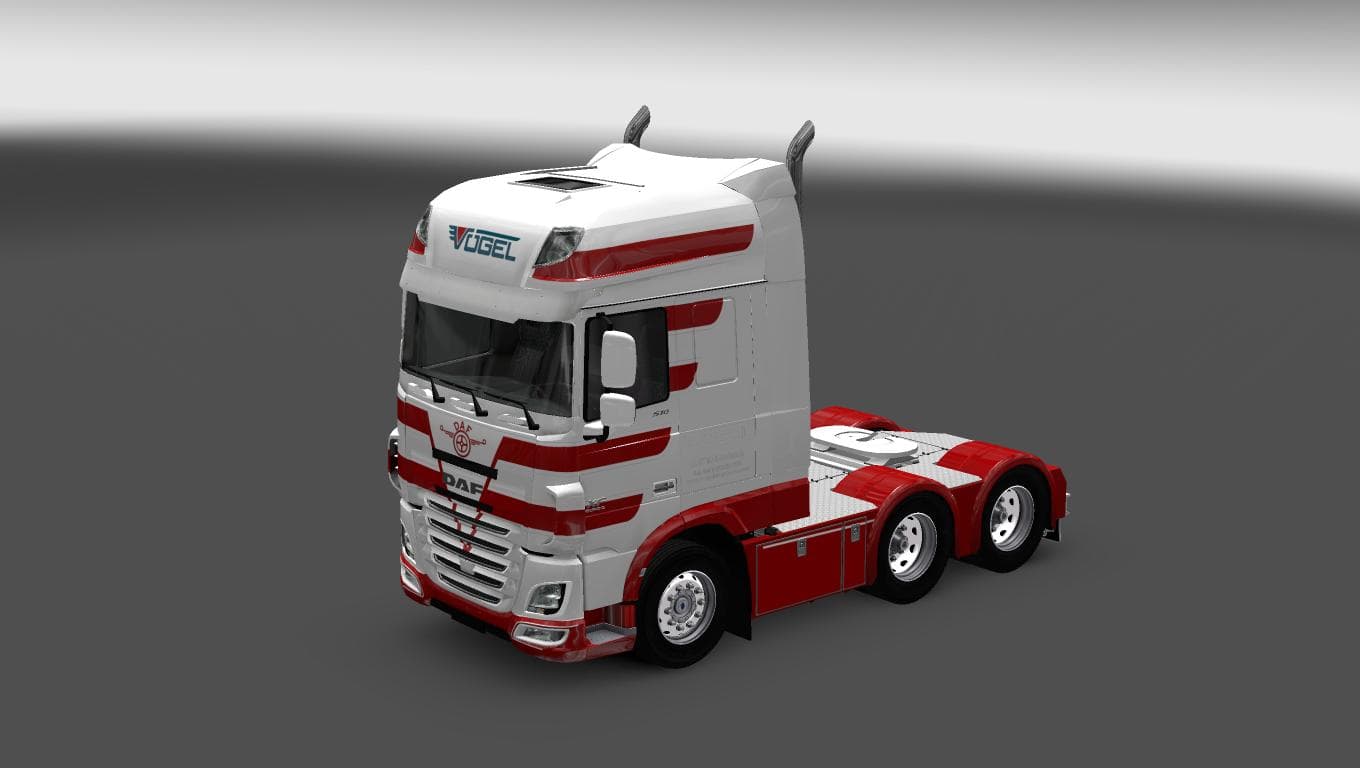
The DAF XF EURO6 VOGEL TRANSPORT SKIN PACK is a skin mod for ETS2 version 1.22 created by Euro Truck Simulator 2. The pack includes a skin for the DAF XF Euro6
The DAF XF EURO6 VOGEL TRANSPORT SKIN PACK offers a fresh paint job specifically designed for the DAF XF Euro 6 truck model in ETS2. This kind of mod doesn't alter the truck's structure or performance; instead, it changes the vehicle's appearance to reflect the Vogel Transport branding. Skins like this one are usually installed through the in-game paint shop, applying a new look over the existing truck model.
Skin mods like this serve players who want to customize their trucks beyond the standard factory options. They fit neatly into a modded setup since they rely on having the base DAF XF Euro 6 model available and don't conflict with other mods that change vehicle physics or add new models. Generally, skin packs are loaded after any tuning or truck addon mods to make sure the correct paint job displays.
When it comes to compatibility, these skins tend to be straightforward as long as you're running ETS2 version 1.22 or compatible versions close to that. Players should avoid mixing multiple skin packs for the same truck without managing load order properly since only one skin can be active at a time on a single vehicle.
This particular pack is aimed at those who enjoy trucking with European brands and want their fleet to stand out with authentic company liveries. It’s especially fitting for anyone wanting to simulate hauling tasks under Vogel Transport’s banner while driving around European regions like Germany or neighboring countries.
Given that it’s a skin mod, installation is typically just placing files in your mod folder and activating them through the game’s mod manager. No complicated setups are required, making it accessible even for those relatively new to modding ETS2 but looking to personalize their driving experience.
How to install
1. Download the .scs file. 2. Drop it into `Documents/Euro Truck Simulator 2/mod/`. 3. Enable in Mod Manager. 4. Apply the skin in the truck/trailer paint shop.
After the mod loads, save your game inside a safe area (parking lot or service) before deciding whether to keep it. If the game refuses to load with the mod enabled, check that all required DLCs are installed and that the supported ETS2 version chips on this page include your installed game patch.
Reviews
No ratings yetNo reviews yet — be the first to rate this mod.





