DAF XF EURO 6 OHAHA TS POLAND SKIN + WHEELS
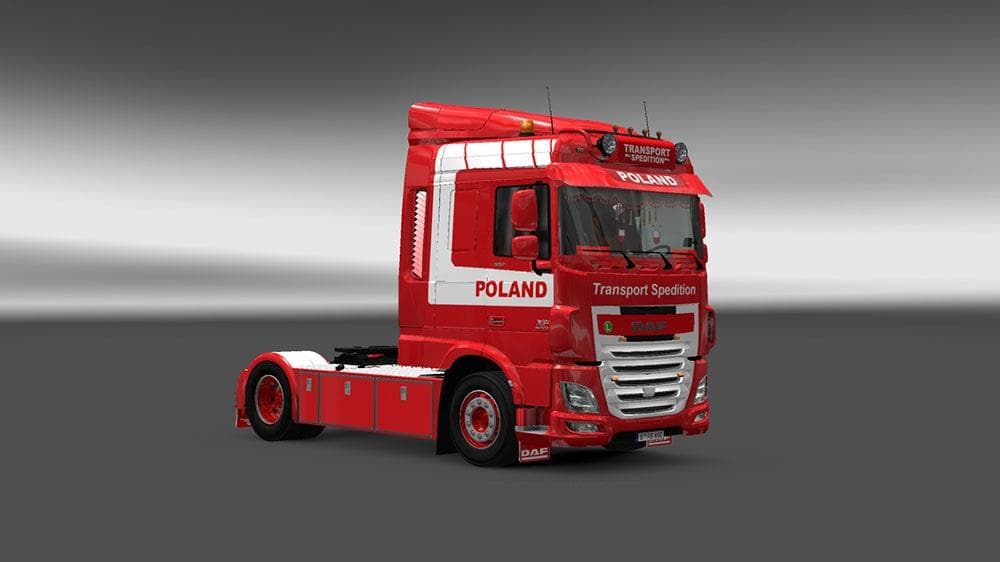
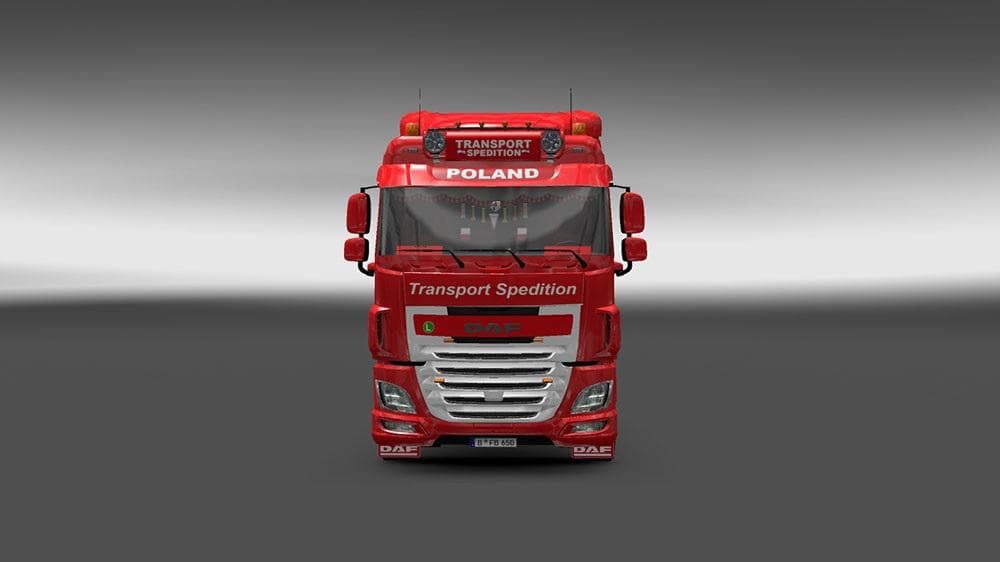
This mod adds a skin for the DAF XF Euro 6 truck in Euro Truck Simulator 2, along with additional wheels for all trucks. Created by Euro truck simulator 2, the
The DAF XF EURO 6 OHAHA TS POLAND SKIN + WHEELS mod offers a fresh repaint for the DAF XF Euro 6 truck, along with a set of wheels compatible across various trucks. Skin mods like this one don't alter the truck's structure or performance but provide a new visual style by changing its paint job. You apply these skins directly in the paint shop, and they rely on the original vehicle model being present in your game.
In Euro Truck Simulator 2, skin mods enhance your driving experience by allowing you to customize how your trucks look without impacting gameplay mechanics. Since this mod includes wheels as well, it provides a more cohesive appearance that suits multiple vehicles beyond just the DAF XF Euro 6. This makes it a versatile choice for players who enjoy tweaking their fleet's aesthetics.
When integrating skin mods into a modded setup, it's good practice to pay attention to load order so that skins display correctly and don’t conflict with other visual mods or updates. Generally, skins should be loaded after any model or tuning mods. Because this particular mod is focused on repainting and wheels, it should fit smoothly alongside other cosmetic add-ons without causing issues.
This kind of mod appeals to players who want to personalize their trucks with designs inspired by specific regions or themes—in this case, Poland. If you appreciate adding regional flair or just want variety in your truck collection’s look, mods like this are worth considering. They keep your ETS2 garage visually interesting without affecting how you drive or haul cargo.
Installing skin packs is usually straightforward: place the files in your mod folder and activate them via the game’s mod manager. Since no specific version info is provided, ensure compatibility with your current ETS2 version before use to avoid potential problems.
How to install
1. Download the .scs file. 2. Drop it into `Documents/Euro Truck Simulator 2/mod/`. 3. Enable in Mod Manager. 4. Apply the skin in the truck/trailer paint shop.
After the mod loads, save your game inside a safe area (parking lot or service) before deciding whether to keep it. If the game refuses to load with the mod enabled, check that all required DLCs are installed and that the supported ETS2 version chips on this page include your installed game patch.
Reviews
No ratings yetNo reviews yet — be the first to rate this mod.





