DAF XF EURO 6 (OHAHA) NICKOOT INTERNATIONALE KOELTRANSPORTEN SKIN
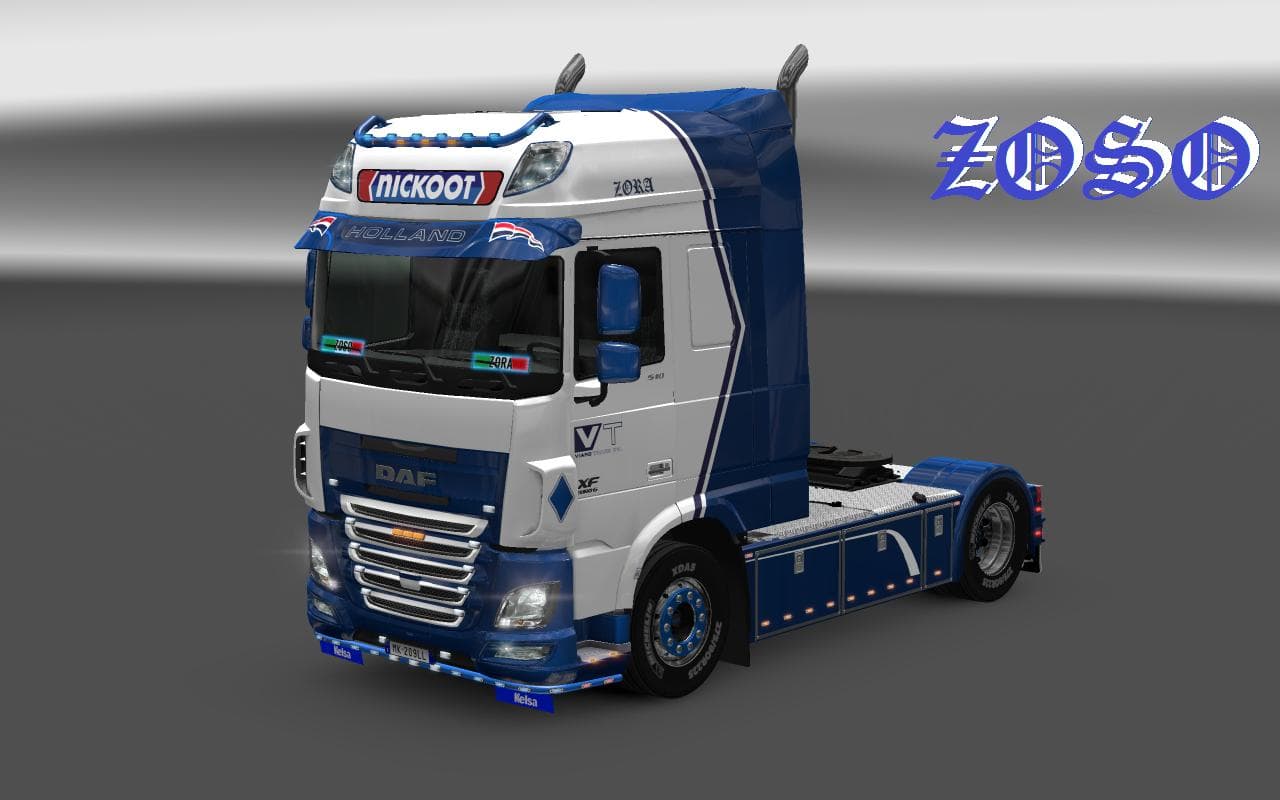
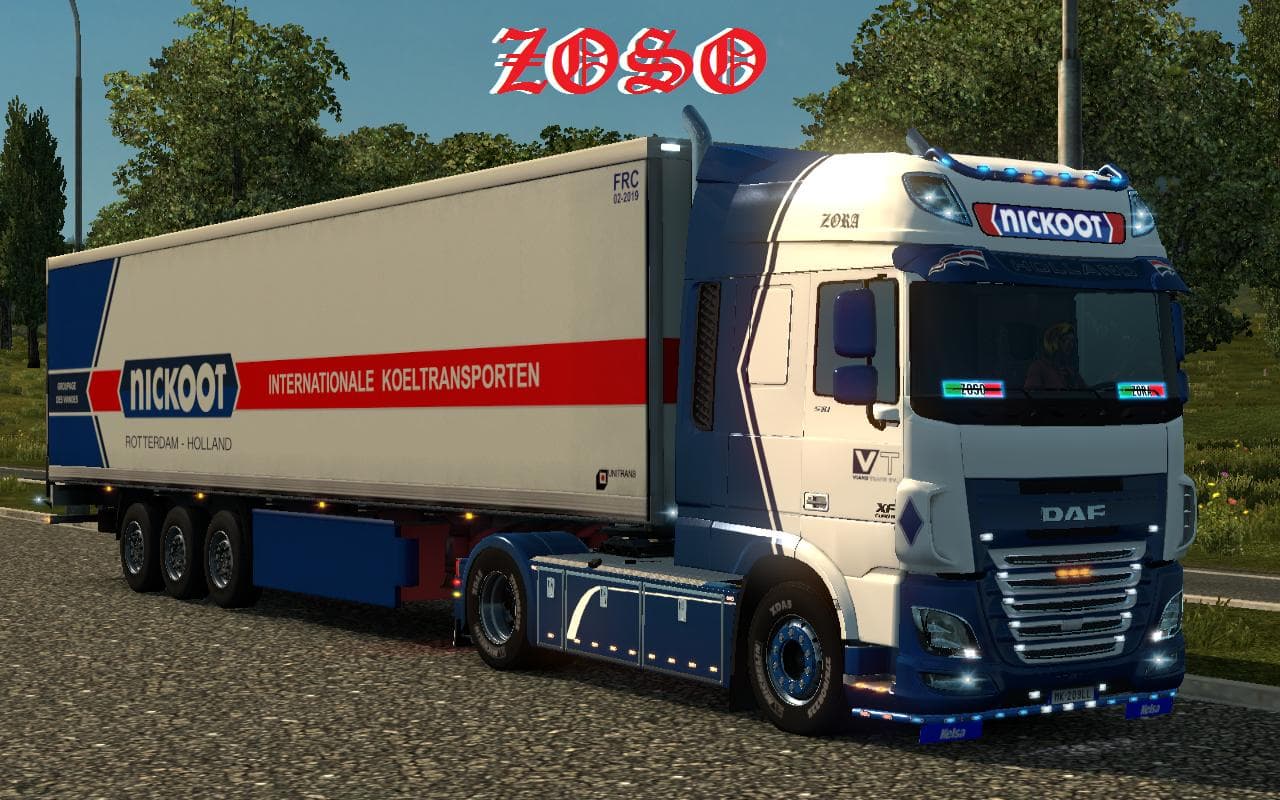
The DAF XF EURO 6 (OHAHA) NICKOOT INTERNATIONALE KOELTRANSPORTEN SKIN is a repaint mod designed for the DAF XF EURO 6 truck in Euro Truck Simulator 2. This type of mod doesn't alter the truck's model or performance but changes its visual appearance, offering a fresh look that fits the theme of refrigerated transport companies. It's applied through the in-game paint shop, where players can select it if they own the base vehicle.
Skin mods like this one are popular among players who want to personalize their fleet or add variety without adding new trucks. They rely on the original vehicle model, so compatibility with the base game and any updates to that truck is key. This particular skin has been tested on ETS2 version 1.19.2.1, ensuring it works smoothly with that release and avoids conflicts with other visual mods targeting the same truck model.
When using skins, it's important to load them after any mods that change the base vehicle model to prevent overwriting. Since this mod only changes textures, it should work well alongside other cosmetic enhancements such as wheel or cabin interior mods. Players running a modded setup focused on realistic or themed liveries will find it an easy addition.
This skin will appeal especially to those who enjoy running refrigerated transport jobs within ETS2, adding immersion by visually representing a koeltransporten company. Fans of European trucking companies or those wanting a metallic finish with lightbox details might appreciate its style without having to switch vehicles.
Overall, it’s a straightforward way to refresh your DAF XF EURO 6’s look while keeping your driving experience unchanged. If you’re into skins that represent real-world freight operators, this one fits right in and blends well with other mods aimed at enhancing realism.
How to install
1. Download the .scs file. 2. Drop it into `Documents/Euro Truck Simulator 2/mod/`. 3. Enable in Mod Manager. 4. Apply the skin in the truck/trailer paint shop.
After the mod loads, save your game inside a safe area (parking lot or service) before deciding whether to keep it. If the game refuses to load with the mod enabled, check that all required DLCs are installed and that the supported ETS2 version chips on this page include your installed game patch.
Reviews
No ratings yetNo reviews yet — be the first to rate this mod.





