DAF XF EURO 6 BLACK & RED INTERIOR
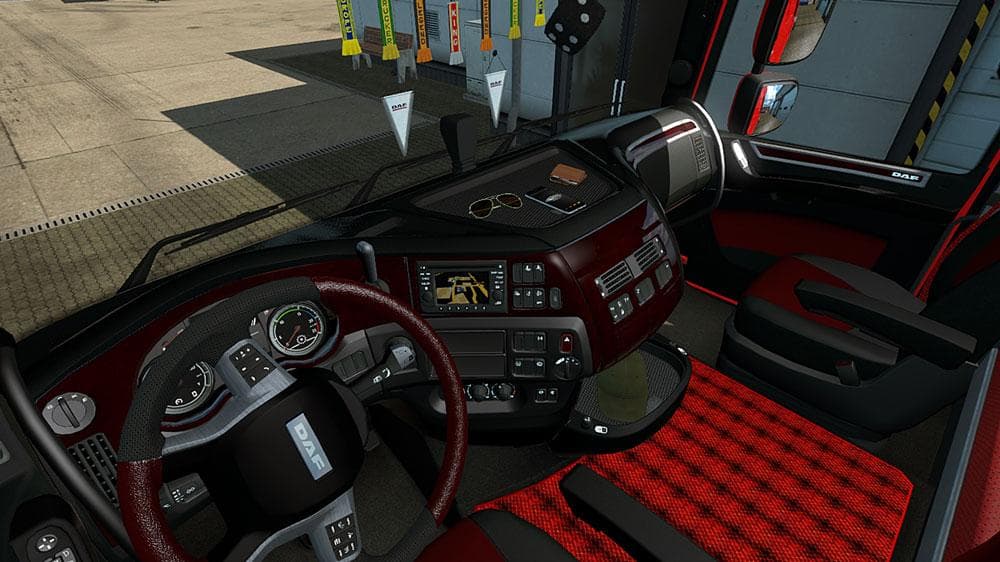
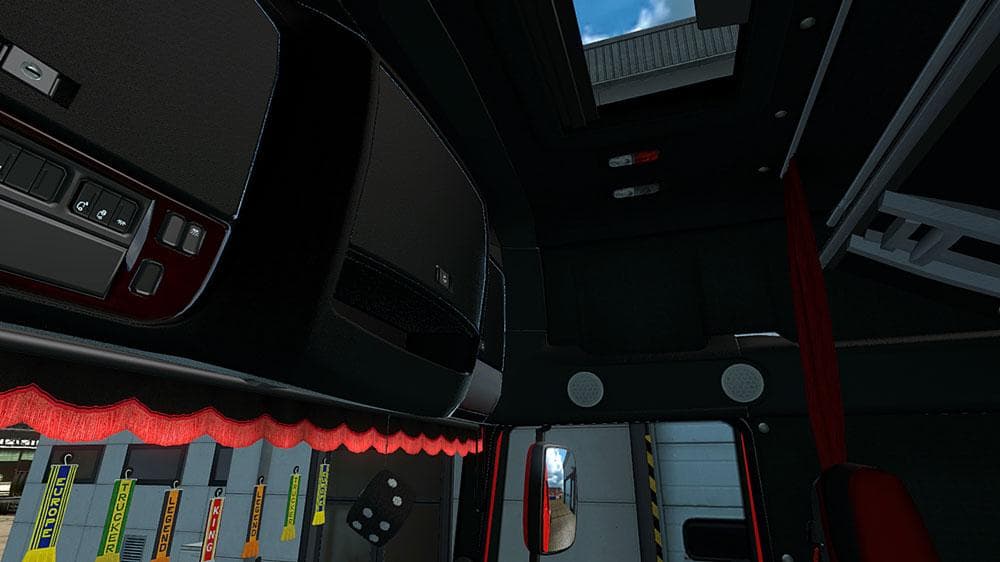
This mod offers a Black & Red Interior for the DAF XF Euro 6 truck in Euro Truck Simulator 2. Created by furkan61 with credits to SCS, the file size is 7.9 MB.
This mod brings a black and red interior design to the DAF XF Euro 6 truck, giving the cabin a fresh look inside. It's a simple visual update focusing on the interior textures rather than altering gameplay or performance. Mods like this typically replace or add new skins that players can select via the in-game Mod Manager without much hassle.
Interior mods for trucks in Euro Truck Simulator 2 allow players to customize their driving environment, adding personal style or variety during long hauls. The DAF XF is a popular model among ETS2 drivers, so having an alternative cabin skin can make the experience feel less repetitive. These mods usually work by overriding existing game files related to textures and materials.
When it comes to fitting this kind of mod into a modded setup, it generally doesn't conflict with external map or gameplay mods since it only changes interior visuals. Still, it's a good idea to keep an eye on your load order if you use multiple cabin skins or truck variants. The Mod Manager handles most of this automatically, but avoiding duplicates ensures smooth loading.
Since details like version compatibility or file size aren't specified here, users should test this mod with their current ETS2 installation first. It should be compatible with recent versions given it’s installed through the usual method. Backing up your profile before adding any new content is always wise in case any issues arise.
This interior skin suits players who enjoy customizing their trucks beyond just paint jobs on the exterior. If you spend hours behind the wheel of the DAF XF Euro 6, changing up the cabin ambiance with a black and red theme can refresh your driving sessions. It's particularly appealing for those who prefer darker interiors with contrasting accents.
How to install
1. Download the file(s) from the original source linked above. 2. Drop them into `Documents/Euro Truck Simulator 2/mod/`. 3. Enable in Mod Manager and restart the game.
After the mod loads, save your game inside a safe area (parking lot or service) before deciding whether to keep it. If the game refuses to load with the mod enabled, check that all required DLCs are installed and that the supported ETS2 version chips on this page include your installed game patch.
Reviews
No ratings yetNo reviews yet — be the first to rate this mod.





