DAF XF 106 STOCK SOUND
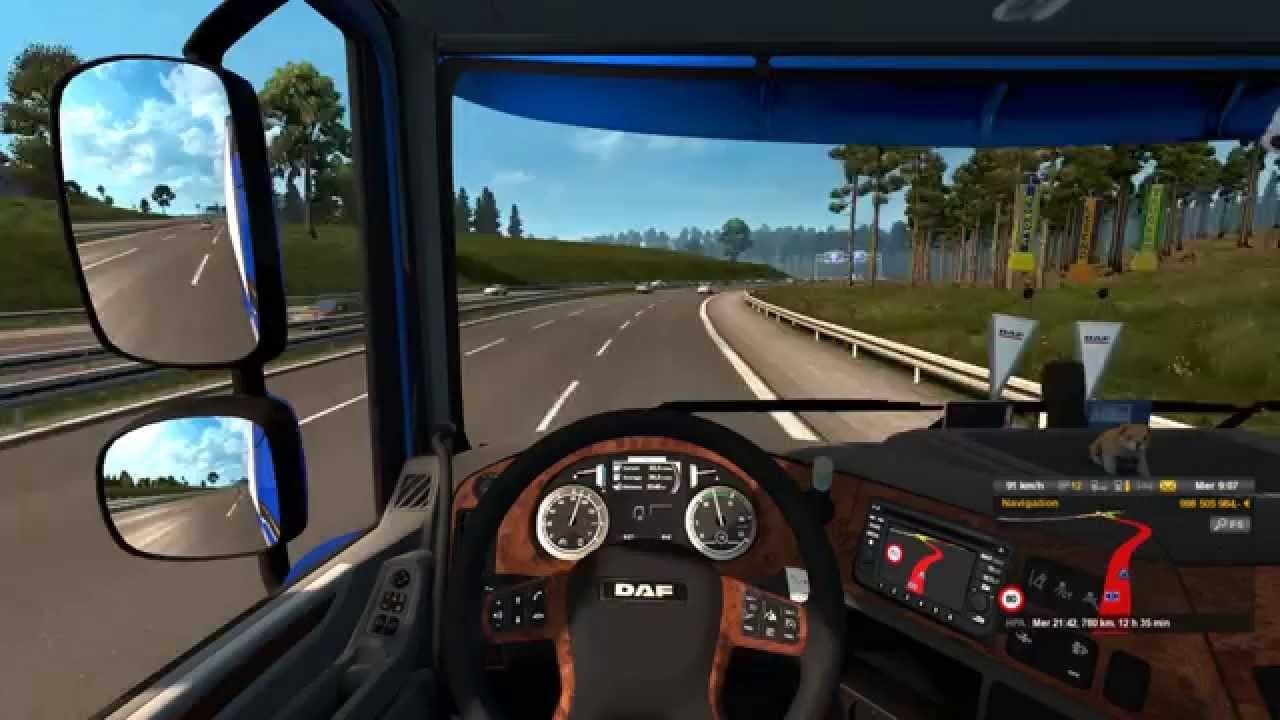
This mod provides a reworked stock sound for the DAF XF Euro 6 Truck, compatible with the Daf E6 by Ohaha. Created by Euro Truck Simulator 2, credits to Kriechb
This mod offers a revised stock sound for the DAF XF 106 Euro 6 truck, also compatible with the Daf E6 by Ohaha. It focuses solely on audio, replacing the default engine noise to bring a different acoustic experience when driving these models in Euro Truck Simulator 2. Sound mods like this one are designed to enhance immersion by providing alternative or improved vehicle sounds.
Sound mods in ETS2 generally work by overriding the game's original audio files related to engine performance, horns, or environmental effects. Installing them typically involves placing the mod high in your load order, ensuring that its changes apply over any truck models it modifies. This means it should be loaded above any DAF XF or similar truck mods to function correctly without conflicts.
If you run a heavily modded setup, careful attention to load order is necessary with sound mods. Conflicts can arise if multiple sound packs try to modify the same vehicle's audio at once. Keeping this mod near the top of your list helps maintain its effectiveness and prevents other mods from unintentionally overwriting its sounds.
Drivers who prefer a more tailored auditory experience for their DAF trucks might find this mod fitting. Whether you're aiming for something closer to the real-life engine tone or just want a change from the stock game sound, it slots well into setups focusing on realism or variety in truck audio.
While details like exact supported versions and file size aren't provided, applying this kind of sound modification is straightforward for anyone familiar with ETS2's mod system. It's useful for players who want to tweak how their DAF trucks sound without altering visuals or gameplay mechanics.
How to install
1. Download the .scs file. 2. Drop it into `Documents/Euro Truck Simulator 2/mod/`. 3. Enable in Mod Manager. Sound mods usually need to load **above** truck mods in load order. 4. Restart the game so the audio engine picks up new samples.
After the mod loads, save your game inside a safe area (parking lot or service) before deciding whether to keep it. If the game refuses to load with the mod enabled, check that all required DLCs are installed and that the supported ETS2 version chips on this page include your installed game patch.
Reviews
No ratings yetNo reviews yet — be the first to rate this mod.





