DAF XF 106 INTERIOR/EXTERIOR REWORK
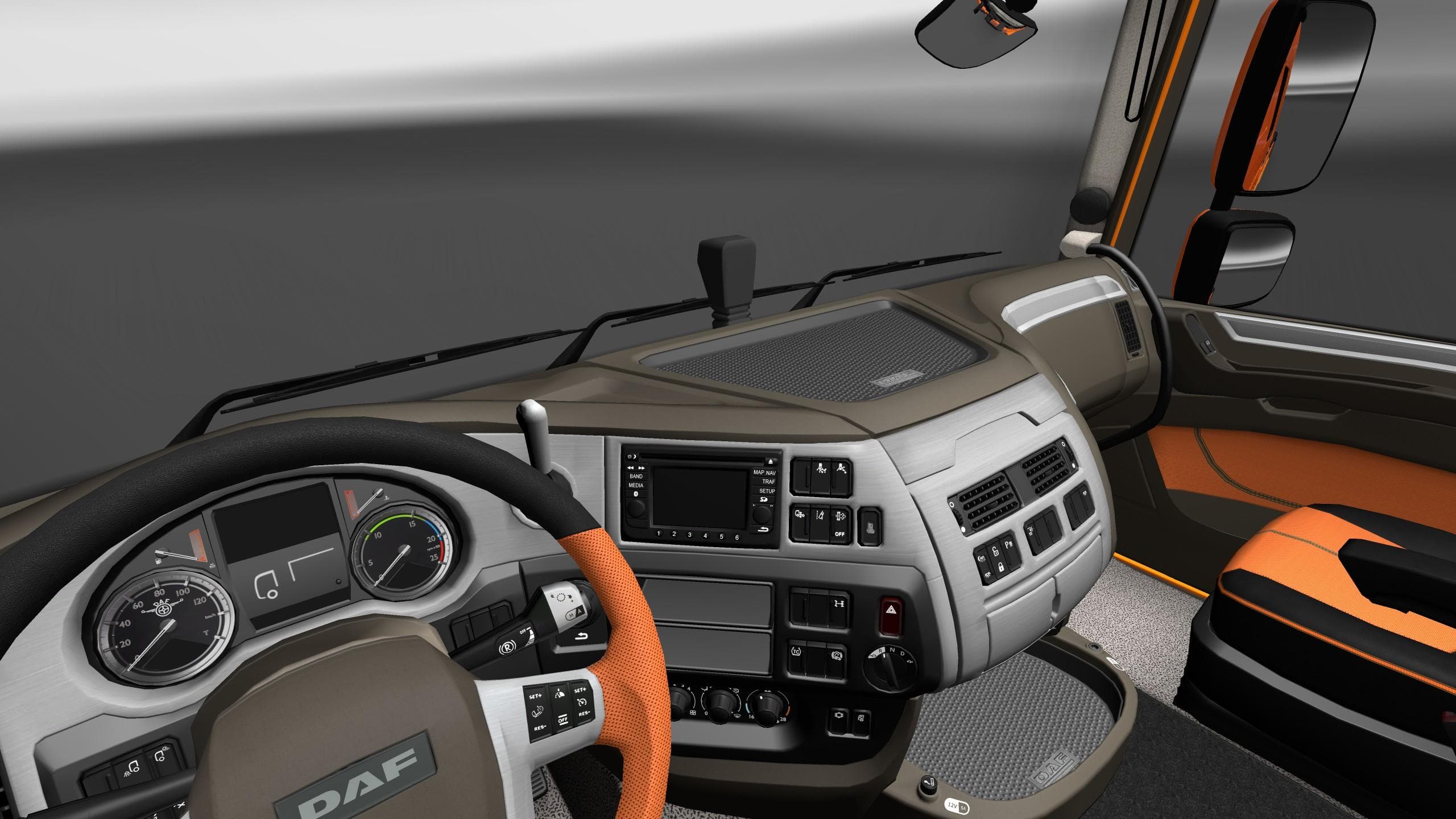
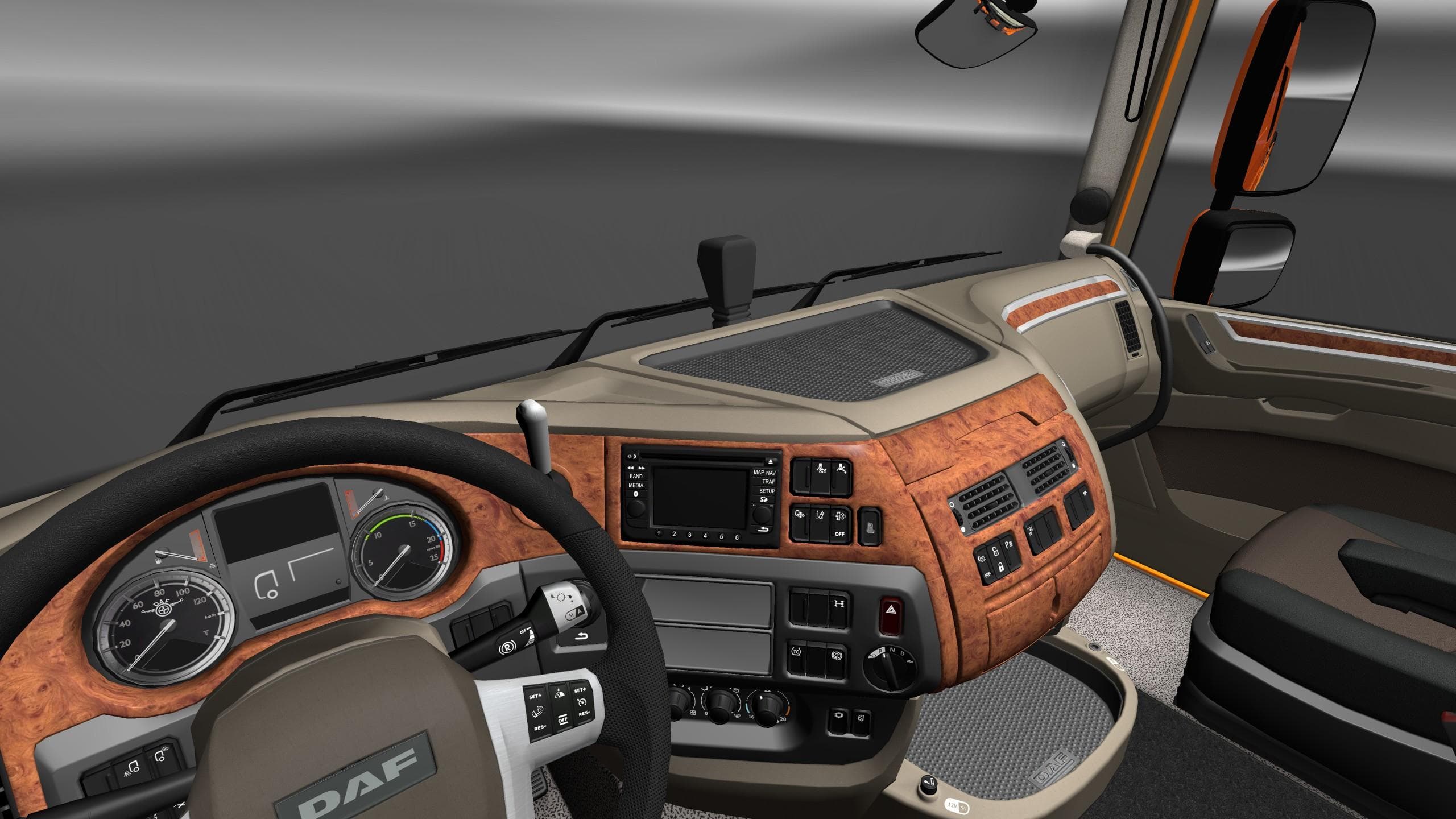
DAF XF 106 INTERIOR/EXTERIOR REWORK is an ETS2 interior.
The DAF XF 106 INTERIOR/EXTERIOR REWORK mod brings enhanced textures to the cab of the DAF XF 106 truck in Euro Truck Simulator 2. It focuses on improving the visual quality of various interior elements like upholstery, seats, and plasticwoodalu parts by using higher-resolution textures that are two to four times sharper than the game's original assets. This kind of update can make spending hours behind the wheel feel more immersive by refining what players see inside their truck's cabin.
Mods that rework interiors or exteriors typically serve to refresh older models without changing gameplay mechanics. They are installed through ETS2’s built-in Mod Manager, where they load alongside other mods and game files. Since this mod mainly alters textures rather than adding new functions or parts, it usually fits well into a modded setup without causing conflicts, especially if there aren’t other texture overhauls for the same truck loaded.
When it comes to load order, mods that affect textures like this one should generally be placed after any broader graphics packs but before mods that change physical model geometry. That way, the visual improvements are applied correctly without being overwritten or causing glitches. It's wise to test with your current collection of mods if you use several truck-specific texture packs.
Players who appreciate detailed interiors and want their trucks to look a bit fresher will find this mod useful. It caters mostly to those who enjoy realism and aesthetic upgrades in ETS2 but don't want changes that alter driving physics or add new features. It complements map mods from regions like Germany or Poland nicely, enhancing immersion while hauling across Europe.
Overall, DAF fans looking for a simple yet noticeable upgrade in their truck’s cabin appearance might consider adding this rework to their collection. Since information about its version or creator isn't specified, users should check compatibility with their game version before installation.
Skins like this one demonstrate how focused texture improvements can elevate the ETS2 experience subtly yet effectively. It's an example of how small tweaks enhance everyday gameplay visuals without requiring major changes or heavy mod dependencies.
How to install
1. Download the file(s) from the original source linked above. 2. Drop them into `Documents/Euro Truck Simulator 2/mod/`. 3. Enable in Mod Manager and restart the game.
After the mod loads, save your game inside a safe area (parking lot or service) before deciding whether to keep it. If the game refuses to load with the mod enabled, check that all required DLCs are installed and that the supported ETS2 version chips on this page include your installed game patch.
Reviews
No ratings yetNo reviews yet — be the first to rate this mod.





