DAF XF 105 INTERIOR REWORK
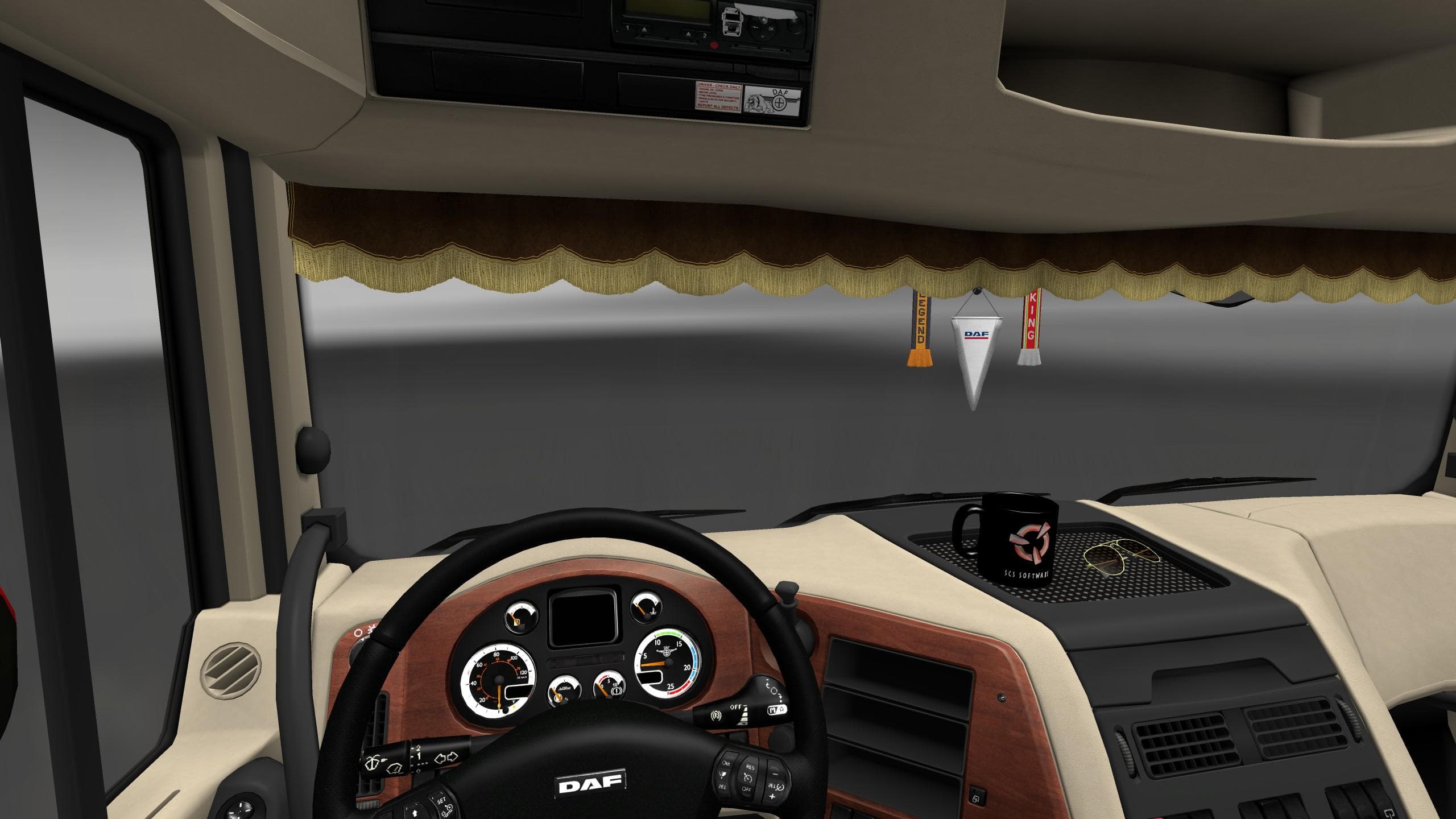
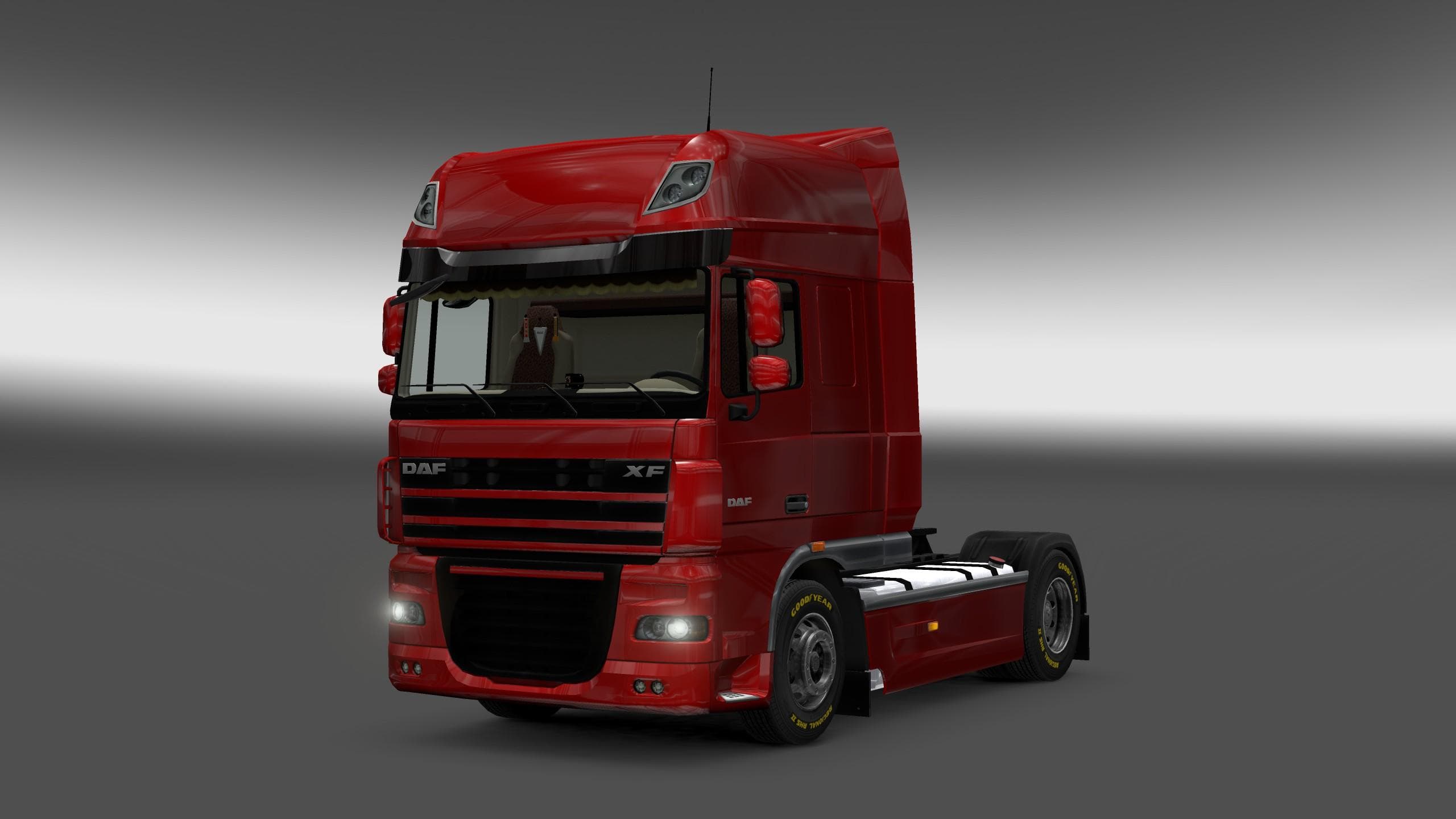
DAF XF 105 INTERIOR REWORK is an ETS2 interior.
The DAF XF 105 INTERIOR REWORK mod focuses on enhancing the interior visuals of the DAF XF 105 truck in ETS2. It replaces original textures with higher-resolution versions, improving details on upholstery and plastic wood elements inside the cabin. This kind of mod is typical for players who want a more immersive or visually refined driving experience without altering gameplay mechanics or performance.
Mods that update interior textures like this one are generally straightforward to install through the in-game Mod Manager. They usually load alongside other cosmetic mods but should be placed carefully if multiple cabin-related mods are used to avoid texture conflicts. Since this mod specifically targets interior parts, it fits neatly into setups aiming to upgrade visual quality without touching exterior models or sounds.
In terms of compatibility, texture rework mods usually work well with most other modifications unless another mod changes the same cabin textures. Players often include such interior enhancements when customizing their trucks extensively, as they complement exterior paint jobs and sound packs by refining the driver's environment itself.
This mod is ideal for those who spend hours behind the wheel and appreciate subtle improvements that make their truck's cabin feel less generic. It’s also useful for anyone looking to modernize older truck interiors while keeping their game stable and visually cohesive.
Overall, the DAF XF 105 INTERIOR REWORK adds noticeable detail to one of ETS2's popular trucks by upgrading its interior look. It's a simple way to enhance immersion and can fit well into larger mod collections focused on visual upgrades.
How to install
1. Download the file(s) from the original source linked above. 2. Drop them into `Documents/Euro Truck Simulator 2/mod/`. 3. Enable in Mod Manager and restart the game.
After the mod loads, save your game inside a safe area (parking lot or service) before deciding whether to keep it. If the game refuses to load with the mod enabled, check that all required DLCs are installed and that the supported ETS2 version chips on this page include your installed game patch.
Reviews
No ratings yetNo reviews yet — be the first to rate this mod.





