DAF EURO 6 BLUE AND WHITE INTERIOR 1.22
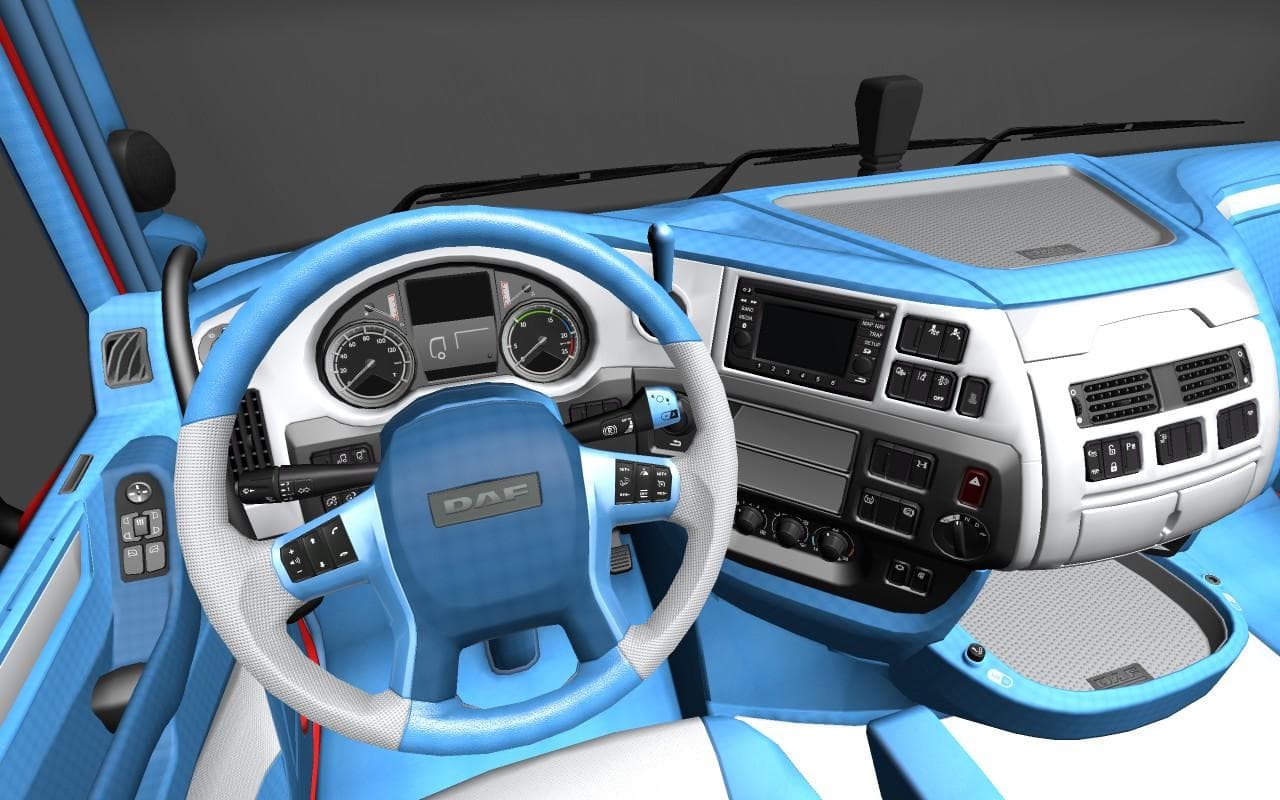
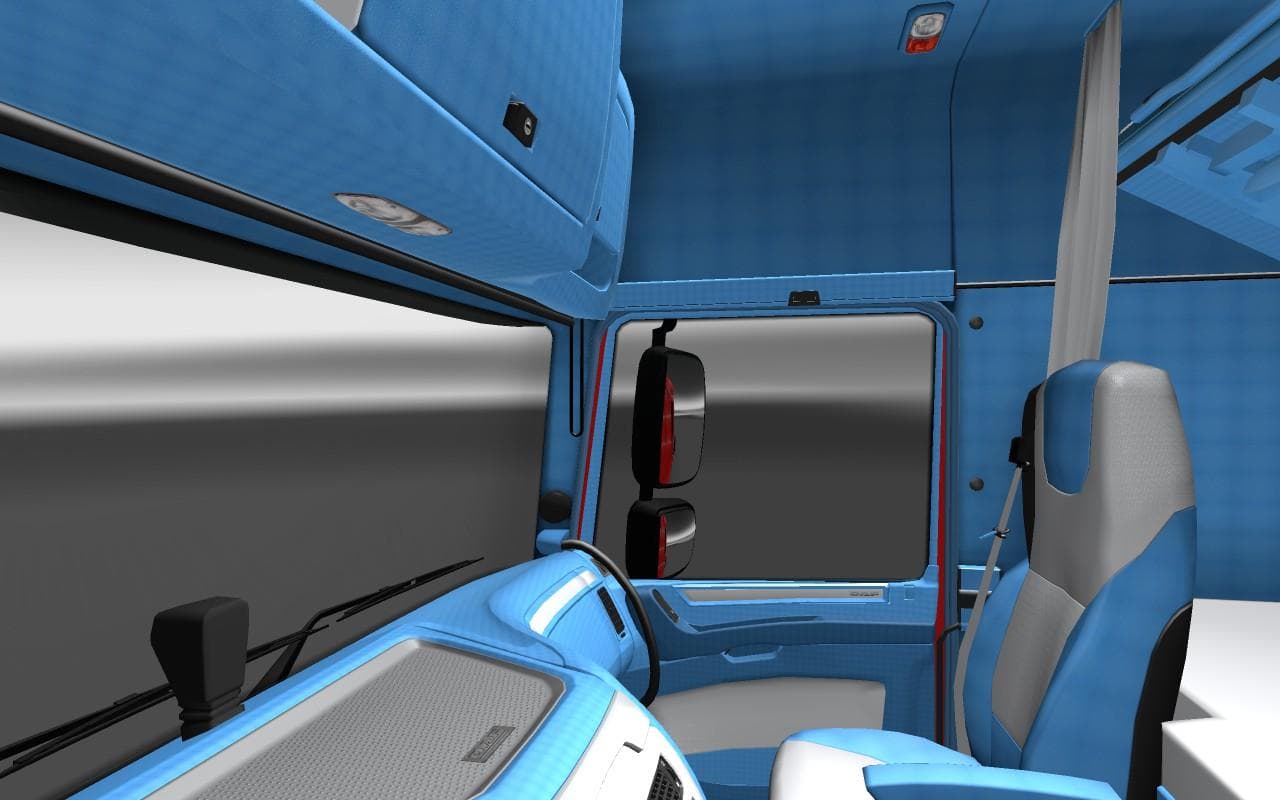
This mod, titled "DAF EURO 6 BLUE AND WHITE INTERIOR 1.22," offers a blue and white interior for the DAF Euro 6 truck in Euro Truck Simulator 2. Created by Euro
This mod brings a new interior design option to the DAF EURO 6 truck, focusing on a blue and white color scheme. It’s tailored for ETS2 version 1.22, fitting neatly with that game build without extra hassle. Mods like this one usually replace or add visual elements inside the cabin, giving players a fresh look from behind the wheel without affecting gameplay mechanics.
Interior mods such as this are typically installed through the in-game Mod Manager, making it straightforward to activate and manage alongside other modifications. Since it's categorized under 'other,' it likely doesn't interfere with core vehicle functions or external truck models, meaning you can pair it comfortably with various truck skins and tuning mods.
When setting up a modded profile, it's wise to keep an eye on load order, especially if you use multiple interior or cabin customization mods. This ensures your preferred visuals display correctly and avoid conflicts. Because this mod specifically targets the DAF EURO 6 interior, it won't impact trucks from other manufacturers or broader map additions.
Players who enjoy personalizing their driving experience will appreciate this kind of modification. It’s particularly suited for those who want to refresh their cockpit aesthetics without overhauling major game systems. If you prefer subtle changes that enhance immersion during long hauls across Europe, an interior color tweak like this fits well into a custom setup.
Though details about file size and creator remain unknown, these smaller cabin mods generally have minimal impact on performance and load times. They provide a neat way to add variety when you're spending hours behind the wheel in familiar ETS2 landscapes like Germany, France, or Spain.
How to install
1. Download the file(s) from the original source linked above. 2. Drop them into `Documents/Euro Truck Simulator 2/mod/`. 3. Enable in Mod Manager and restart the game.
After the mod loads, save your game inside a safe area (parking lot or service) before deciding whether to keep it. If the game refuses to load with the mod enabled, check that all required DLCs are installed and that the supported ETS2 version chips on this page include your installed game patch.
Reviews
No ratings yetNo reviews yet — be the first to rate this mod.





