DAF 50KEDA - DOBBE TRANSPORT 1.22
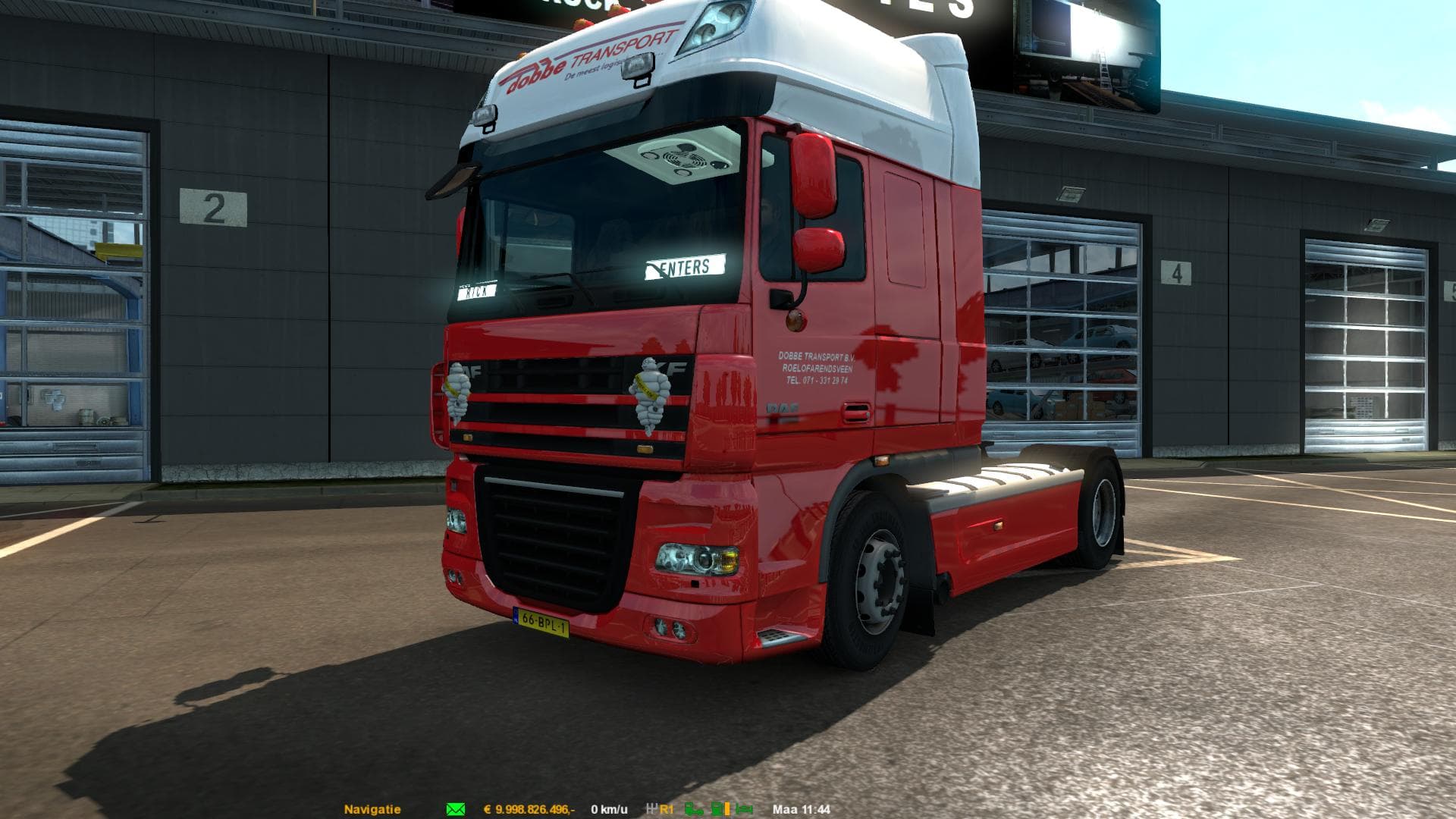
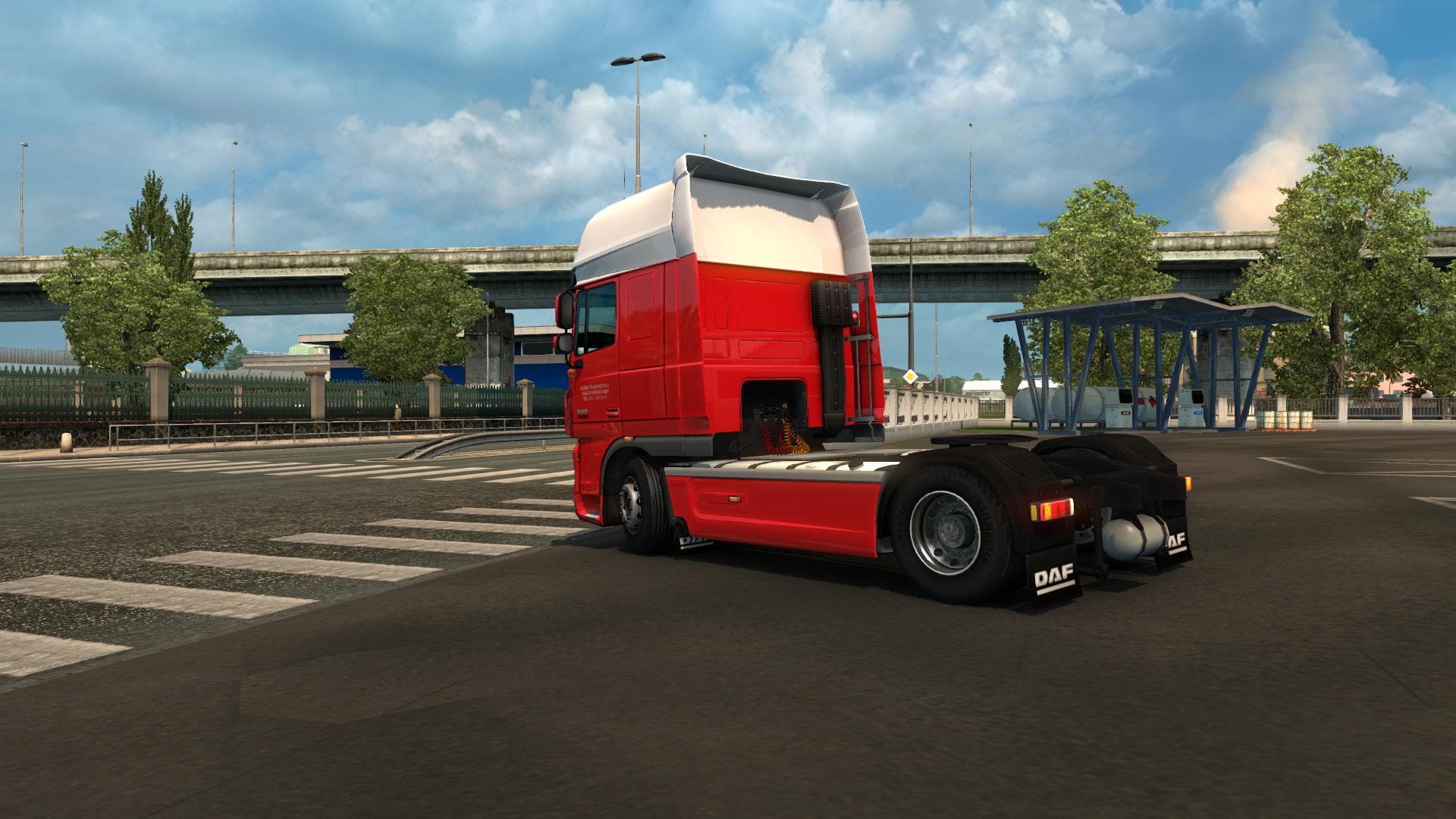
This mod adds a skin for the DAF 50Keda truck, featuring Dobbe Transport, a Dutch company. It includes a powerful 620HP engine and compatible gearboxes.
The DAF 50KEDA - DOBBE TRANSPORT 1.22 mod offers a new skin for the DAF truck, featuring the branding of a Dutch transport company. This type of mod doesn't alter the truck's model or performance but changes its visual appearance by repainting it, which you can do directly in the game's paint shop. It gives your DAF vehicle a distinct look tied to Dobbe Transport, adding variety if you're into themed trucking setups.
Skin mods like this one are designed to work with specific base vehicles—in this case, the DAF XF with its 620HP 50K engine. Since it’s made for ETS2 version 1.22 and matches that game version exactly, it should slot in without compatibility issues if your game is up to date at that point. These skins typically load after any tuning mods so they display correctly, but they don't usually conflict with gameplay-altering mods or map expansions.
In a modded setup, skin packs such as this enhance immersion by reflecting real-world companies or custom liveries you might want to drive around Europe or wherever your ETS2 adventures take you. They blend well alongside other cosmetic mods and trucks from different manufacturers to diversify your fleet’s appearance.
Players who prefer realistic or regionally themed trucking experiences may appreciate this mod for adding authentic Dutch transport visuals to their garage. It suits those who enjoy customizing their trucks beyond just mechanical tweaks and want their fleet to stand out on the road with a genuine company design.
Since skins are relatively lightweight compared to large map or sound mods, installing them won't heavily impact performance. Just remember that if you have multiple skins for the same truck, only one can be active at a time—so managing load order is straightforward but necessary.
Overall, this skin mod fits neatly into any collection focused on enhancing visuals without changing how the trucks handle or function in Euro Truck Simulator 2.
How to install
1. Download the .scs file. 2. Drop it into `Documents/Euro Truck Simulator 2/mod/`. 3. Enable in Mod Manager. 4. Apply the skin in the truck/trailer paint shop.
After the mod loads, save your game inside a safe area (parking lot or service) before deciding whether to keep it. If the game refuses to load with the mod enabled, check that all required DLCs are installed and that the supported ETS2 version chips on this page include your installed game patch.
Reviews
No ratings yetNo reviews yet — be the first to rate this mod.





