D.B CREATION AI TRAFFIC MOD 5.0
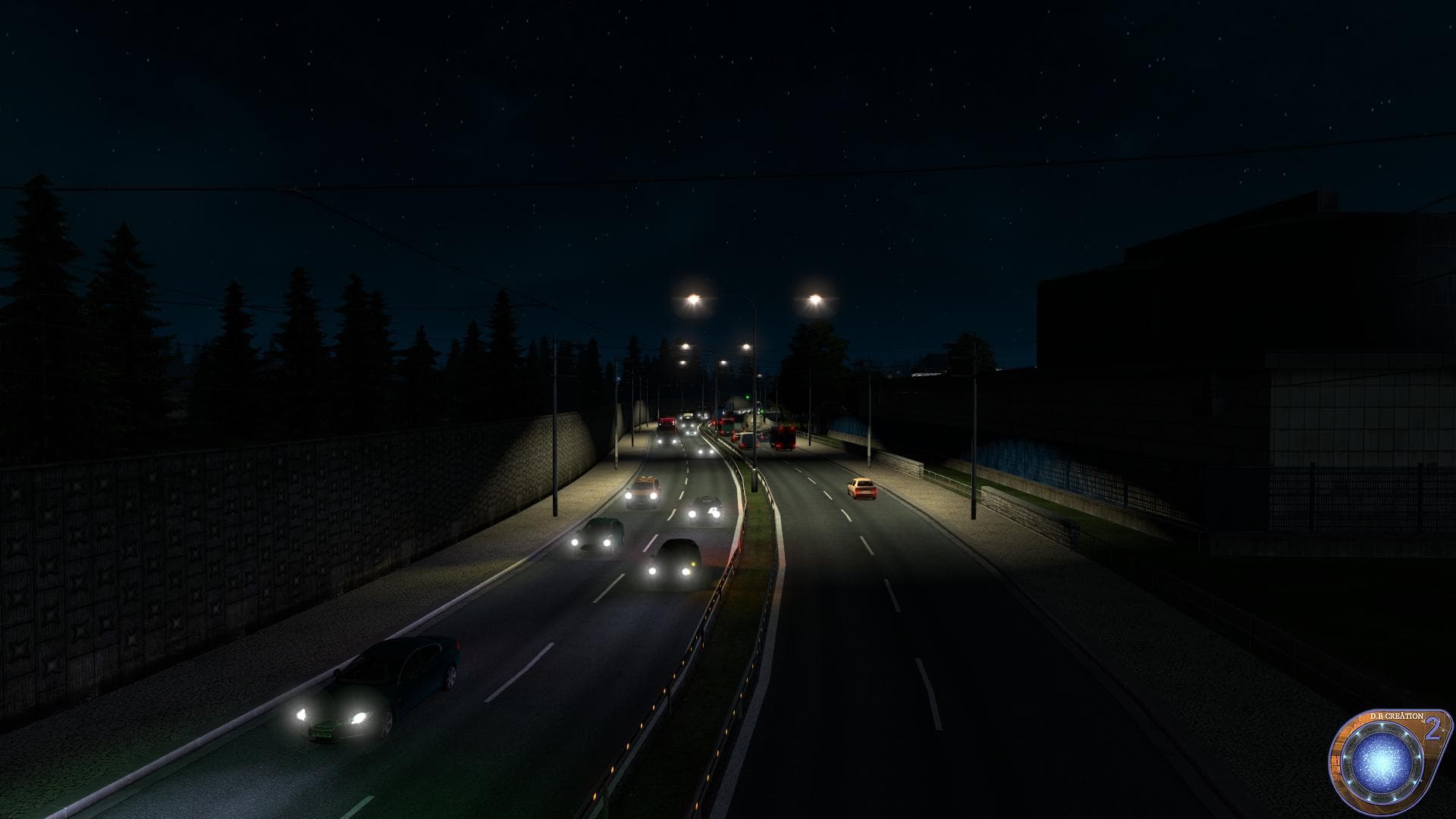
D.B CREATION AI TRAFFIC MOD 5.0 is a traffic mod for ETS2 version 1.22. It includes fixes for ProMods 2.00 bug, AI dangerous overtaking, AI vehicle gears warnin
D.B CREATION AI TRAFFIC MOD 5.0 is a modification designed to enhance the behavior and realism of AI traffic in Euro Truck Simulator 2, specifically tailored for version 1.22. This mod addresses common issues like erratic overtaking and gear warnings that can disrupt immersion during gameplay. It also includes fixes related to map compatibility and integration with popular map mods such as ProMods 2.00, ensuring smoother AI vehicle interactions across various regions.
Mods that adjust AI traffic generally aim to make the virtual roads feel more dynamic and lifelike by improving how non-player vehicles behave. This type of mod works through the in-game Mod Manager, where players can activate or deactivate it alongside other add-ons without affecting core game files. It’s typical for AI traffic mods to require careful load order placement, often needing priority over other traffic-related modifications to prevent conflicts and ensure all fixes apply correctly.
For those running a heavily modded setup with multiple map expansions or traffic adjustments, D.B CREATION AI TRAFFIC MOD 5.0 fits well as a complementary tool that enhances overall driving experience without replacing other major mods. Users should be mindful of its compatibility notes and ensure it’s loaded appropriately when using large map packs or additional traffic enhancements to avoid overlapping changes.
This mod appeals mainly to players who seek a more refined driving environment where AI vehicles behave in a less disruptive manner, contributing to safer and more predictable road conditions. It's especially useful for those who enjoy long hauls across different countries in ETS2 and want consistent AI behavior regardless of the region they’re exploring.
How to install
1. Download the file(s) from the original source linked above. 2. Drop them into `Documents/Euro Truck Simulator 2/mod/`. 3. Enable in Mod Manager and restart the game.
After the mod loads, save your game inside a safe area (parking lot or service) before deciding whether to keep it. If the game refuses to load with the mod enabled, check that all required DLCs are installed and that the supported ETS2 version chips on this page include your installed game patch.
Reviews
No ratings yetNo reviews yet — be the first to rate this mod.





