CSAD LOGISTIK OSTRAVA MP4 COMBO SKIN BY PAUL 1.22.X
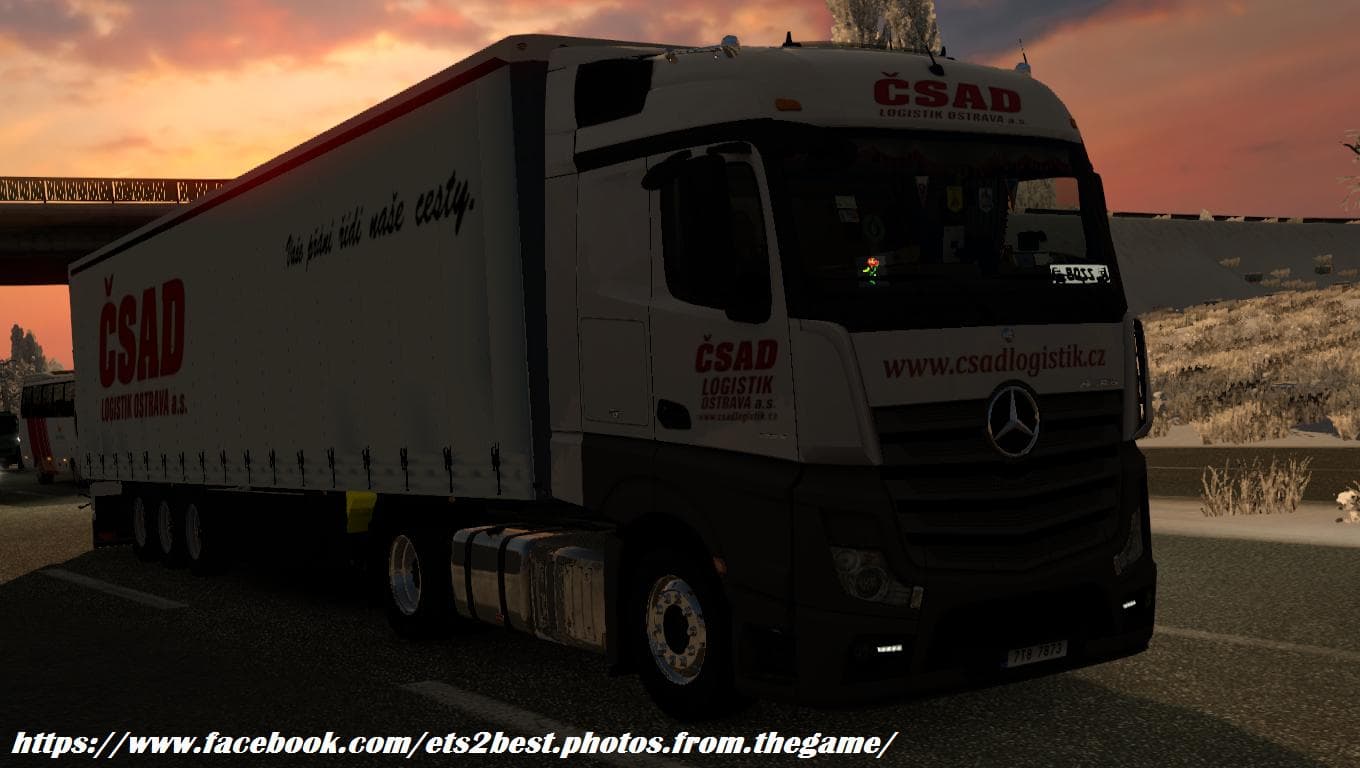
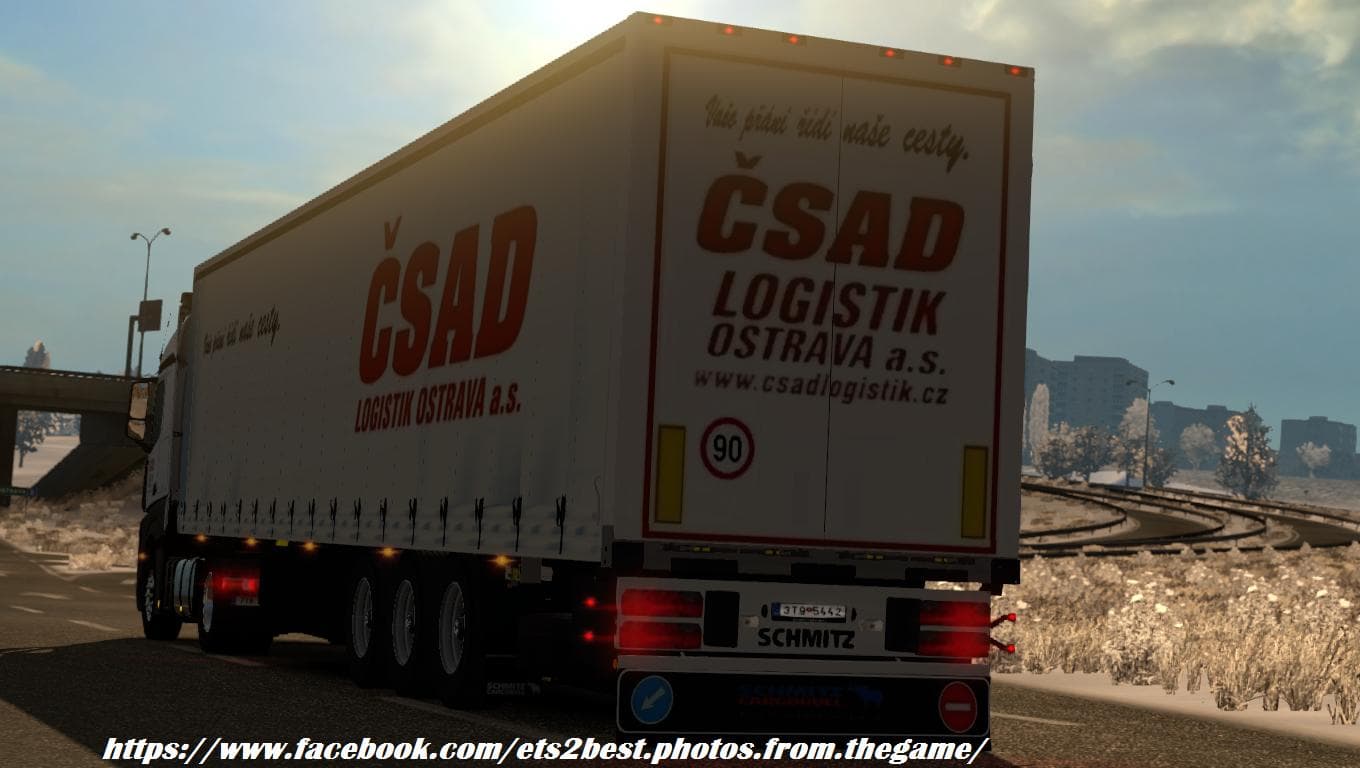
CSAD LOGISTIK OSTRAVA MP4 COMBO SKIN BY PAUL 1.22.X is a skin mod for Mercedes Mp4 and Trailer SKO Schmitz in ETS2 version 1.22. Created by Euro truck simulator
The CSAD LOGISTIK OSTRAVA MP4 COMBO SKIN BY PAUL 1.22.X is a repaint mod designed for the Mercedes MP4 truck in Euro Truck Simulator 2. It includes a matching trailer skin for the SKO Schmitz, creating a cohesive visual setup for players who want to add some regional flair to their fleet. Since it's categorized as a skin mod, it doesn't alter any gameplay mechanics or truck models but simply changes the appearance of existing vehicles.
Skin mods like this one work by applying new textures and designs over the base vehicle within the game's paint shop. Because they rely on the original model, they typically require that the corresponding truck and trailer are present in your game. This combo pack offers a unified look between the cab and trailer, which is especially appreciated by players aiming for consistency in their trucking experience.
In terms of integration with other mods, skin mods generally load smoothly alongside most setups. However, if you use multiple skins for the same truck or trailer, you should be mindful of load order to ensure your preferred design appears correctly. Since this mod supports version 1.22 of ETS2, compatibility with other mods made for this version is usually straightforward but always worth double-checking.
This mod will appeal to players who enjoy customizing their trucks with liveries that reflect specific companies or regions—here focusing on Csad Logistik from Ostrava in Czechia. It's a simple way to enrich your driving environment without affecting performance or adding complex features.
If you prefer keeping your setup authentic-looking and enjoy trucking across Europe with detailed skins representing real-world logistics firms, this skin combo offers an easy way to personalize your Mercedes MP4 and SKO Schmitz trailer.
How to install
1. Download the .scs file. 2. Drop it into `Documents/Euro Truck Simulator 2/mod/`. 3. Enable in Mod Manager. 4. Apply the skin in the truck/trailer paint shop.
After the mod loads, save your game inside a safe area (parking lot or service) before deciding whether to keep it. If the game refuses to load with the mod enabled, check that all required DLCs are installed and that the supported ETS2 version chips on this page include your installed game patch.
Reviews
No ratings yetNo reviews yet — be the first to rate this mod.





