CAT 3406E & C15 ENGINE SOUND MOD REWORKED
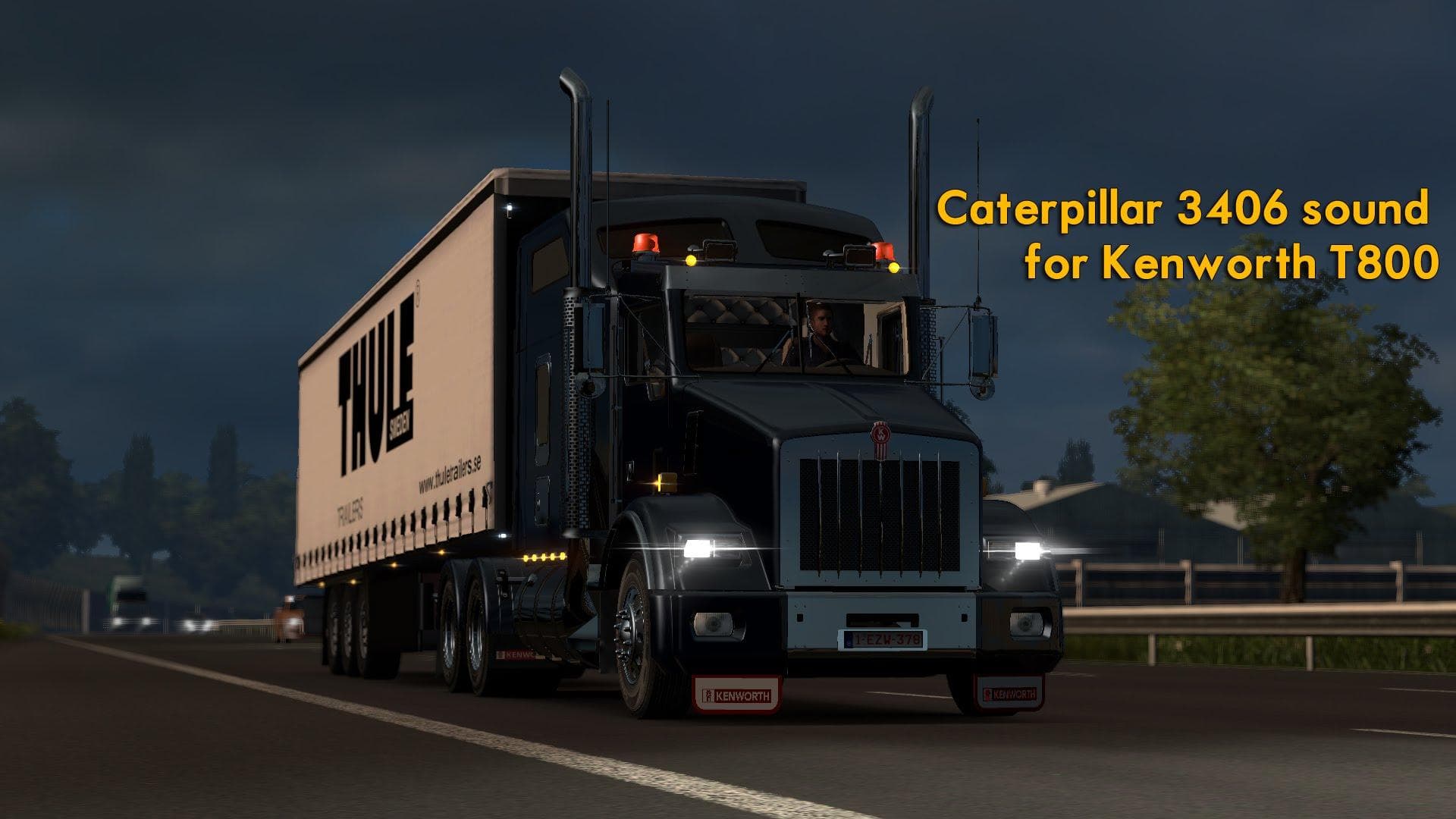
This mod adds two engine sounds for the 379 & T800 trucks in ETS2: the Cat 3406E and the reworked Cat C15. The creator, mod version, file size, supported ETS2 v
The CAT 3406E & C15 Engine Sound Mod Reworked introduces two distinct engine sounds tailored for the 379 and T800 trucks in Euro Truck Simulator 2. Instead of altering visuals or gameplay mechanics, this mod focuses solely on the audio experience by replacing default engine noises with more specific and differentiated sounds representing these well-known Cat engines. The result is a fresh auditory layer when driving those particular trucks.
Sound mods like this one replace original engine or horn audio, often aiming to enhance realism or simply offer variety to the player’s soundscape. They usually need to be placed higher in the mod load order than truck mods, since they override vehicle-specific audio files. This ensures the new engine sounds take priority and function correctly without being masked by other mods.
This mod fits neatly into setups where players want to customize their trucking experience beyond just visual tweaks. It pairs well with external truck skins or cabin mods that focus on authenticity, complementing them with unique sound profiles. Since it modifies core audio files tied to specific trucks, users should check compatibility if running multiple sound packs to avoid conflicts.
Drivers who appreciate detailed immersion or those who favor the 379 and T800 trucks might find this sound rework appealing. It’s suited for enthusiasts looking for a different tone under the hood rather than generic engine noise. While specifics like version support are unknown, typical installation involves placing it above truck mods in the mod manager.
Overall, if you’re after **engine sound** variations for iconic Cat models and want them integrated into your ETS2 setup without fuss, this mod fits the bill nicely. It's a straightforward addition for those who enjoy auditory tweaks alongside their visual customizations.
How to install
1. Download the .scs file. 2. Drop it into `Documents/Euro Truck Simulator 2/mod/`. 3. Enable in Mod Manager. Sound mods usually need to load **above** truck mods in load order. 4. Restart the game so the audio engine picks up new samples.
After the mod loads, save your game inside a safe area (parking lot or service) before deciding whether to keep it. If the game refuses to load with the mod enabled, check that all required DLCs are installed and that the supported ETS2 version chips on this page include your installed game patch.
Reviews
No ratings yetNo reviews yet — be the first to rate this mod.





