BUD AND TERENCE COMBO SKIN
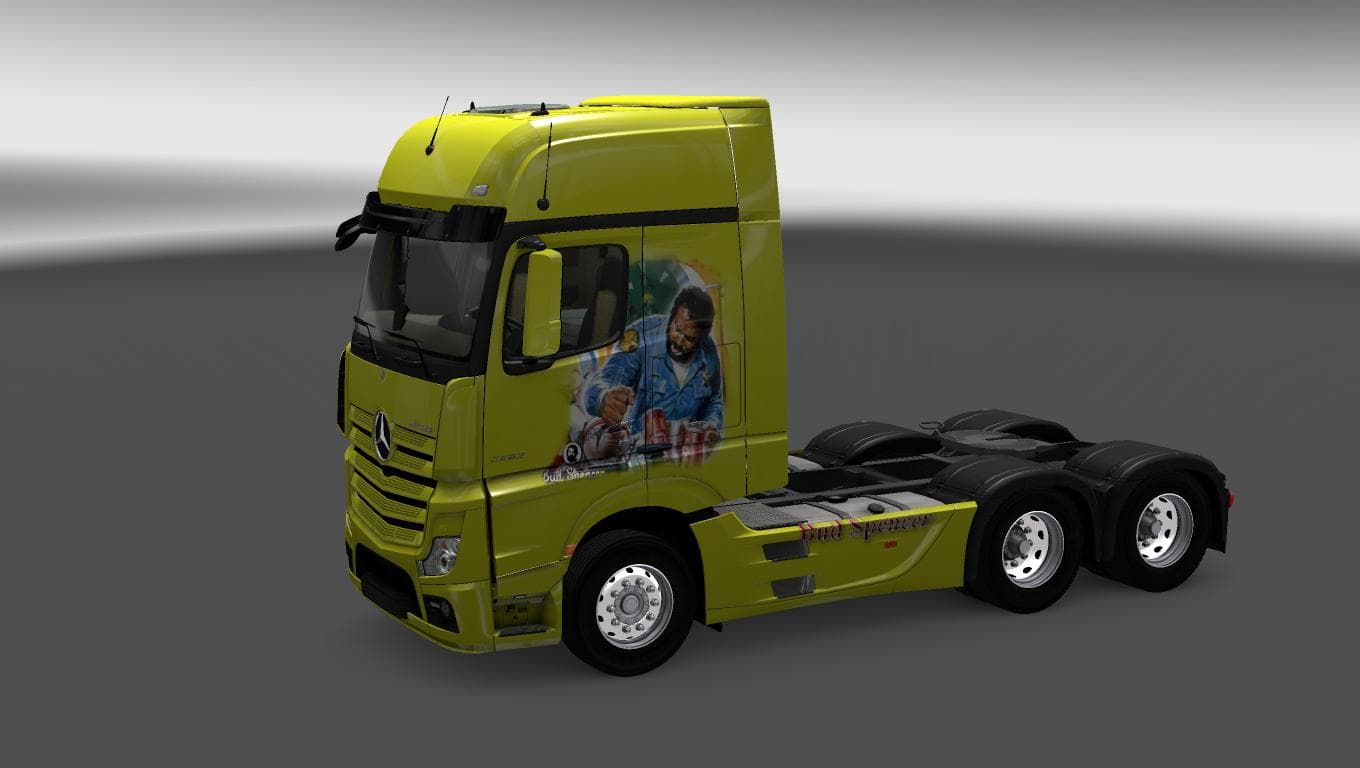
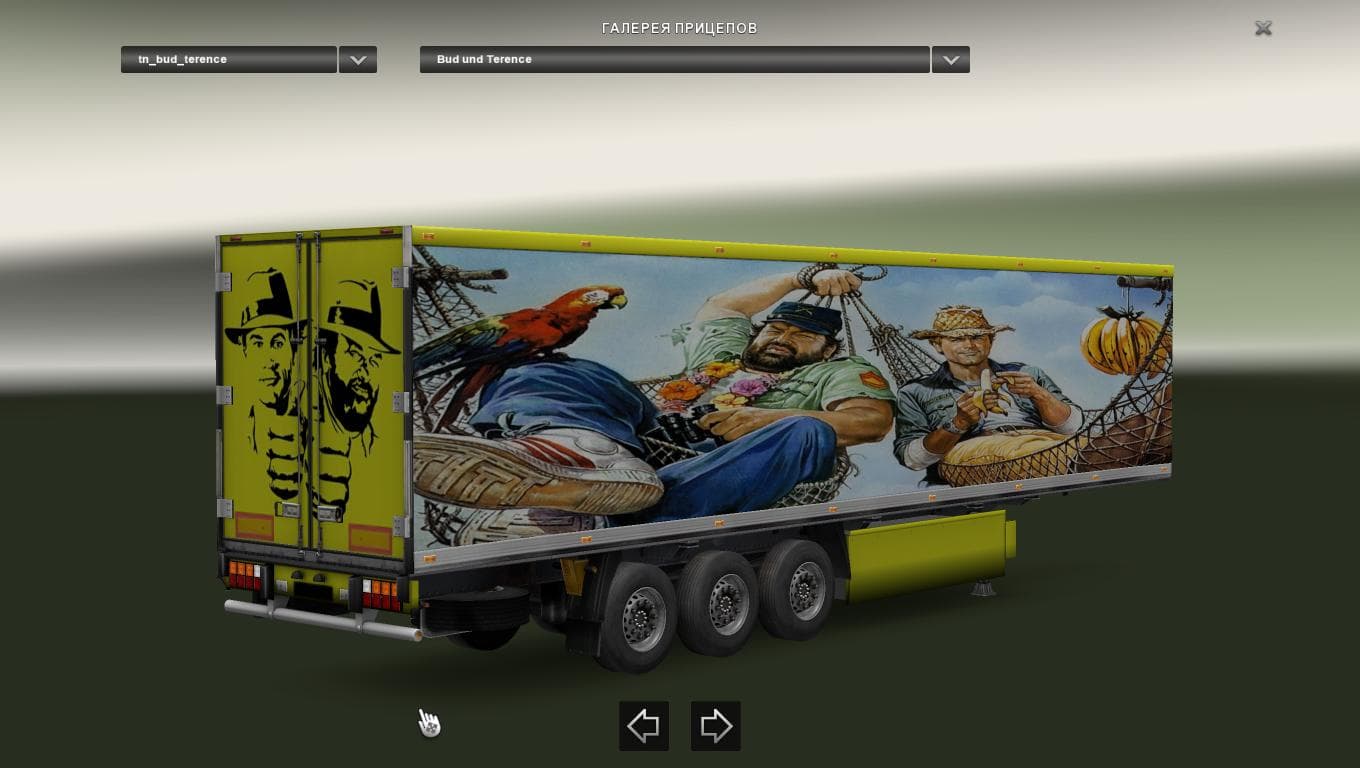
This mod adds a Bud and Terence Combo Skin for the Mercedes Actros MP4 and standalone trailer in ETS2 version 1.22. Created by Euro Truck Simulator 2, the file
The BUD AND TERENCE COMBO SKIN is a paint job designed specifically for the Mercedes Actros MP4, including a standalone trailer. This type of mod doesn’t change the truck’s model but instead gives it a new look by repainting its exterior. Skins like this one are applied through the in-game paint shop and rely on having the correct base vehicle installed to work properly.
In Euro Truck Simulator 2, skin mods allow players to customize their vehicles with unique designs without affecting gameplay mechanics or performance. They’re popular for adding personality to trucks and trailers, helping drivers stand out on the road or match a certain theme they enjoy. Because they only alter visual elements, skins can often be used alongside other mods without conflict.
When adding skin mods to your setup, it’s important to consider load order if you have multiple skins or other visual enhancements. Usually, ETS2 prioritizes skins based on their position in the mod manager list, so placing this skin higher ensures it overrides others that might apply to the same vehicle model. Since this mod supports ETS2 version 1.22, compatibility with newer versions may require testing or updates.
Players who prefer driving the Mercedes Actros MP4 will find this combo skin offers a fresh appearance for both truck and trailer, enhancing immersion without altering driving characteristics. It fits well into themed convoys or personal collections where matching rigs add cohesion during multiplayer sessions.
While details about the creator and file size are not provided, users familiar with installing skin mods will recognize that these files typically integrate smoothly as long as they correspond to the correct truck model and game version. Testing in single-player first is advisable when using older mods on different versions of ETS2.
How to install
1. Download the .scs file. 2. Drop it into `Documents/Euro Truck Simulator 2/mod/`. 3. Enable in Mod Manager. 4. Apply the skin in the truck/trailer paint shop.
After the mod loads, save your game inside a safe area (parking lot or service) before deciding whether to keep it. If the game refuses to load with the mod enabled, check that all required DLCs are installed and that the supported ETS2 version chips on this page include your installed game patch.
Reviews
No ratings yetNo reviews yet — be the first to rate this mod.





